An ink error is indicated after you replace the cartridge
A
Open the front cover. Remove and reinsert the ink cartridge and then continue with the ink cartridge
installation.
B
Close the front cover firmly.
Increasing the Print Speed (For Windows Only)
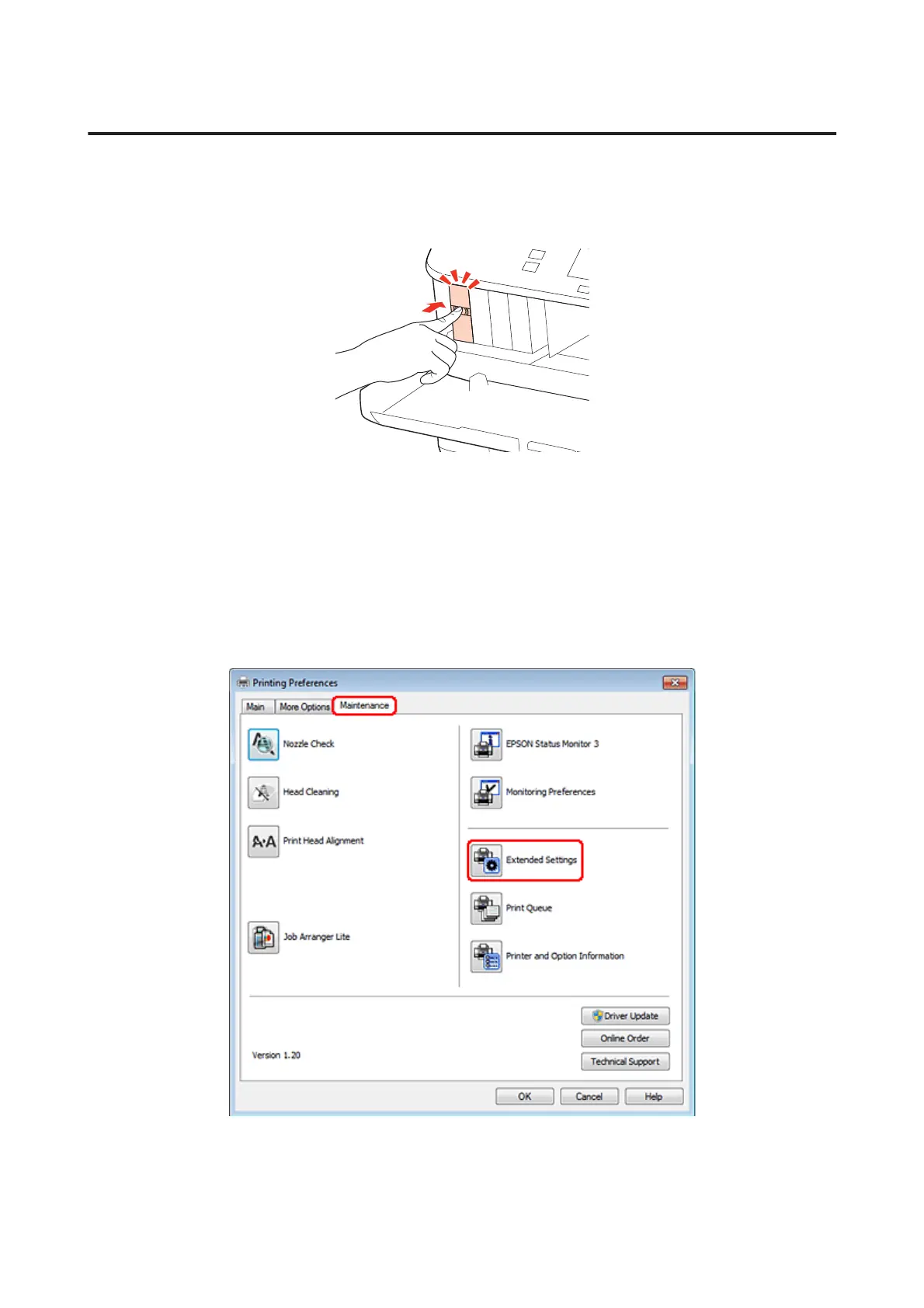
Print speed may be increased by selecting certain settings in the Extended Settings window when the printing speed is
slow. Click the Extended Settings button on your printer driver’s Maintenance window.
WP-4511/4515/4521/4525/4530/4531/4535/4540/4545/4590/4595 User’s Guide
Troubleshooting for Printing
172











 To Next Page