D
Make the settings that you want to use to print.
E
Click OK to close the printer settings window, and then print your file. Print Preview window opens.
F
Select a page that has already been printed in the page list box on the left side, and then select Remove Page from
the Print Options menu. Repeat this step for all the pages that have already been printed.
G
Click Print on the Print Preview window.
Print Quality Problems
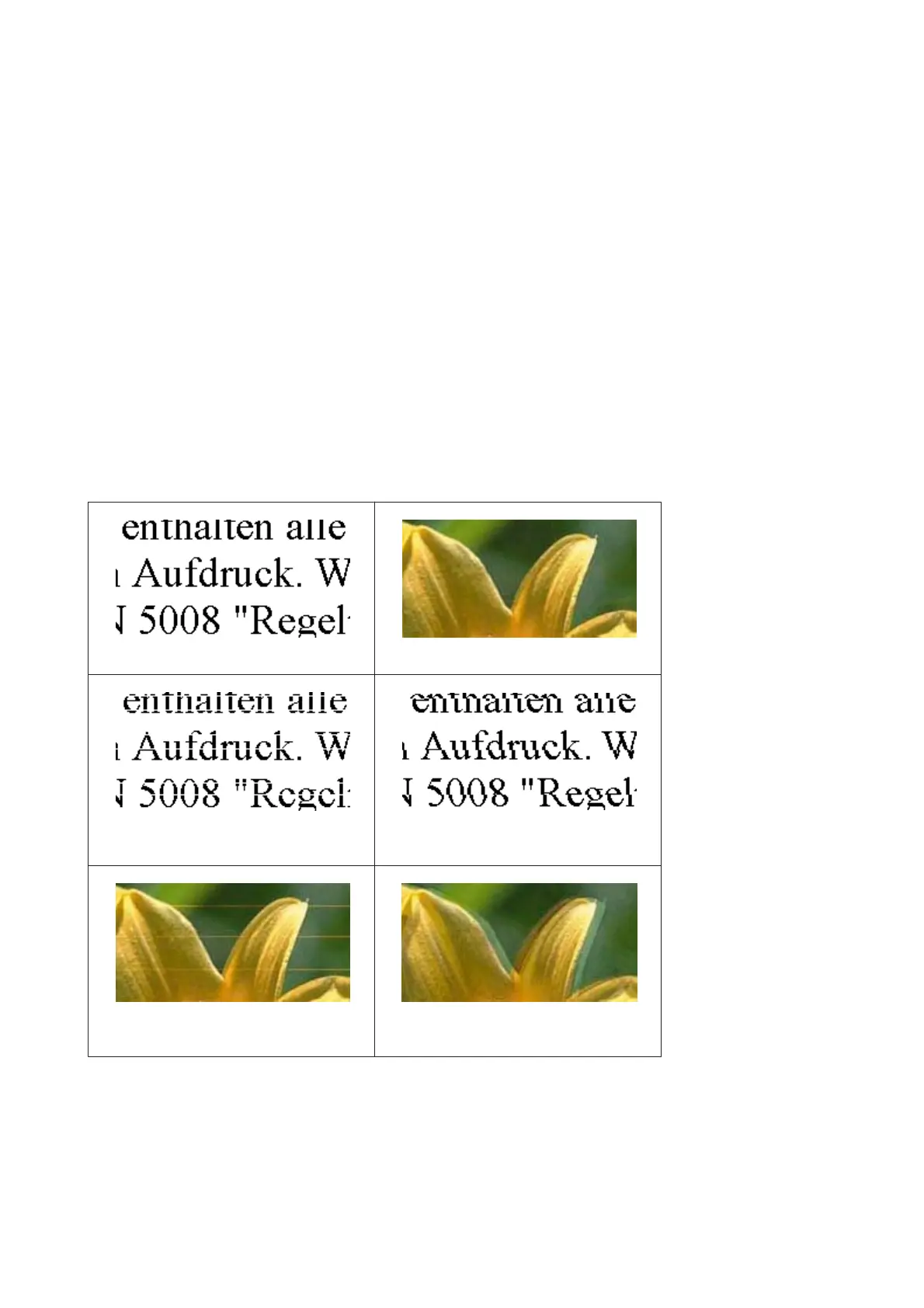
If you are having print quality problems, then compare it with the illustrations below. Click the caption under the
illustration that best resembles your prints.
Good sample
Good sample
& “Horizontal banding” on page 165
& “Vertical banding or misalignment” on
page 165
& “Horizontal banding” on page 165 & “Vertical banding or misalignment” on
page 165
WP-4511/4515/4521/4525/4530/4531/4535/4540/4545/4590/4595 User’s Guide
Troubleshooting for Printing
164











 To Next Page