❏ Print Queue:
You can view Windows Spooler by clicking Print Queue.
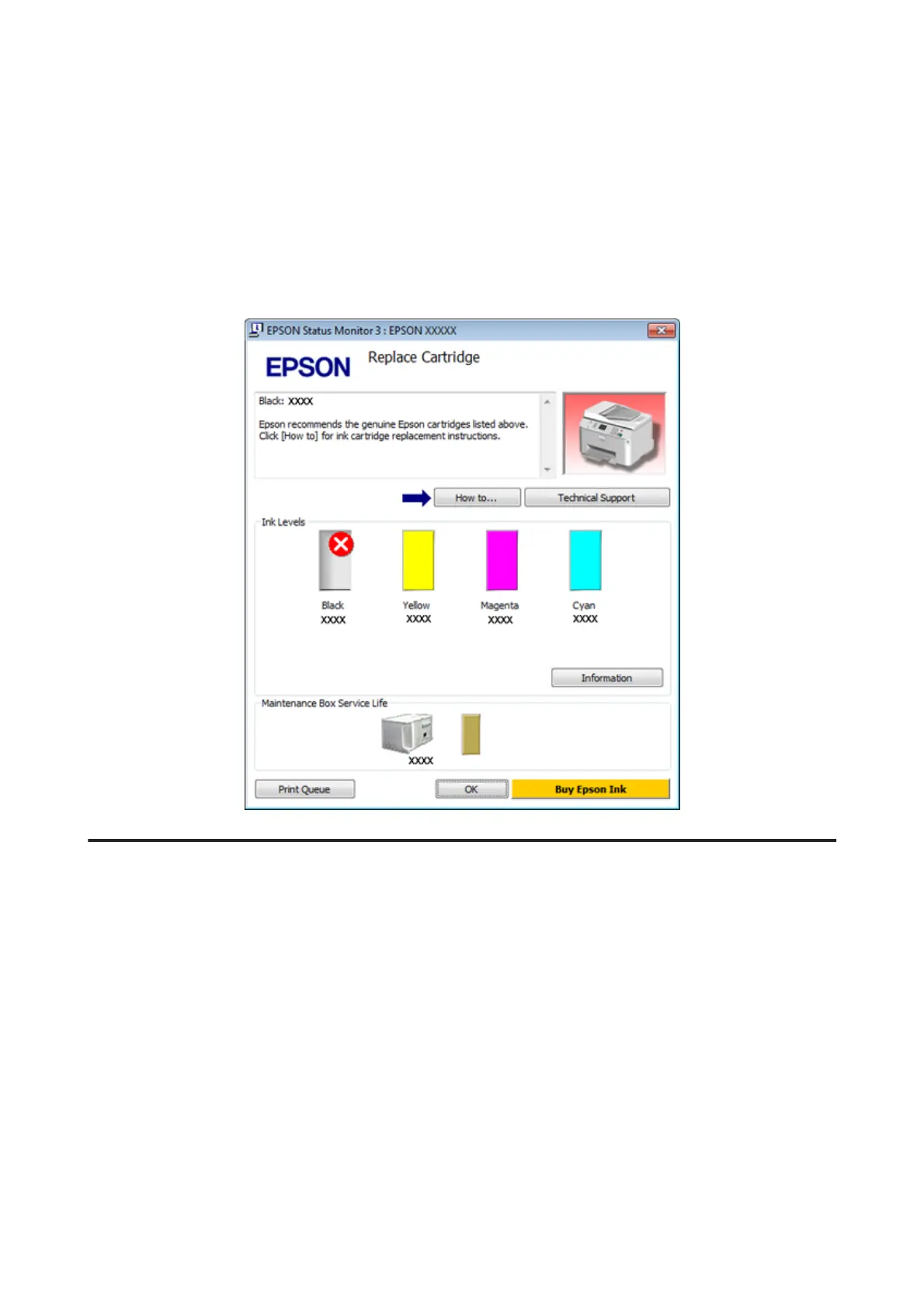
If a problem occurs during printing, EPSON Status Monitor 3 will pop up and display an error message. For more
information, click Technical Support to access the online User’s Guide.
When the ink is low/expended or the maintenance box is nearly full/full, the How to button appears. Click How to, and
EPSON Status Monitor 3 will lead you step-by-step through the cartridge or maintenance box replacement procedure.
For Mac OS X
Using EPSON Status Monitor
If EPSON Status Monitor detects a printer problem, it will inform you with an error message.
Follow these steps to access EPSON Status Monitor.
A
Access the Epson Printer Utility 4.
& “Accessing the printer driver for Mac OS X” on page 40
WP-4511/4515/4521/4525/4530/4531/4535/4540/4545/4590/4595 User’s Guide
Troubleshooting for Printing
155











 To Next Page