C
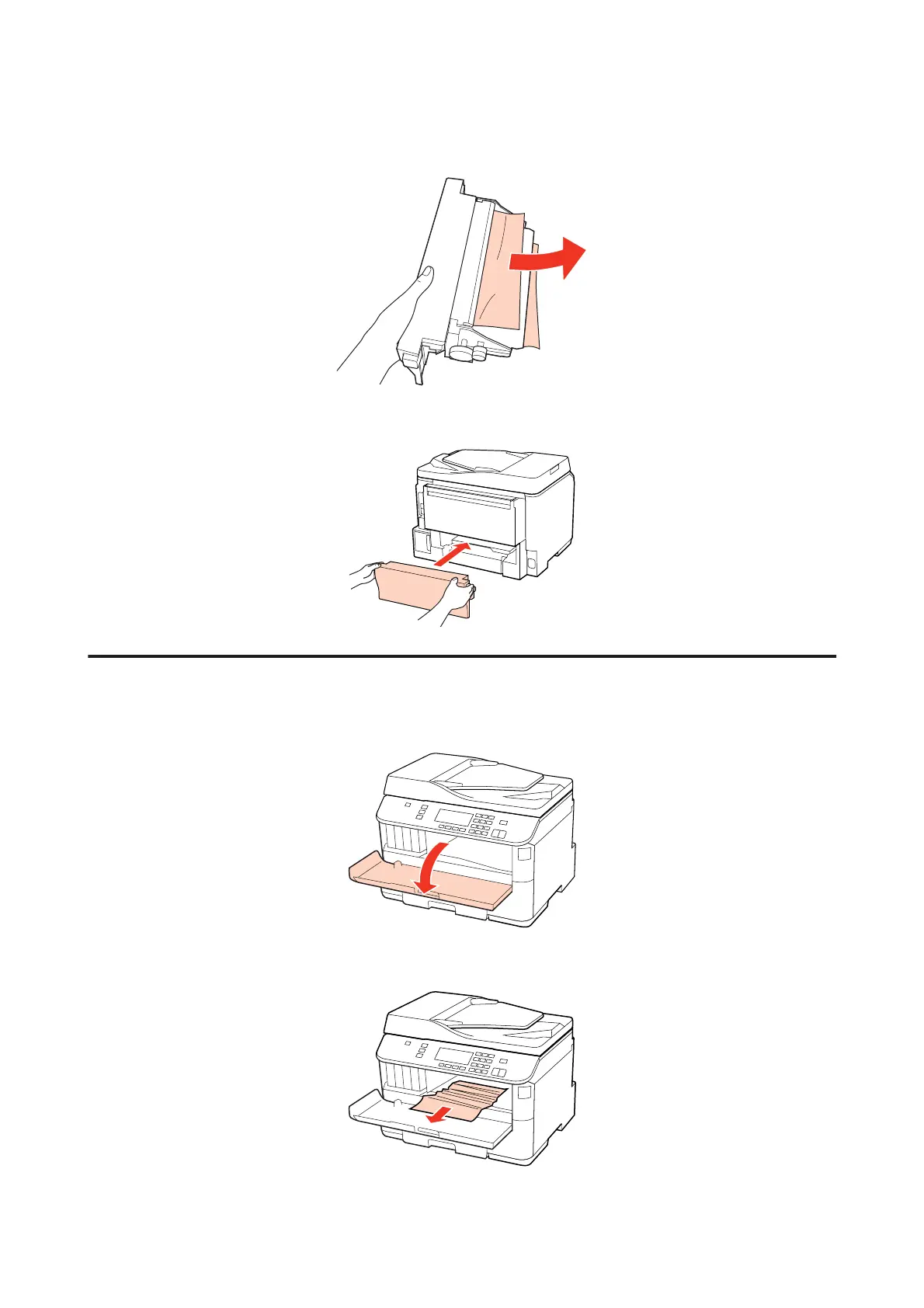
Carefully remove the jammed paper.
D
Push the button on either side of the rear unit at the same time, and then reattach the unit.
Removing jammed paper from the front cover and the output tray
A
Open the front cover.
B
Remove all of the paper inside, including any torn pieces.
WP-4511/4515/4521/4525/4530/4531/4535/4540/4545/4590/4595 User’s Guide
Troubleshooting for Printing
159











 To Next Page