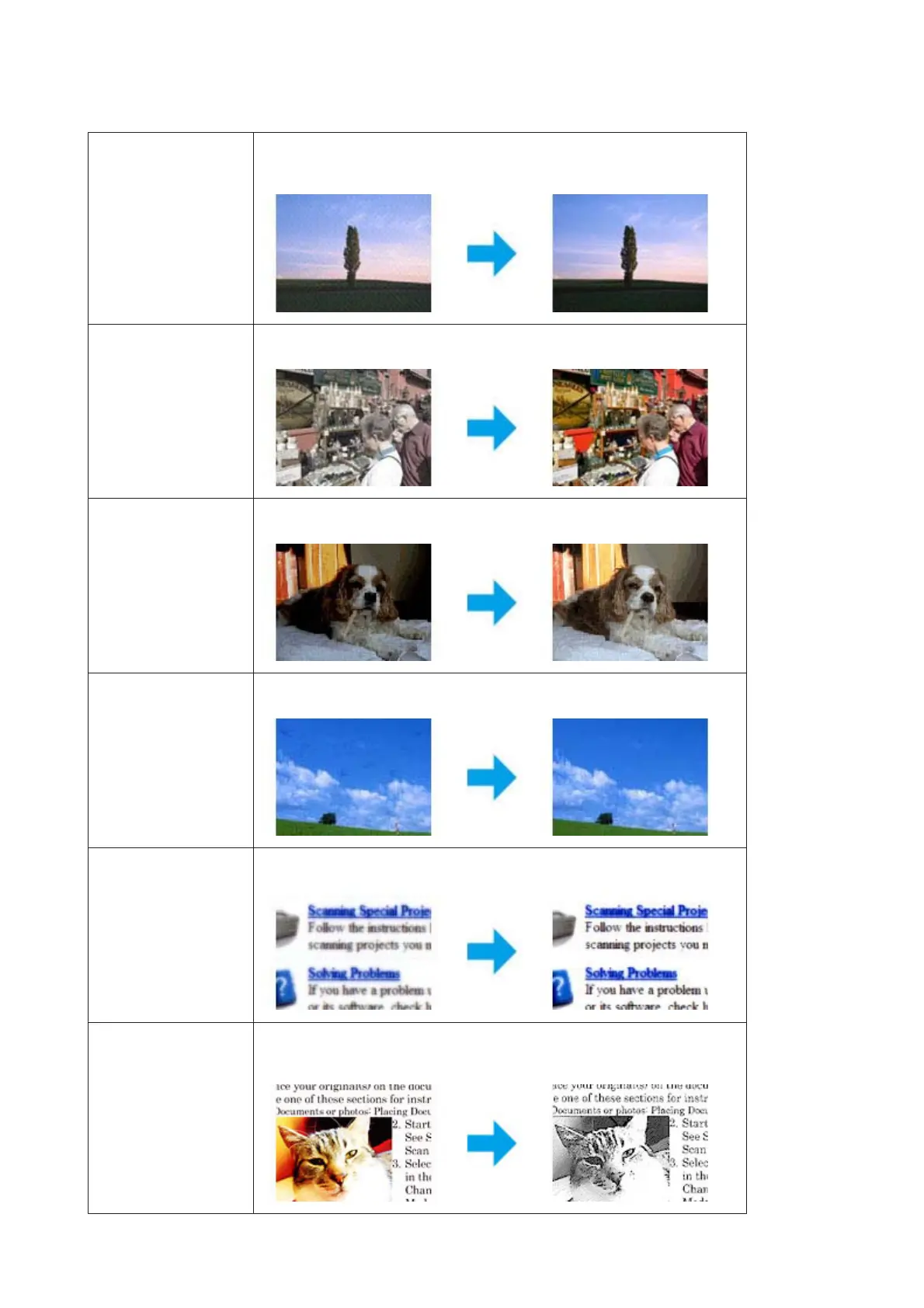
Descreening Removes rippled patterns (known as moiré) that can appear in subtly shaded image
areas such as skin tones.
Color Restoration Restores the colors in faded photos automatically.
Backlight Correction Removes shadows from photos that have too much background light.
Dust Removal Removes dust marks from your originals automatically.
Text Enhancement Enhances text recognition when scanning text documents.
Auto Area Segmentation Makes Black&White images clearer and text recognition more accurate by
separating the text from the graphics.
WP-4511/4515/4521/4525/4530/4531/4535/4540/4545/4590/4595 User’s Guide
Scanning
73











 To Next Page