Buttons Function
j
Turns the Auto Answer mode on or off.
k
l, r
Shows the next or previous menus.
l y Cancels/returns to the previous menu.
m OK Activates the setting you have selected.
n
x
Starts copying/scanning/faxing in black and white.
o
x
Starts copying/scanning/faxing in color.
Lights
Lights Function
P
On when the product is on.
Flashes when the product is receiving data, printing/copying/scanning/faxing,
replacing an ink cartridge, charging ink, or cleaning the print head.
On when the fax is in Auto Answer mode.
Error On when an error has occurred.
See the Network Guide for more details. Wi-Fi is only available for Wi-Fi capable
models.
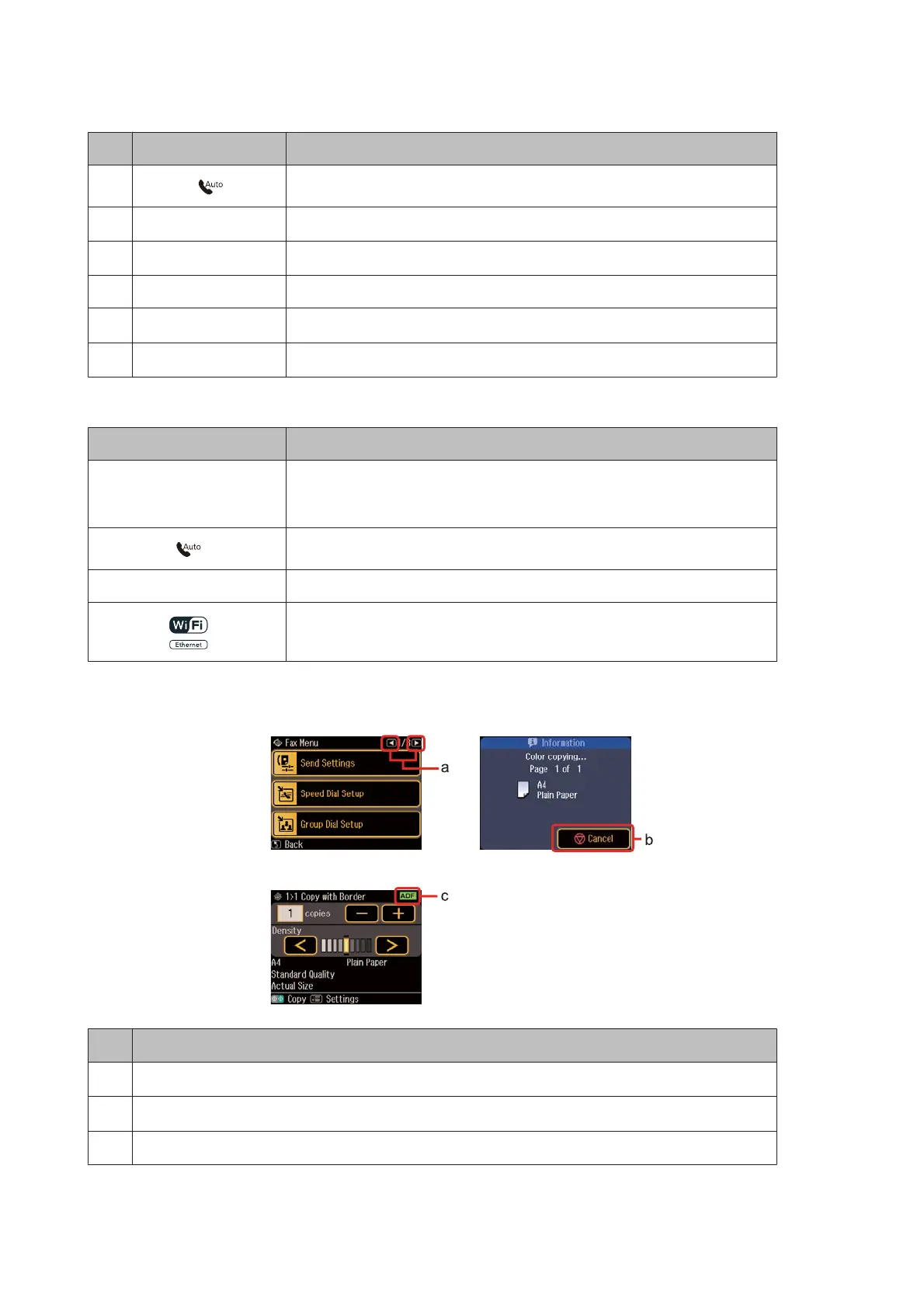
Using the LCD screen
Function
a
Press l or r on the right side of the LCD screen to display the next or previous screen.
b
Press y Cancel to stop printing/copying/scanning/faxing.
c
The ADF icon is displayed when a document is placed in the Automatic Document Feeder.
WP-4511/4515/4521/4525/4530/4531/4535/4540/4545/4590/4595 User’s Guide
Getting to Know Your Product
23











 To Next Page