B
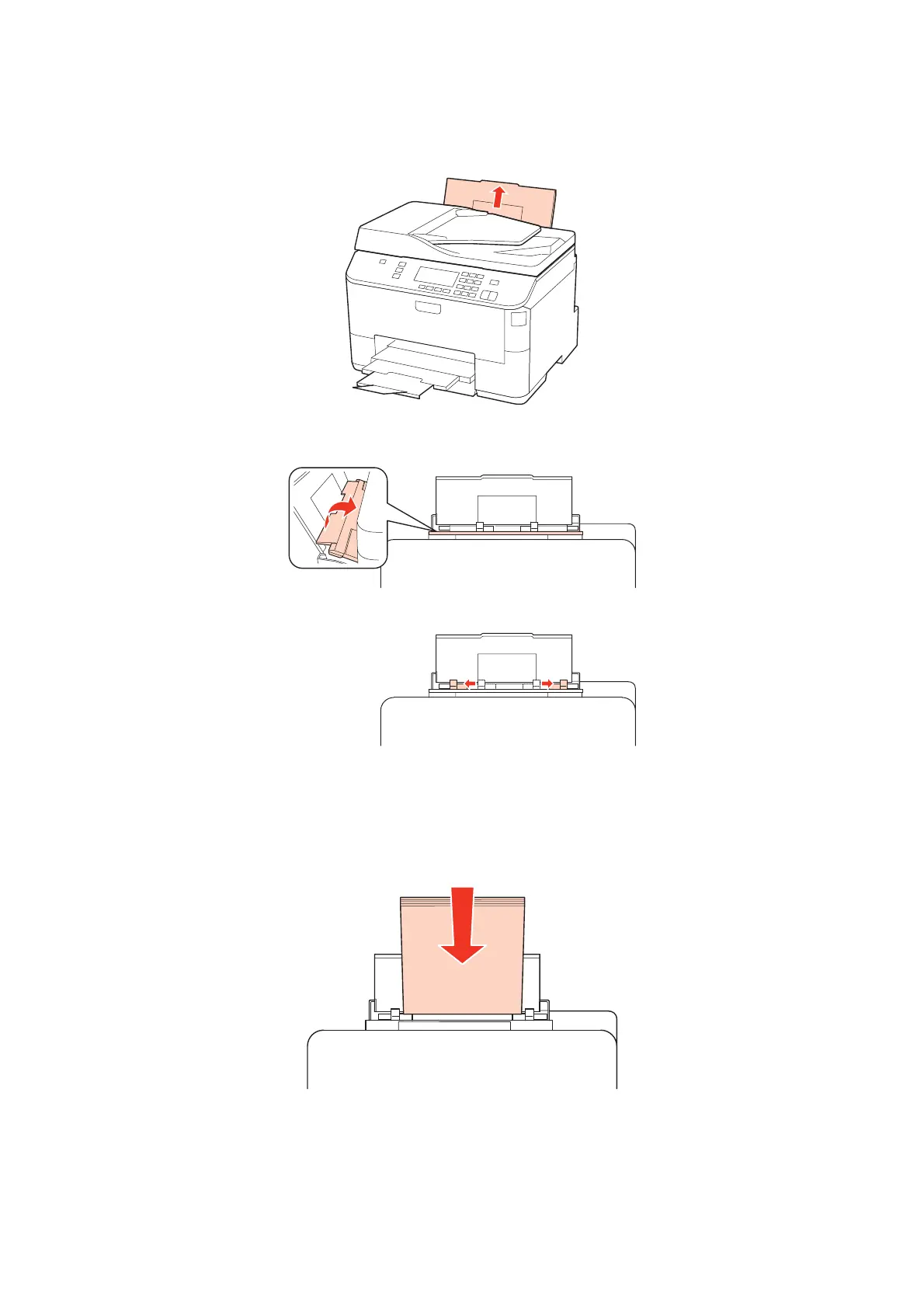
Pull up the rear MP tray.
C
While holding the feeder guard forward, pinch and slide the edge guide.
D
Fan a stack of paper, then tap it on a flat surface to even the edges.
E
Load paper with the printable side up, at the center of the rear MP tray. The printable side is often whiter or
brighter than the other side.
WP-4511/4515/4521/4525/4530/4531/4535/4540/4545/4590/4595 User’s Guide
Paper Handling
32











 To Next Page