Note:
If the ink runs low during automatic 2-sided printing, the printer stops printing and the ink needs to be replaced. When ink
replacement is complete, the printer starts printing again, but there may be some missing parts in your print. If this happens,
print again the page that has missing parts.
Note for Windows:
Manual 2-sided printing is available only when EPSON Status Monitor 3 is enabled. To enable the status monitor, access the
printer driver and click the Maintenance tab followed by the Extended Settings button. In the Extended Settings window,
check the Enable EPSON Status Monitor 3 check box.
Note for Mac OS X:
Mac OS X supports automatic standard 2-sided printing only.
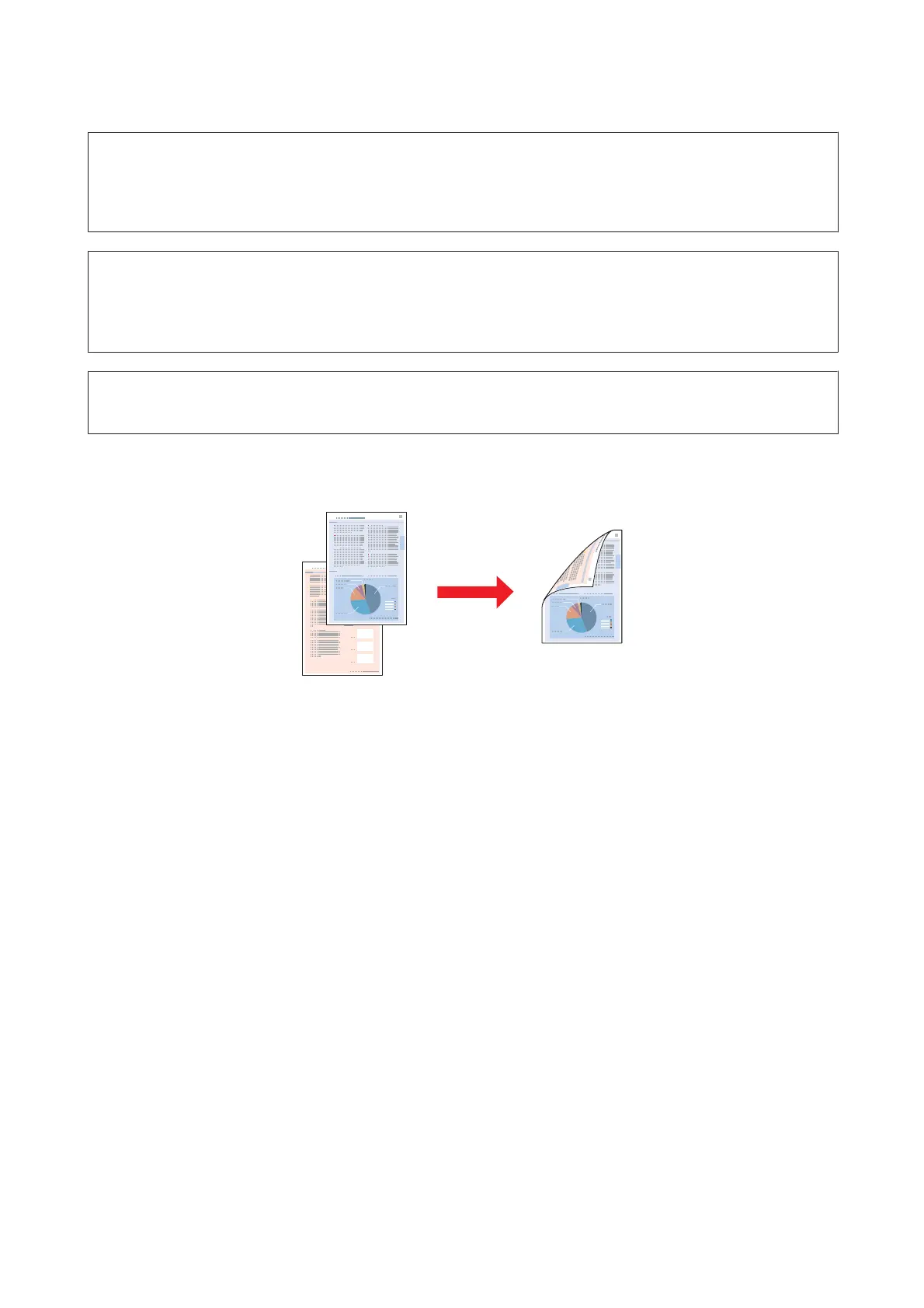
Standard 2-sided printing allows you to print both sides of a sheet.
Choose automatic or manual printing. When you print manually, the even-numbered pages are printed first. Once
these pages are printed, you can reload them to print the odd-numbered pages onto the opposite side of the paper.
Folded booklet 2-sided printing allows you to make single-fold booklets.
WP-4511/4515/4521/4525/4530/4531/4535/4540/4545/4590/4595 User’s Guide
Printing
49











 To Next Page