8
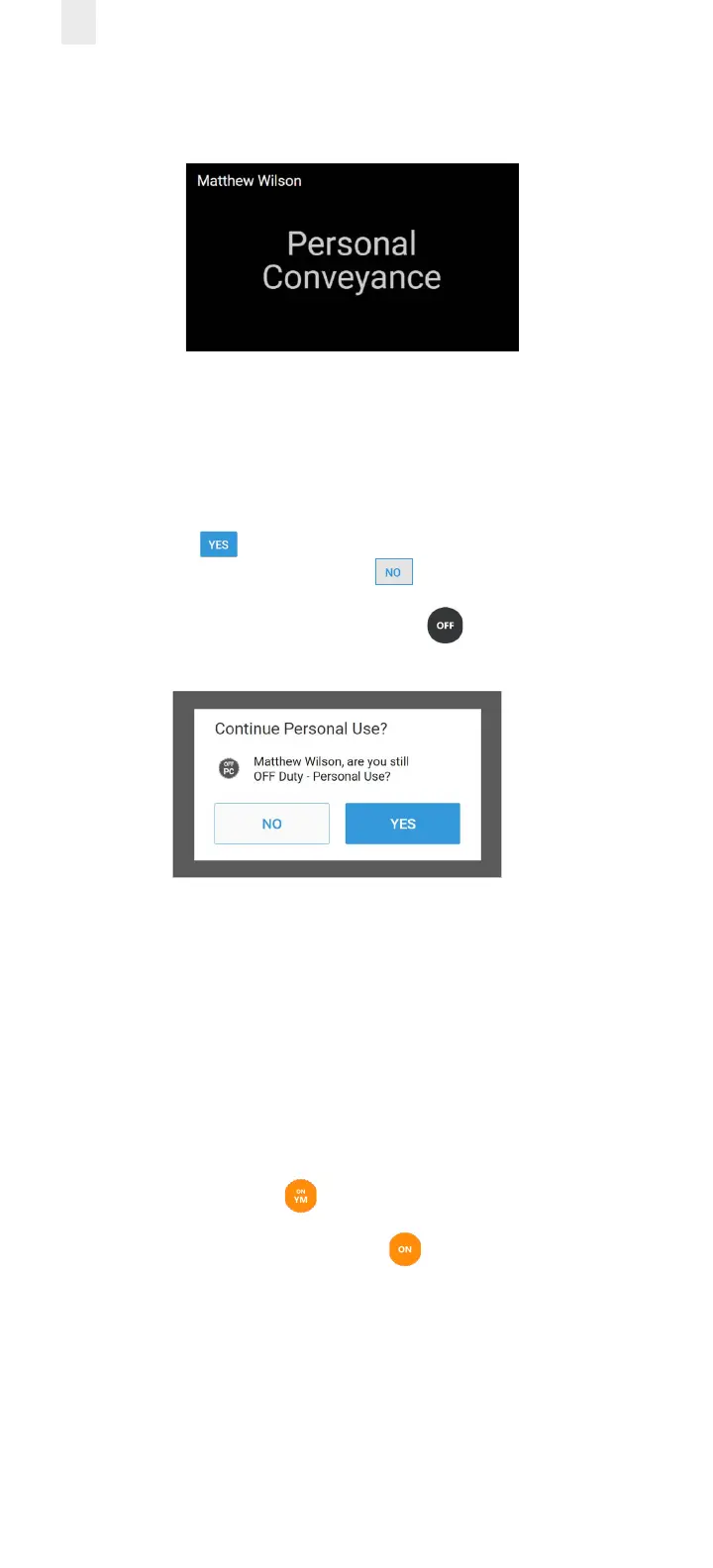
The home screen changes to a dark background while you
are driving the vehicle.
The EROAD ELD is designed to prompt the driver about the
O - Personal Conveyance duty status, if the vehicle is shut
o while in this status. The Continue Personal Use screen
displays when the ignition is activated in the vehicle.
3. Tap the Yes button to continue the OFF – Personal
Conveyance status or tap the No button to end this
duty status.
Note: Your duty status changes to OFF duty, if this
prompt is ignored.
2.4.3 Yard Moves Status
This is a special driving category that might be provided by
your carrier for moving material around a yard or via private
driveways. Add a remark in your logs when using this duty
status.
1. Tap the large circle on the left side of the Home screen. The
Change Duty Status screen appears (as shown in section
2.4.1., Duty Status above).
2. Tap the On Yard Move status. The Home screen appears
with the changed status.
Note: Your duty status is set to ON if the engine is
powered o while you are in the On Yard Move duty status.



 To Next Page