37
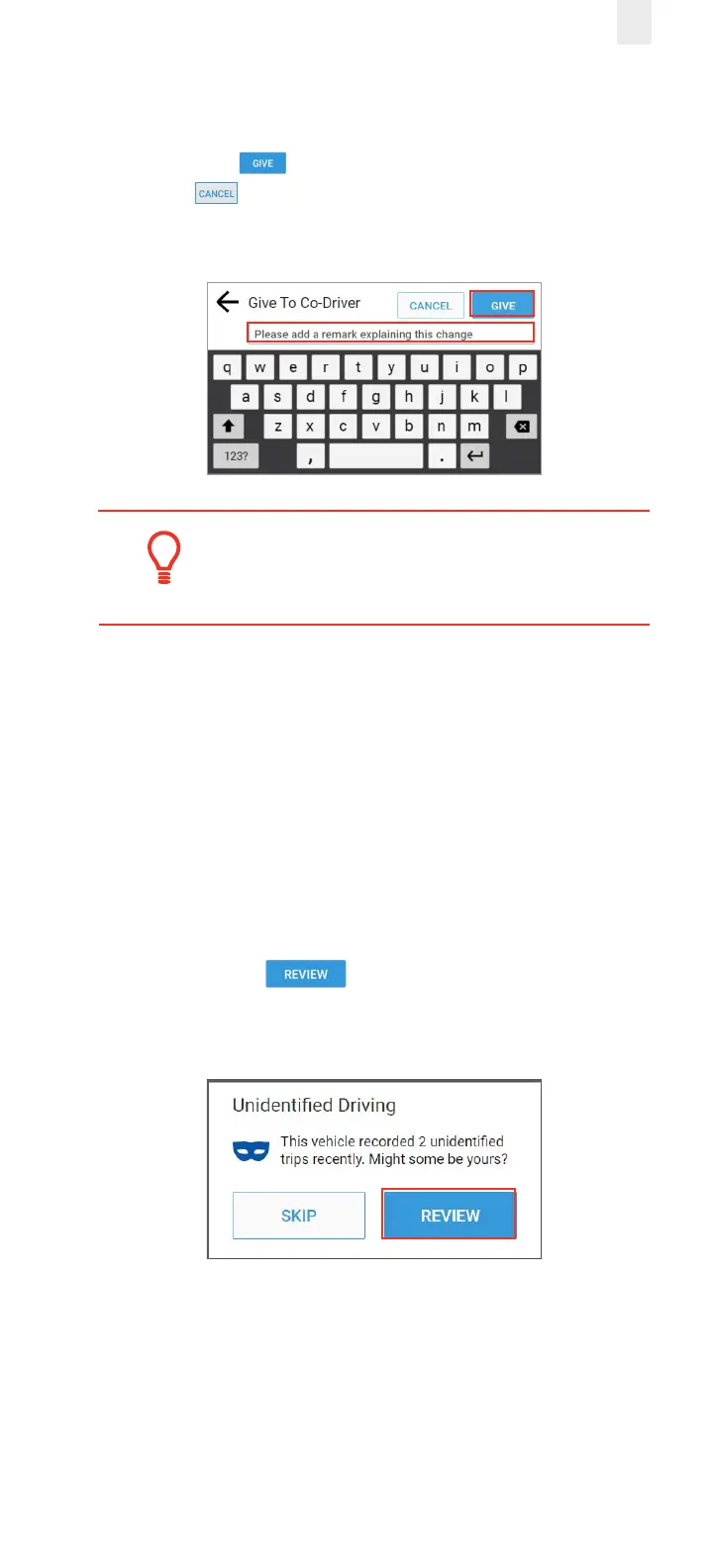
7. Enter a description in the Give to Co-Driver field to explain
the change.
8. Tap the Give button to complete the swap or tap the
Cancel button. The swap is recorded as a pending
request until the co-driver accepts it.
Tip:
A swap becomes eective when the co-driver
accepts the change.
4.3 CLAIMING UNIDENTIFIED DRIVING TIME
The EROAD ELD automatically records driving time including
time frames when the driver did not log in. You can claim
unidentified driving time in two dierent ways, which are
described in the following subsections.
4.3.1 Claiming Unidentified Trips at Login
The following prompt appears just after you log in if there are
unidentified trips.
1. Tap the Review button. Then, follow the steps
in section 4.3.2, Claiming Unidentified Trips in Logs Menu,
beginning with step 4.



 To Next Page