5
Menu Option Description
Allows you to see a graphical representation
of your duty status for a 24-hour period. You
can cycle through previous days to check log
history. Additional options include:
• View/Edit (section 3.6)
• Hours of Service (HoS) (section 2.6)
• Certify (section 3.8)
• Inspection (display or export log data)
(section 5)
• Pending Edits (section 4.1)
• Unidentified (driver) (section 4.3)
• Issues (section 6)
• Email Logs (section 5.1.1)
• All Events (section 5.2.3)
Allows you to enter fuel quantity, connect
or drop trailers, and set the Weight Mile Tax
(WMT) configuration (Oregon only).
Allows you to add a shipping document
(such as a bill of lading).
Allows you to view the active driver. You can
view the driver’s name, email address and
time zone. The ELD lets you add a co-driver
or logout using this sub menu.
Allows you to scroll through the existing
messages, as well as send a new message.
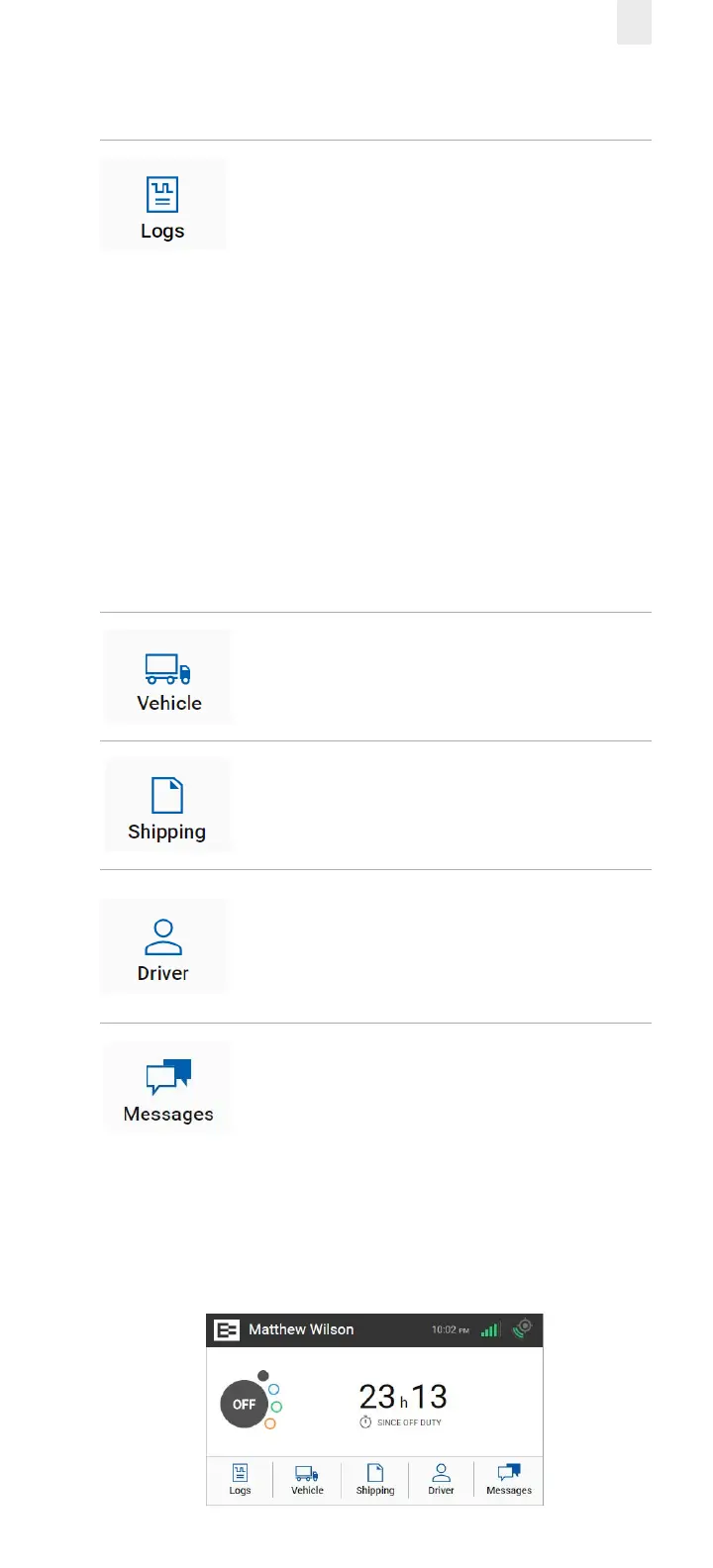
2.3 OFF-DUTY COUNTER
The o-duty counter shows time spent in O-duty status and
can help in monitoring rest periods. It switches to the O Duty
Since (date) on the Home screen after 99 hours.



 To Next Page