39
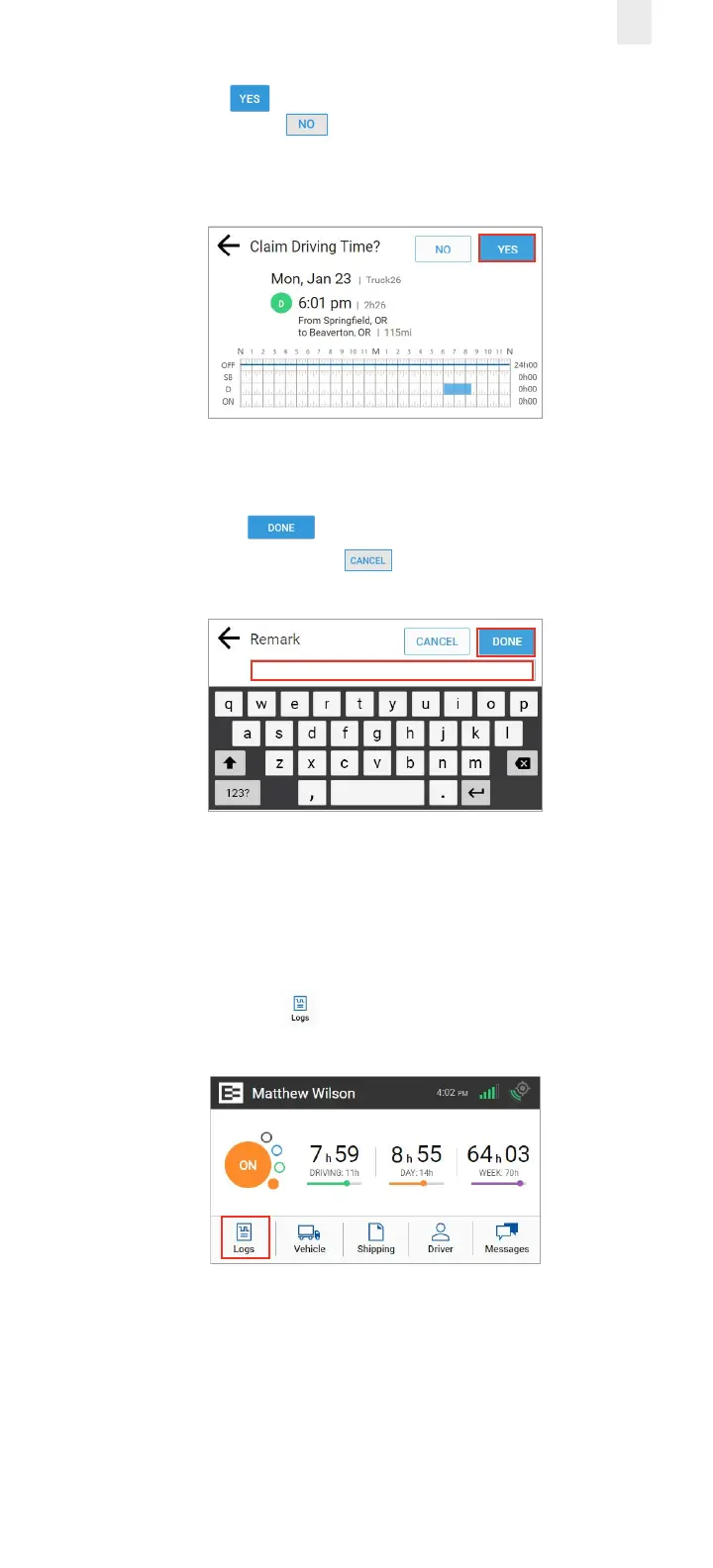
5. Tap the Yes button to claim this driving time for your
logs or tap the No button if this time is not yours. The
Claim Driving Time screen updates the graph (highlighted in
blue) to display how your logs look after you claim this time.
6. Enter a detailed description in the Remarks field to explain
the event.
7. Tap the Done button to enter the remark in your
record or tap the Cancel button. A confirmation
message shows that this time is added to your logs.
4.4 EMAILING LOGS TO YOURSELF
It is good practice to keep a back-up copy of your logs.
Perform the following steps to email your logs from the
EROAD ELD to your email address.
1. Tap the Logs icon on the Home screen. The Logs
screen appears.



 To Next Page