24
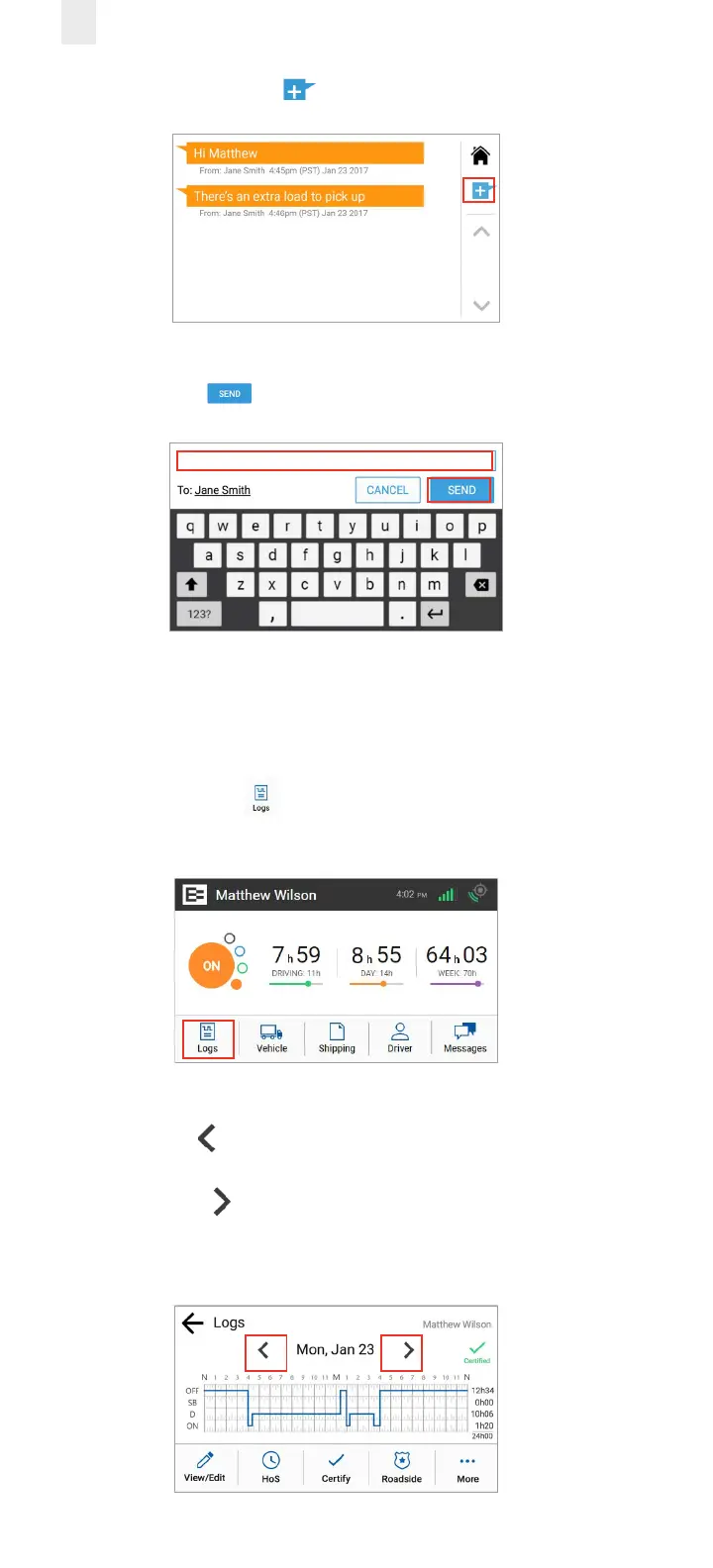
2. Tap the New Message button to send a reply.
3. Enter the message in the text field using the key pad.
4. Tap the Send button to send the message.
3.6 REVIEWING LOGS
The EROAD ELD lets you quickly verify that your logs are
accurate and complete. Perform the following steps to review
your logs.
1. Tap the Logs icon on the Home menu. The Logs screen
displays activity for the current day.
2. Tap the Left arrow by the date to view the previous day.
You can view up to seven days of prior activity.
3. Tap the Right arrow by the date to return to the current
date. Your total hours for each duty status are listed on the
right side of the graph.



 To Next Page