42
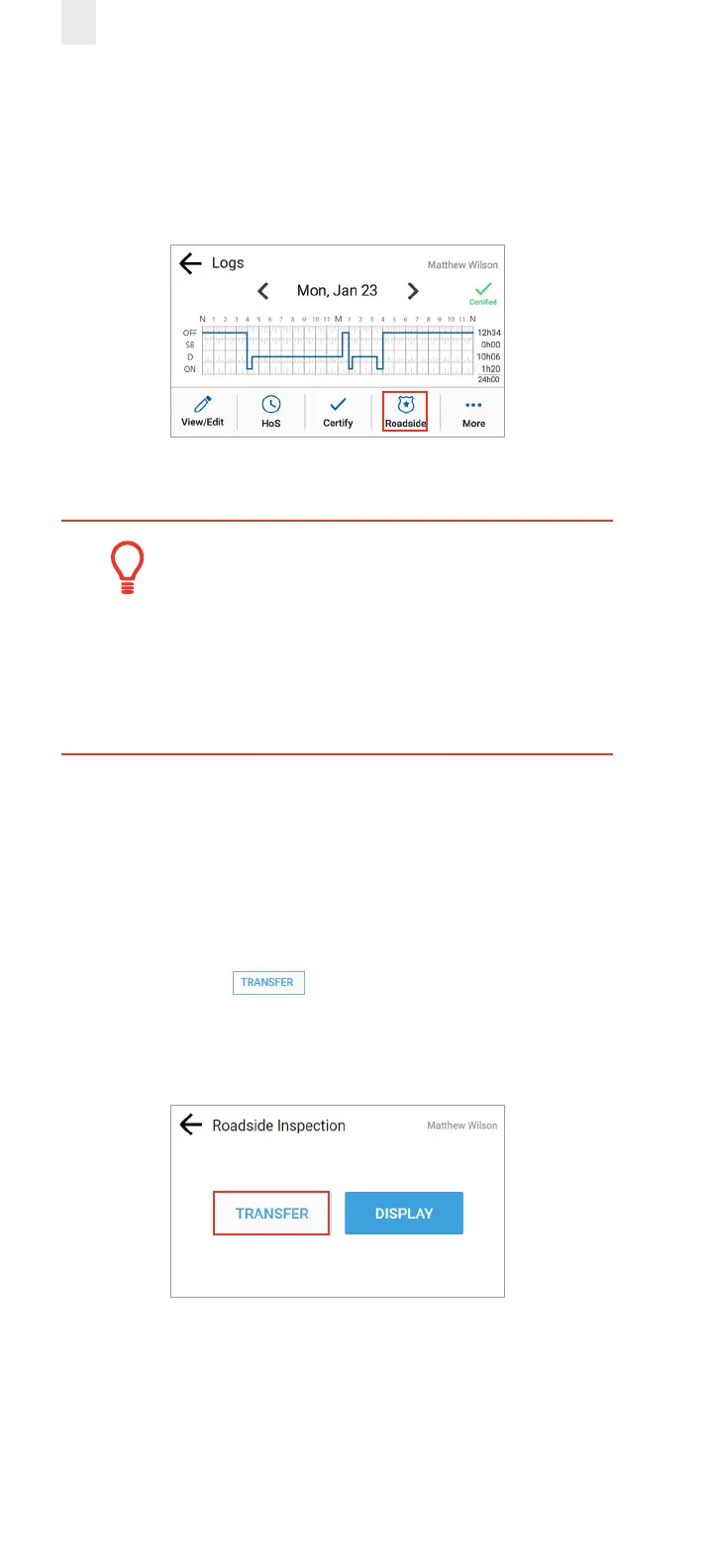
5. Hand the device to the inspector along with the visor cards
and follow instructions. The inspector might request that
you either transfer (export) your records or display the
records. These functions are described in the following
sections.
Tip:
• Your personal privacy is important. You must
enter your PIN to exit the Inspection mode after
the inspection is completed.
• This is a security feature ensuring the safety
ocial cannot access the rest of your data.
5.1 TRANSFERRING YOUR RECORDS
Perform the following steps to transfer logs, if requested.
1. Ensure that you have completed the steps described in
section 5, Roadside Inspection.
2. Tap the Transfer button on the Roadside Inspection
screen. The Roadside Inspection screen changes to oer
two transfer options: Transfer and Display, which are
described in the following sections.



 To Next Page