41
5 Roadside Inspection
This chapter describes the functions that you perform during a
roadside inspection. Change the EROAD ELD to the Inspection
mode when a roadside inspection occurs. This must be done
before handing the device to the inspector. The inspector
can see only the required information when the device is
in Inspection mode. The EROAD ELD does not allow the
inspector to change your logs. It allows the inspector to either
transfer or display your records.
Note: The inspector might ask you to power o the ignition, but
power is still supplied to the EROAD ELD.
Perform the following steps to open the Roadside menu.
1. Change your duty status to ON duty. See section 2.4,
Changing Your Duty Status for more information, if needed.
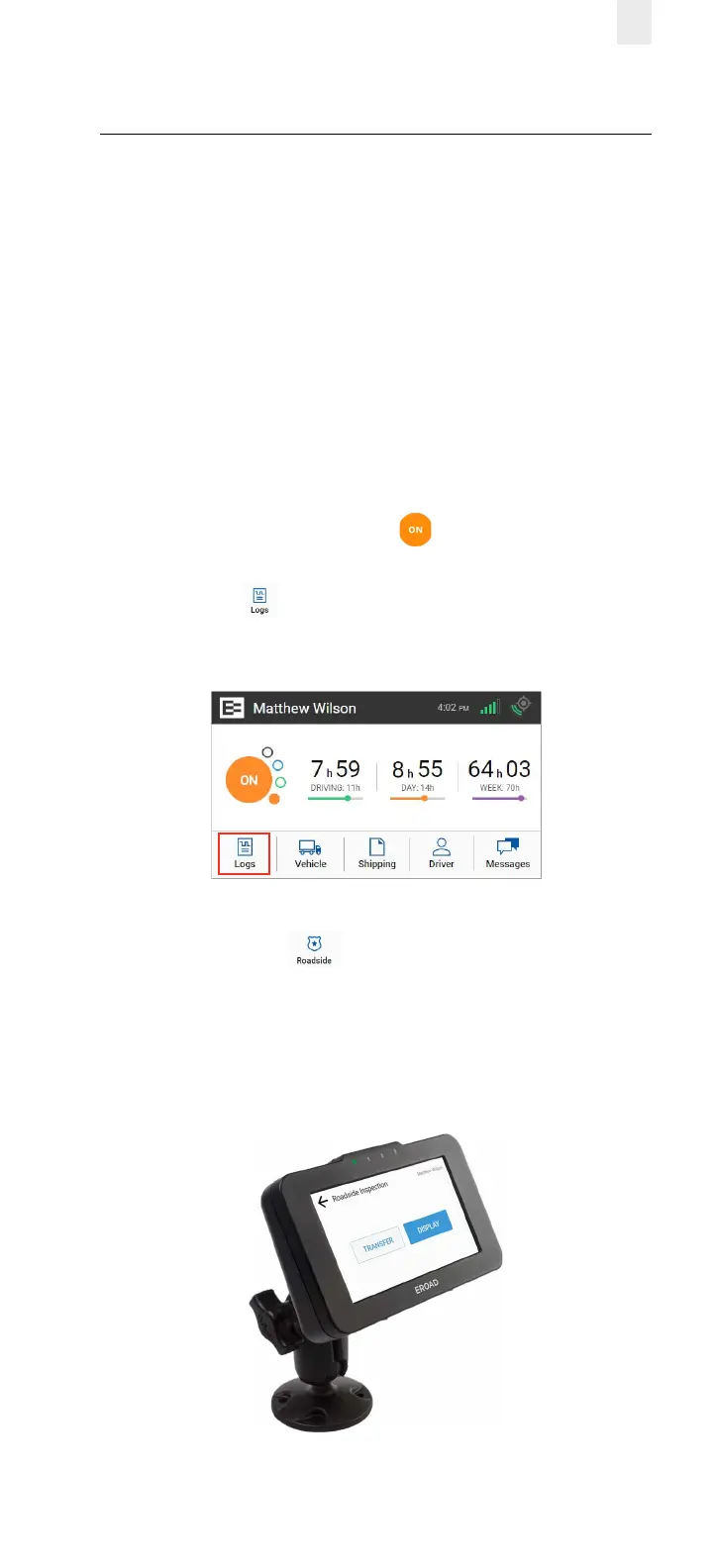
2. Tap the Logs icon on the Home menu. The Logs screen
appears.
3. Tap the Roadside icon on the Logs menu. The
Roadside Inspection screen appears, as shown in section
5.1, Transferring Your Records.
4. Remove the EROAD ELD by loosening the fastener on the
mounting arm.



 To Next Page