25
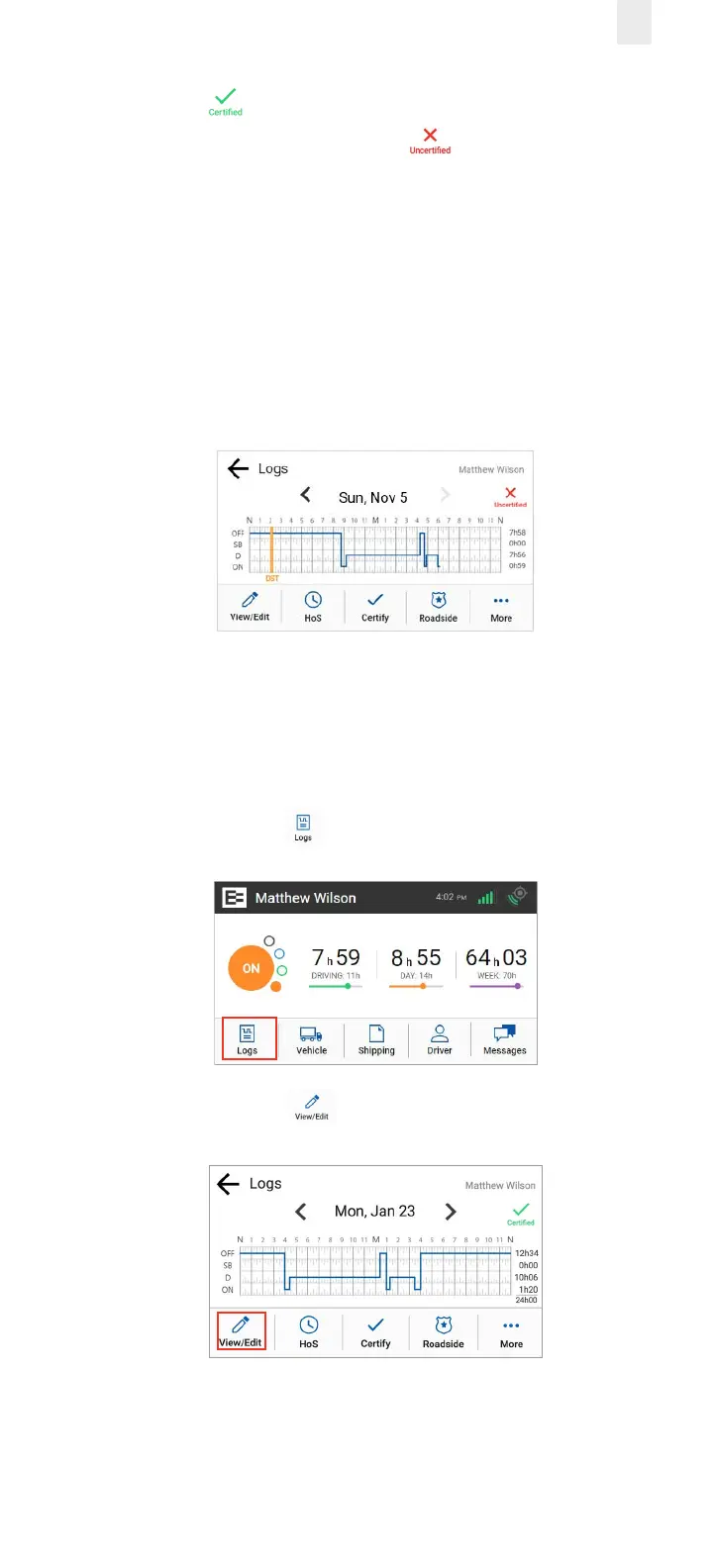
A Certified icon displays under your name, if the logs
have been certified. An Uncertified icon appears if you
still need to certify your logs.
Note: See section 3.8, Certifying Your Logs for more
information.
3.6.1 Daylight Savings Time
Daylight savings time is automatically applied to the log graph
as a vertical orange line with an abbreviation of DST. It is also
noted in the events list.
3.7 CORRECTING LOGS
Occasionally, you might have to correct your logs. Perform the
following steps to access a log for correction.
1. Tap the Logs icon on the Home menu.
2. Tap the View/Edit icon on the Logs screen.



 To Next Page