44
5.1.2 Transfer Via Web Services
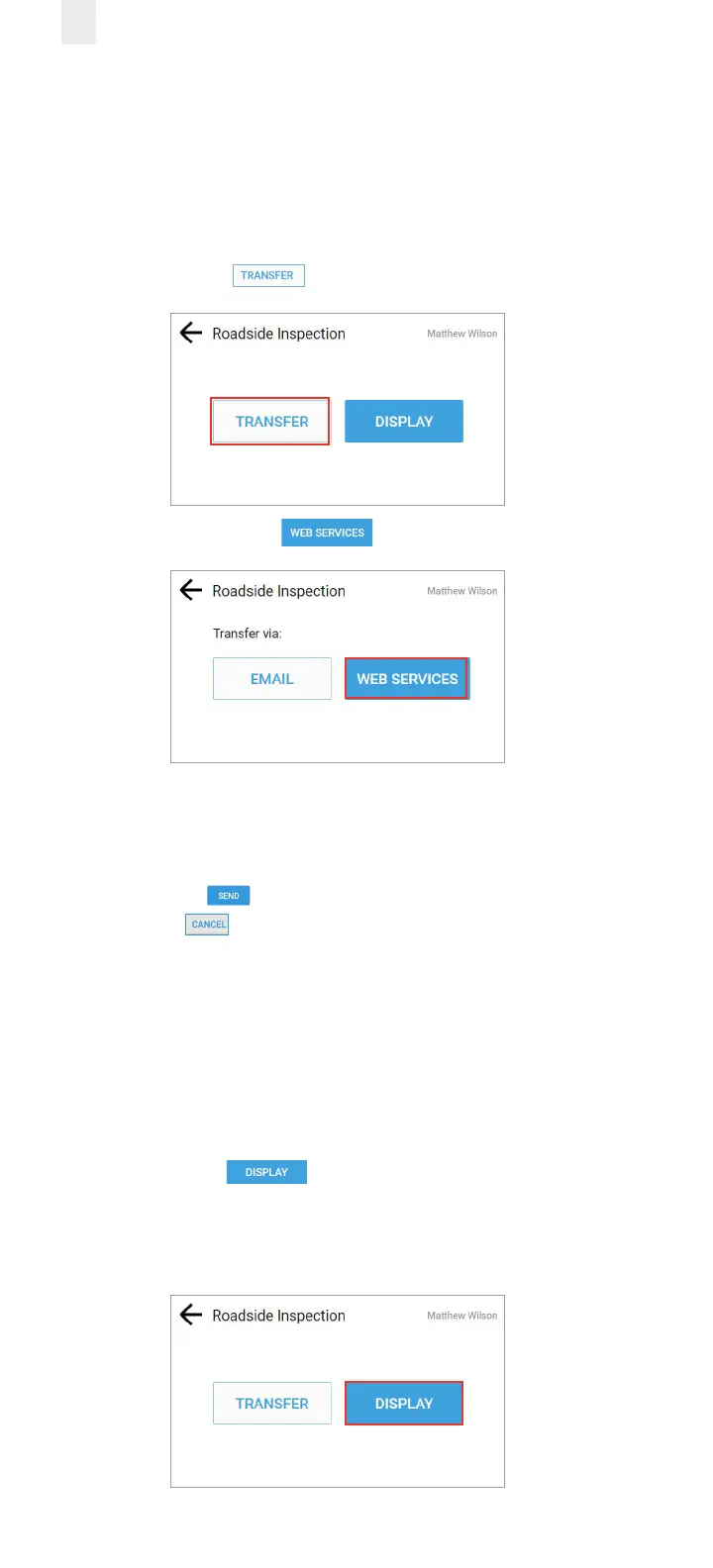
Perform the following steps to transfer records via Web
Services.
1. Ensure that you have completed the steps described in
section 5, Roadside Inspection.
2. Tap the Transfer button.
3. Tap the Web Services button.
4. Enter the safety ocial’s code in the Comment field.
See section 5.1.1, Transfer Via Email for an illustration of the
Comment field.
5. Tap the Send button to complete the transfer or tap
the Cancel button. A confirmation message appears
indicating the file was transferred successfully.
5.2 DISPLAYING YOUR RECORDS
Perform the following steps to display driver records.
1. Ensure that you have completed the steps described in
section 5, Roadside Inspection.
2. Tap the Display button. The screen changes to
display four tabs of information: Info, Logs, All Events, and
Unidentified. These tabs are described in the following
subsections.



 To Next Page