48
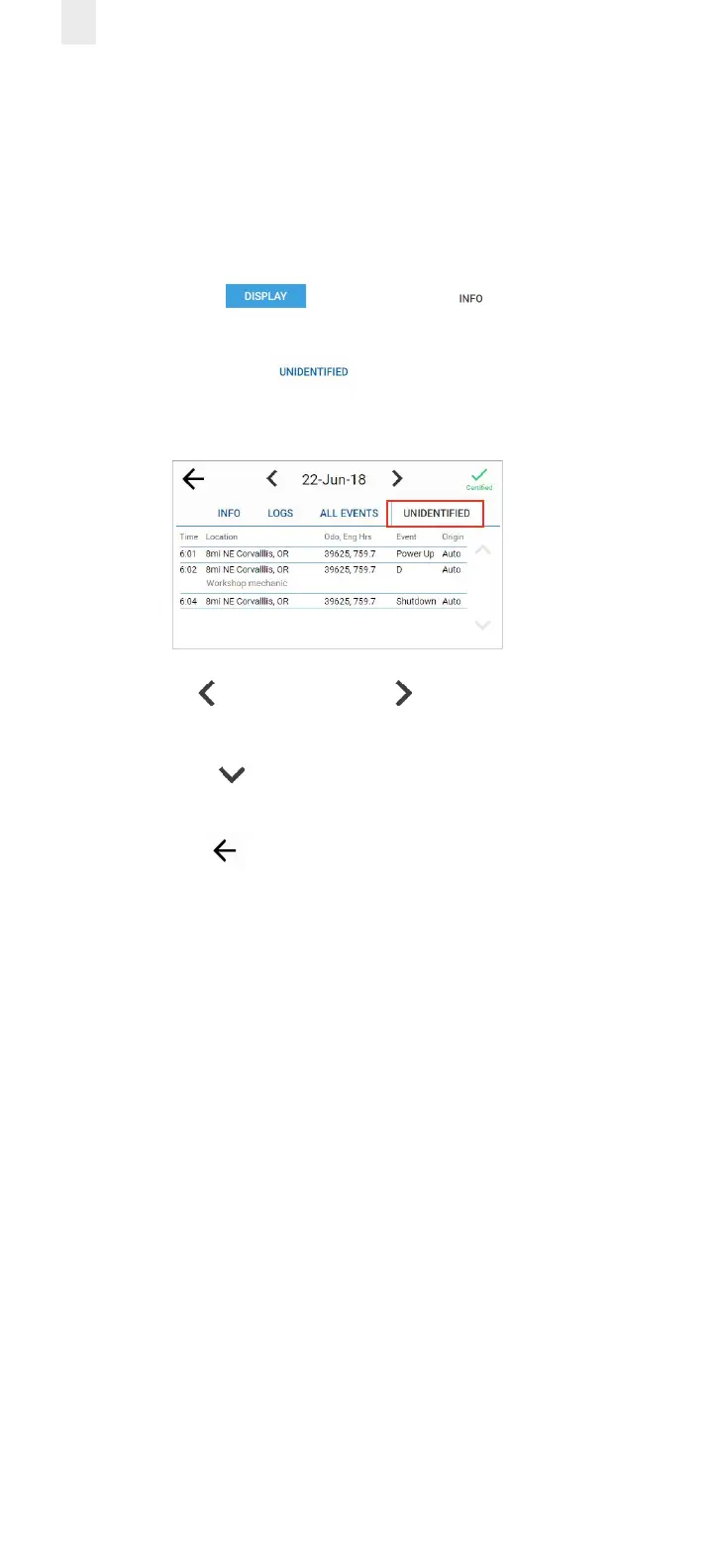
5.2.4 Viewing Unidentified Driving Times
The Unidentified tab displays the times when the vehicle was
driven without the driver logging into the EROAD ELD. Perform
the following steps to view unidentified driving times.
1. Ensure that you have completed the steps described in
section 5, Roadside Inspection.
2. Tap the Display button. The Info tab displays
by default.
3. Tap the Unidentified tab. This tab displays time,
duration, distance, and location for the driving time that is
unidentified.
4. Tap the Left arrow or the Right arrow to change the
date.
5. Tap the Down arrow to scroll through scroll through the
list, if needed.
6. Tap the Back arrow in the upper left corner of the
screen to return to the previous screen.



 To Next Page