IP Server 900 Programming Manual Function 3: Station programming
F.53
12. If an ESI Presence Management RFID Reader is to be associated with the Video Adapter, enter the
RFID Reader’s extension in the Associated RFID Reader field. (Otherwise, leave the field blank.)
Maximum: One RFID Reader extension per Adapter.
13. In the Auth. Ext. field, enter the user extensions and departments that are allowed to view the output of
this Video Adapter. (See “System capacities,” page B.1, for the maximum extensions per Video
Adapter supported by each compatible ESI system.)
If this Adapter was associated (in step 12) with an ESI Presence Management RFID Reader, this field
will automatically populate with extensions or departments that are in the RFID Reader’s ring-down list.
However, if you wish, you can delete these extensions or departments.
Important: For a user to install and launch the Basic Video Viewer, his/her extension must be assigned to a
Video Adapter that is associated with one ESI Presence Management RFID Reader, and the user
cannot be set in Installer Function 322 as an Advanced user. A Basic user can see only one
camera view. Therefore, if you assign a Basic user’s extension to more than one Adapter (that is
associated with an RFID Reader), the Basic Video Viewer will launch showing video from only
one of the cameras — the one with the lowest Video Adapter ID number.
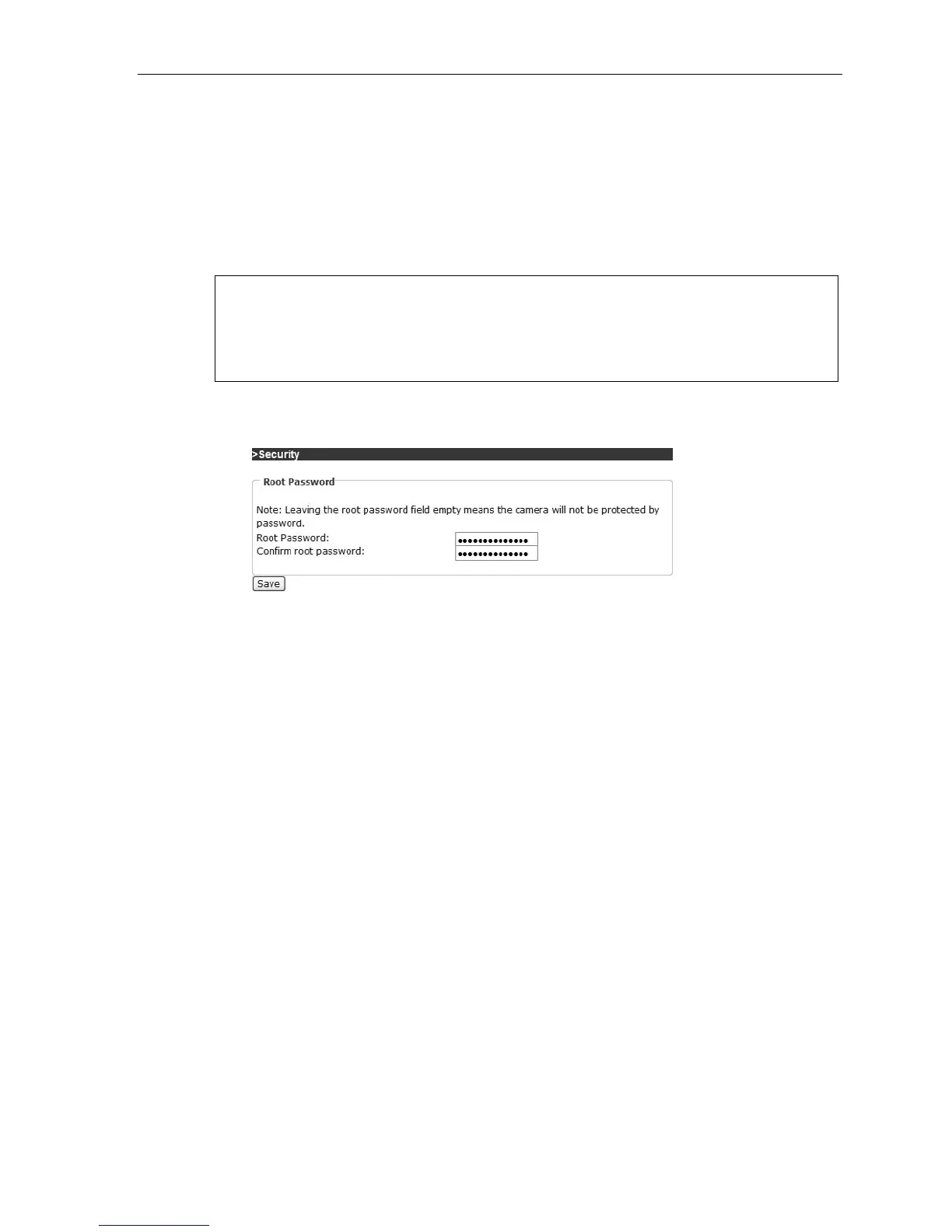
14. If you created a new password in Function 376, you must update the Password field in the Video
Adapter’s local Web page and save it (Fig. 6) so that information is sent to the adapter. (A password is
not mandatory, but is recommended.)
Figure 6
15. Finally, assign Advanced Video Viewer licenses in Installer Function 322 (page F.26). Then save your
programming changes and, when you’re ready, send them to the IP Server 900.



 To Next Page