IP Server 900 Programming Manual Function 5: Voice mail programming
H.2
Function 53: Guest/information mailboxes
Important: Although Function 53 programs guest and info mailboxes, remember that information mailboxes don’t work
with ESI Mobile Messaging.
Any guest mailbox can be programmed as either a guest or info mailbox.
1
Enter the mailbox number and select
Guest or Info by pressing a scroll ( or ) key.
Guest mailboxes are designed to be used by personnel, such as in outside sales or manufacturing, who don’t
have an extension assigned to them. A guest mailbox requires no programming other than the assigning of a
name. The maximum recording length is controlled by Function 51; the default is 10 minutes.
Notes: A guest mailbox can be handled like a regular extension (i.e., listed in the directory, assigned a station key,
etc.), and is password-protected by default.
Guest mailboxes do not support AutoPage (but do support off-premises “reach-me”).
Info mailboxes can be used to give callers information on a variety of different subjects by “publishing” these
mailbox numbers. Info mailboxes are identical to guest mailboxes, except that the caller will not be given a
record tone after the personal greeting (the information to be played). Instead, the caller will be forwarded as
programmed in this function (default is the caller will be disconnected after the information is played). Guest/info
mailboxes are created or deleted here, but are turned “on” only when a personal greeting (the information to be
played) has been recorded. Deleting the personal greetings will turn “off” the mailbox.
To record a greeting, press PROG/HELP and the mailbox number; then press # to confirm, and follow the
prompts. The default password is the mailbox number. The maximum length of the recording time is 14 minutes.
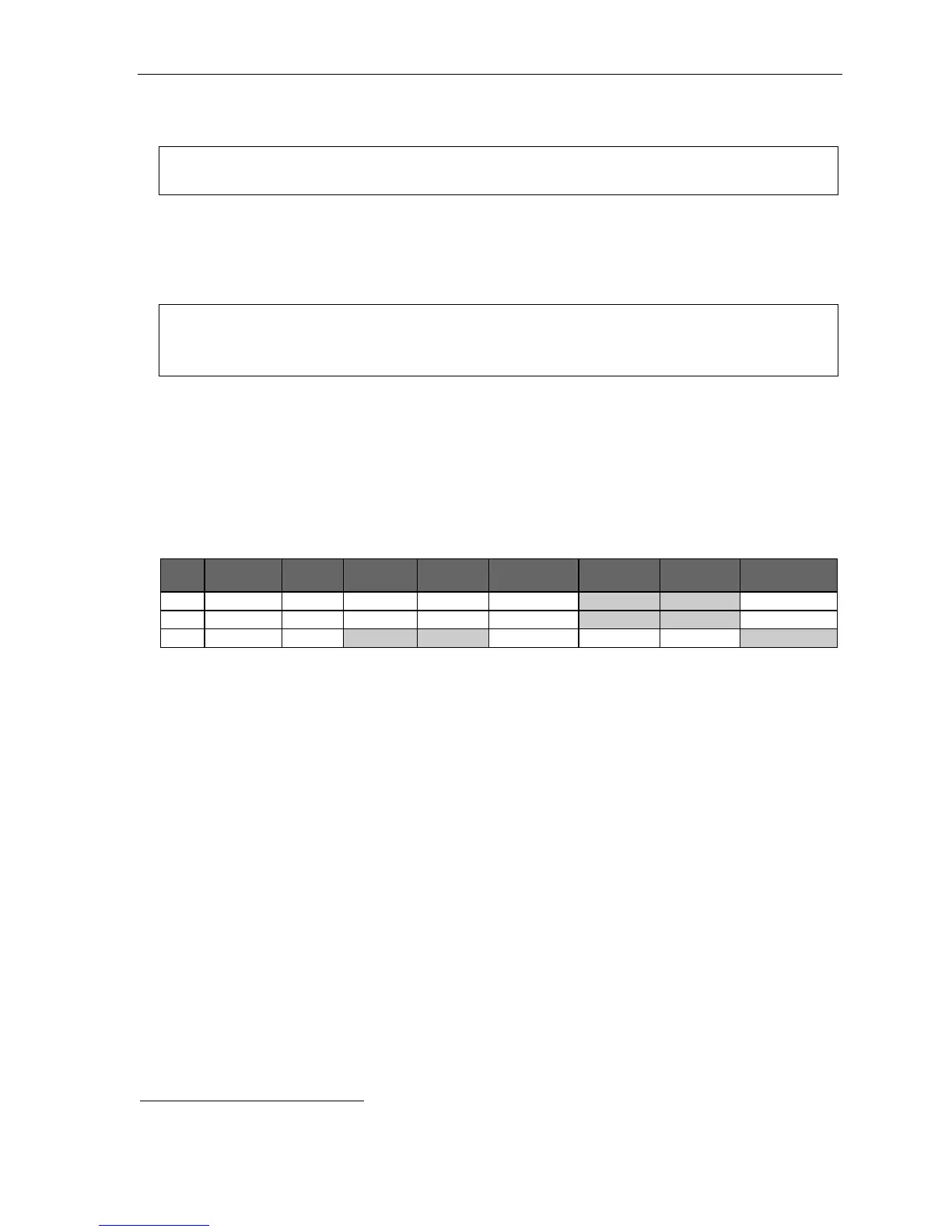
Below is an example of a completed Programming Worksheet, showing the sequence of programming:
1.
MB
2.
Name
3.
Type
4.
Ext. fwd.
5.
Line grp.
6.
Ext. fwd. toll
7.
CF day
8.
CF night
9.
Mobile Msg.
400 Dana Guest Y 9 N N
401 Doug Guest Y 9, 8 N Y
402 Literature Info N MB 100 MB 100
Each programming step is defined as follows:
1. Mailbox number — Enter a guest mailbox number.
2. Name — The mailbox name is used for the display, reports, and as a programming aid. The name length
can be no longer than 10 characters (see “Entering alphanumeric characters,” page C.2).
Default: The mailbox number.
3. Type — Select a mailbox type: Guest or Info.
Default: Guest.
4. External forward (guest mailbox only) — A guest mailbox can be set to allow off-premises “reach-me.”
Default: No.
5. Line group (guest mailbox only) — Used for off-premises “reach-me.”
Default: 9.
6. External forward toll (guest mailbox only) — If this is set to No, a “find-me” number is limited to 10 digits.
If this is set to Yes, a “find-me” number can be 11 digits. In either case, the system will continue to check
the deny table in Function 222 (page E.25)
Default: No.
7. and 8. Call forward (info mailbox only) — An info mailbox can be set to call forward after the personal greeting
has played to an extension, department, a mailbox or a branch ID for day mode and differently for night mode.
Default: ID9999 (automatic disconnect).
9. Mobile Messaging (guest mailbox only) — A guest mailbox can be set so that, whenever it receives a new
voice mail message, the mailbox’s user will receive an e-mailed notification (at a location set in user programming).
Default: No.
1
Guest and info mailboxes’ range depends on dial plan selected (see “Selectable numbering plan,” page C.2).



 To Next Page