IP Server 900 Programming Manual Function 6: Recording of prompts
I.5
Function 64: Call recording settings
Choices for this function include:
• 1 — CO line recording settings
• 2 — Extension or department recordings
• 3 — Call recording parameters
Function 641: CO line recording parameters
Choices for this function include:
• 1 — Analog line recording settings
• 2 — T1 line recording settings
• 3 — PRI line recording settings
• 4 — SIP trunk recording settings
Function 6411: Analog line recording settings
1. Choose CO lines to program
During this step, you use the programmable feature keys to represent CO lines. Press one or more
these keys to select lines to be programmed. Press the scroll keys ( or ) to “page” in increments
appropriate for the port card configuration. The display will indicate which CO lines the
programmable keys currently represent.
The system software will identify the port card type installed in each slot. The display will show the
following information:
• The first line will show the carrier card number and the type of module
• The second and third lines will show the CO lines available for programming.
The LEDs on the appropriate programmable feature keys will glow red to indicate the lines that are
available for programming.
CC 2 FXO DAY >
A:01-04 B:NONE
C:05-08 D:NONE
The four LEDs appropriate for each installed FXO Module glow red. Select the CO lines to be
programmed alike (you can scroll to select the next port card and continue to select CO lines to be
programmed alike), and press # to confirm. The LEDs for the selected lines (keys) will now glow green.
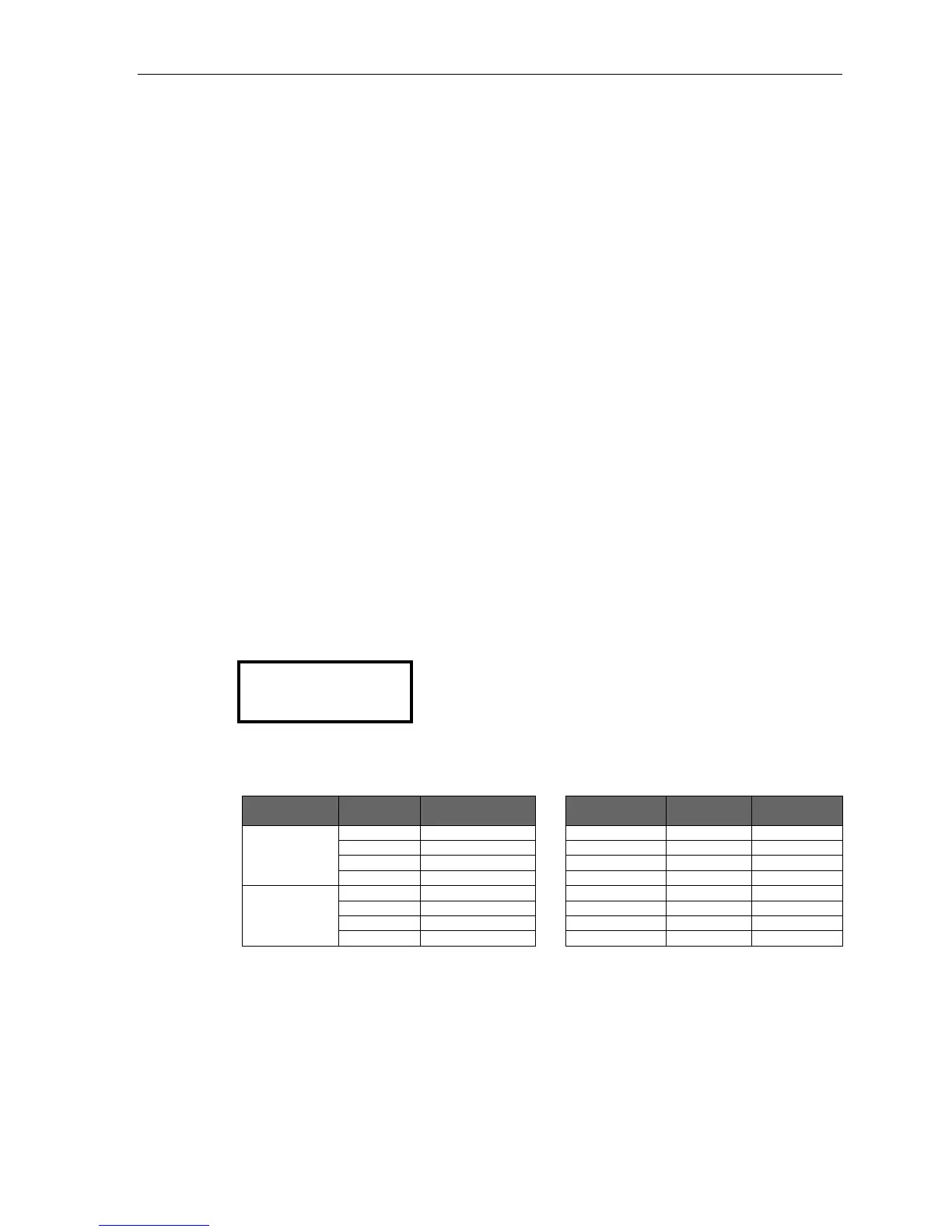
ESI phone Module or
carrier card
Keys lit ESI phone Module or
carrier card
Keys lit
ESI-60 A Left-side 1, 2, 3, 4 48-Key A 1, 2, 4, 5
B Left-side 5, 6, 7, 8 B 8, 9, 11, 12
C Right-side 1, 2, 3, 4 C 13, 14, 15, 17
D Right-side 5, 6, 7, 8 D 20, 21, 23, 24
ESI-40 A 1, 2, 3, 4
B 5, 6, 7, 8
C 9, 10, 11, 12
D 13, 14, 15, 16
(Continued)



 To Next Page