IP Server 900 Programming Manual Function 4: Auto attendant programming
G.2
GoTo branch
A GoTo branch transfers the caller to an extension, department, mailbox, branch ID, or an outside number:
• GoTo dial — The GoTo: dial branch automatically blind-transfers the caller to the extension or
department number programmed as its destination. If the number listed is a department, the system will
follow the programming as set in Function 33 (see page F.28). If the destination extension or department
dialed is busy or does not answer, the call will follow call forwarding for the extension as programmed in
Function 31 (see page F.2) or the department as programmed in Function 33 (see page F.28).
• GoTo mailbox — Routes a caller to that mailbox’s personal greeting. The mailbox can be a user,
a guest/information mailbox, a group mailbox, cascade notification mailbox, or Q & A mailbox.
• GoTo branch — Can also be used to jump to any other branch in the auto attendant. It is a good idea to
provide a jump as a sub-branch of each menu branch, giving the caller the option either to repeat the
menu or exit without making a selection.
Example: “For widget sales, press 1. For gadget sales, press 2. Or, to return to the main menu, press 3.”
In this case, the third sub-branch would be a GoTo branch with ID1 (the main greeting) as its
programmed destination.
• GoTo outdial — The GoTo branch can be used to transfer to an off-premises location, either in
conjunction with Centrex lines or trunk-to-trunk. When you select GoTo, the system will prompt you for
one of those two options.
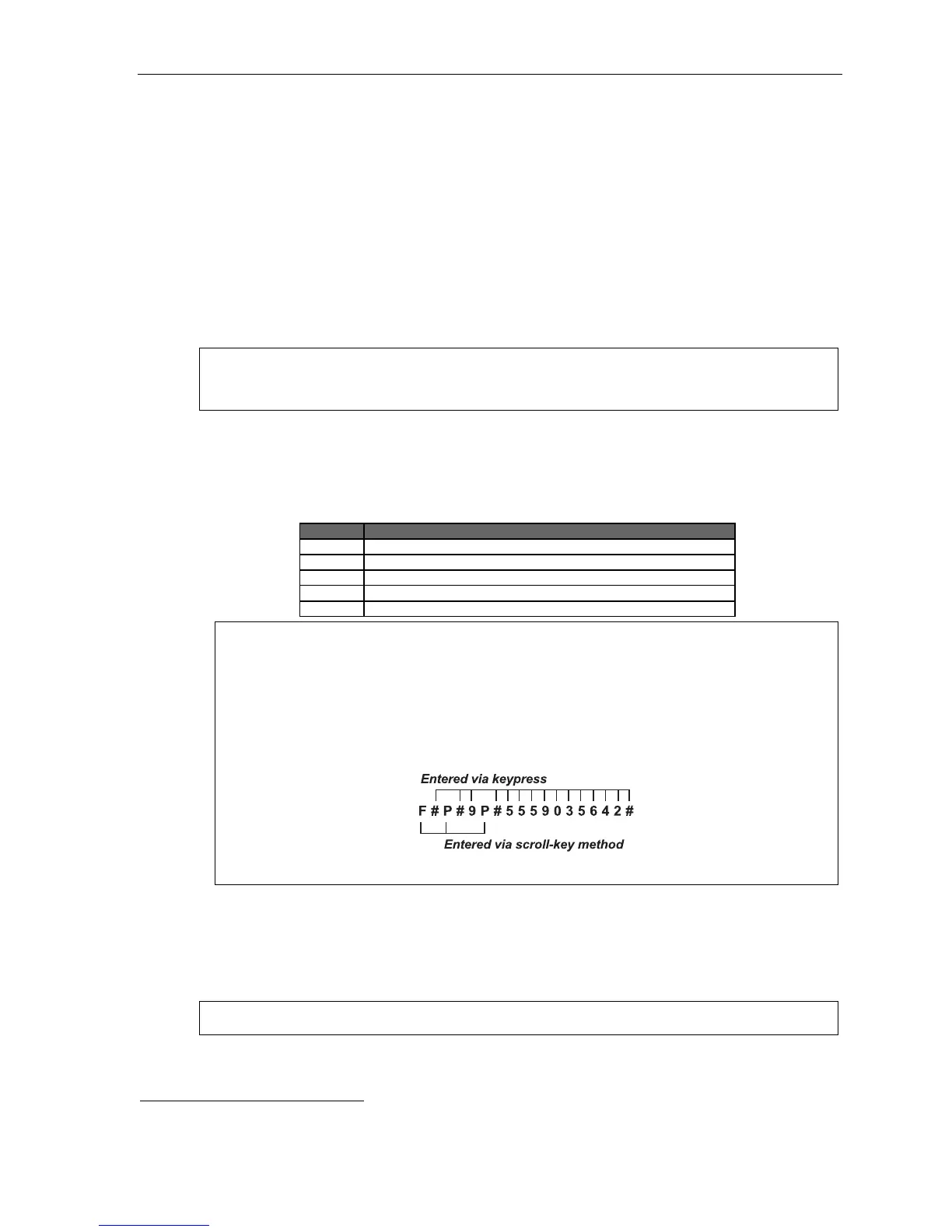
The branch’s dial string can be programmed to include pauses, flash hooks, etc. Use the scroll key to
enter special characters; use the scroll key to backspace. Press # to confirm the inserted character and
continue. Press # # to complete the entry. The codes are:
Code Produces . . .
# # DTMF tone
DTMF tone
F Flash hook
P Two-second delay
E The most recently attempted extension number
Example: To create an outdial string for Centrex that...
• Sends a flash hook
• Dials a two-second delay
• Dials 9 (Centrex access code)
• Dials another two-second delay
• Dials 555-903-5642 (a local 10-digit call, in this example)
• Goes on-hook
... enter the following dial string:
[the system will display F 9 5 5 5 9 0 3 5 6 4 2 ]
If you selected Centrex:
The system will dial the string as programmed and then release the call to Centrex to complete
the connection.
1
If you selected trunk-to-trunk:
The system will access another CO line to call the outdial number.
Note: Two CO lines will be utilized, one for the inbound call and one to call the outdial number.
(Continued)
1
Be sure the flash hook duration (Function 151, page D.4) is set for the correct timing recognized by the local telco provider.



 To Next Page