IP Server 900 Programming Manual Function 5: Voice mail programming
H.4
Function 551: Message notification numbers
Programming of the station options, as shown below, can be performed by the Installer or Administrator.
In addition, the user can change his phone number and pager number (but not phone or pager delay time).
The phone number’s maximum length is 24 digits.
1.
Number
2.
Delay
3.
Attempts
4.
Interval
5.
Quiet on
6.
Quiet off
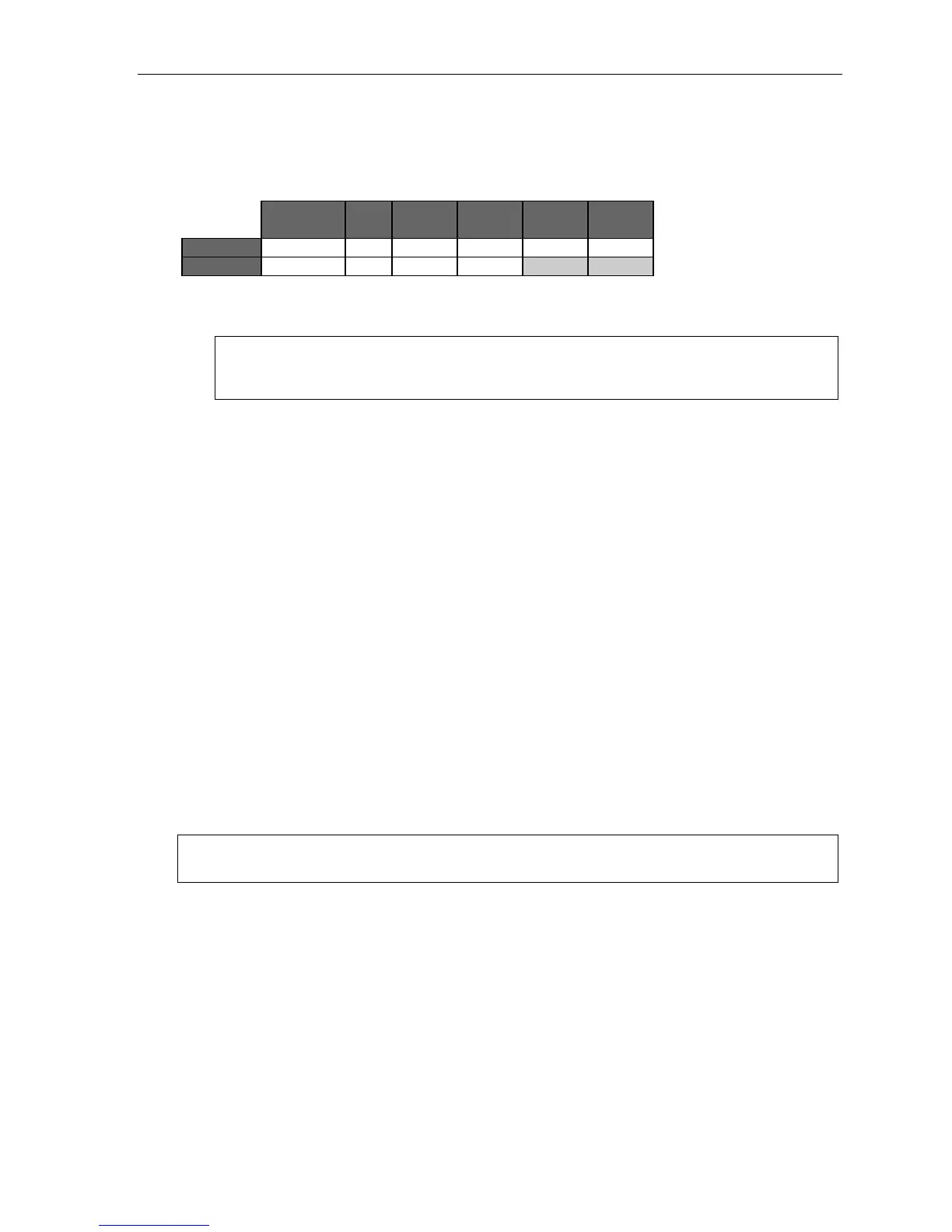
1. Phone 2145556789 30 6 60 10:30PM 7:15AM
2. Pager 2145551234 0 10 30
To program, enter the extension number to program and select phone or pager to program. Then, enter:
1. Phone/pager number — The number to be dialed (without the CO line group).
Note: Use the scroll key to enter special characters; use the scroll key to backspace. Press # to
confirm the inserted character and continue. Press # # to complete the entry.
To change the number, delete and then re-enter it.
2. Delay — How many minutes the system is to wait before dialing the phone or pager number.
This allows the user to pick up a message if he is in the office.
Range: 0–500. Default: 0.
3. Attempts — How many times that the system will call/page.
Range: 0–99. (0 turns off delivery.) Default: 3.
4. Interval — How many minutes should elapse between attempts.
Range: 10–1440. Default: 30.
5. Quiet period on — When the quiet period should begin.
Default: (None.)
6. Quiet period off — When the quiet period should end.
Default: (None.)
Function 552: Message delivery parameters
The sequence of programming is as follows:
1. CO line access — Enter the CO line group (9, 8, or 71–76) to be accessed for delivery.
Default: 9.
2. Pager dialing pause — When paging, the IP Server 900 will send the mailbox number to be shown in
the pager’s display. To allow time for the paging service to answer, enter the pause, in seconds, to
occur between when the system dials the pager number and when it then dials the mailbox number.
Range: 0–20. Default: 6.
Note: The message notification and delivery process uses one CO line at a time. As a result, if a system has
multiple users who have programmed delivery options, there may be a delay in notification.



 To Next Page