IP Server 900 Programming Manual Function 2: CO line programming
E.31
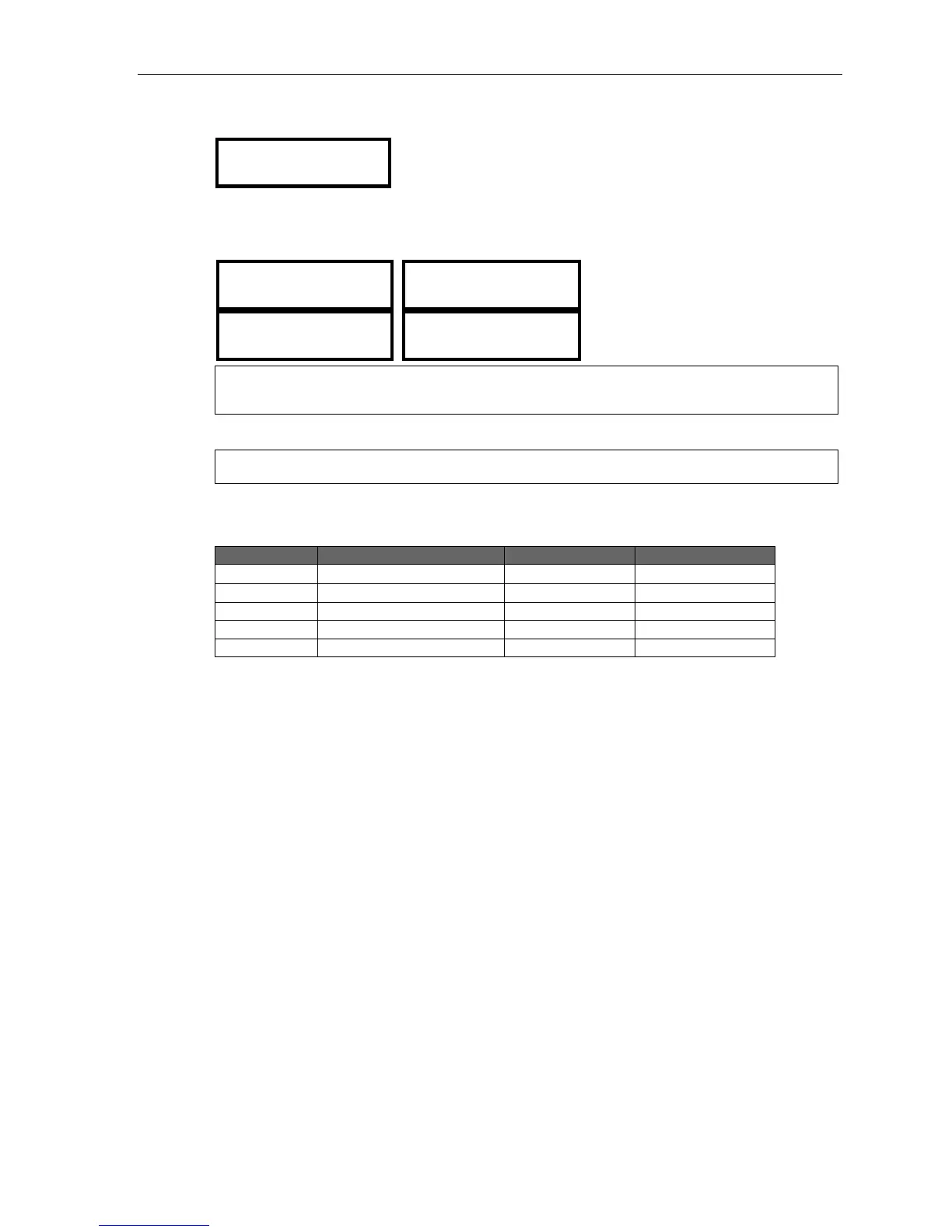
4. The system will prompt you for the night mode’s call routing:
DID# 9724229700
NGT EXT: >
Use the scroll keys to select whether you’re routing to a branch (ID), mailbox (MB), extension or
department (EXT), or the fax server; then enter the number. Here are examples, based on the example
table below:
DID# 9724229702
NIGHT ID: 1 >
DID# 9724229702
NIGHT MB: 100 >
DID# 9724229703
NGT: ESI FAX >
DID# 9724229703
ASSC EXT: 100 >
Note: If routing to the fax server, enter the associated extension to be used for sending the fax PDF file
via the e-mail setting in user programming 652/653.
When done with this step, press # to finish.
Note: Pressing HOLD will delete an entry.
Here’s an example:
DID or DNIS Name Day translation Night translation
9724229700 X105 X105
9724229701 X290 MB410
9724229702 ID12 MB400
Exceptions Operator (X100) Operator (X100)
9724229703 Fax over e-mail ESI FAX ESI FAX



 To Next Page