IP Server 900 Programming Manual Function 2: CO line programming
E.33
4. The system prompts you to select a distinctive CO ring tone for this pilot number:
CO RING TONE
TONE NORMAL >
Use the scroll keys to make a selection (or leave the setting as it is). Then, press #.
Range: 1–6 or normal (disabled, thus using user-selected ring-tone). Default: Normal (disabled).
5. The system prompts you for the answer ring assignment for day mode.
RING 1 D
ID:1 >
To select a station, mailbox, branch ID, or the internal ESI Fax over e-mail server, press a scroll key
and enter the new value (or leave the setting as it is). Then, press #.
6. The system prompts you for the answer ring assignment for night mode.
RING 1 N
ID:1 >
To select a station, mailbox, branch ID, or the internal ESI Fax over e-mail server, press a scroll key
and enter the new value (or leave the setting as it is). Then, press #.
7. Repeat steps 1–6 for the remaining pilot numbers.
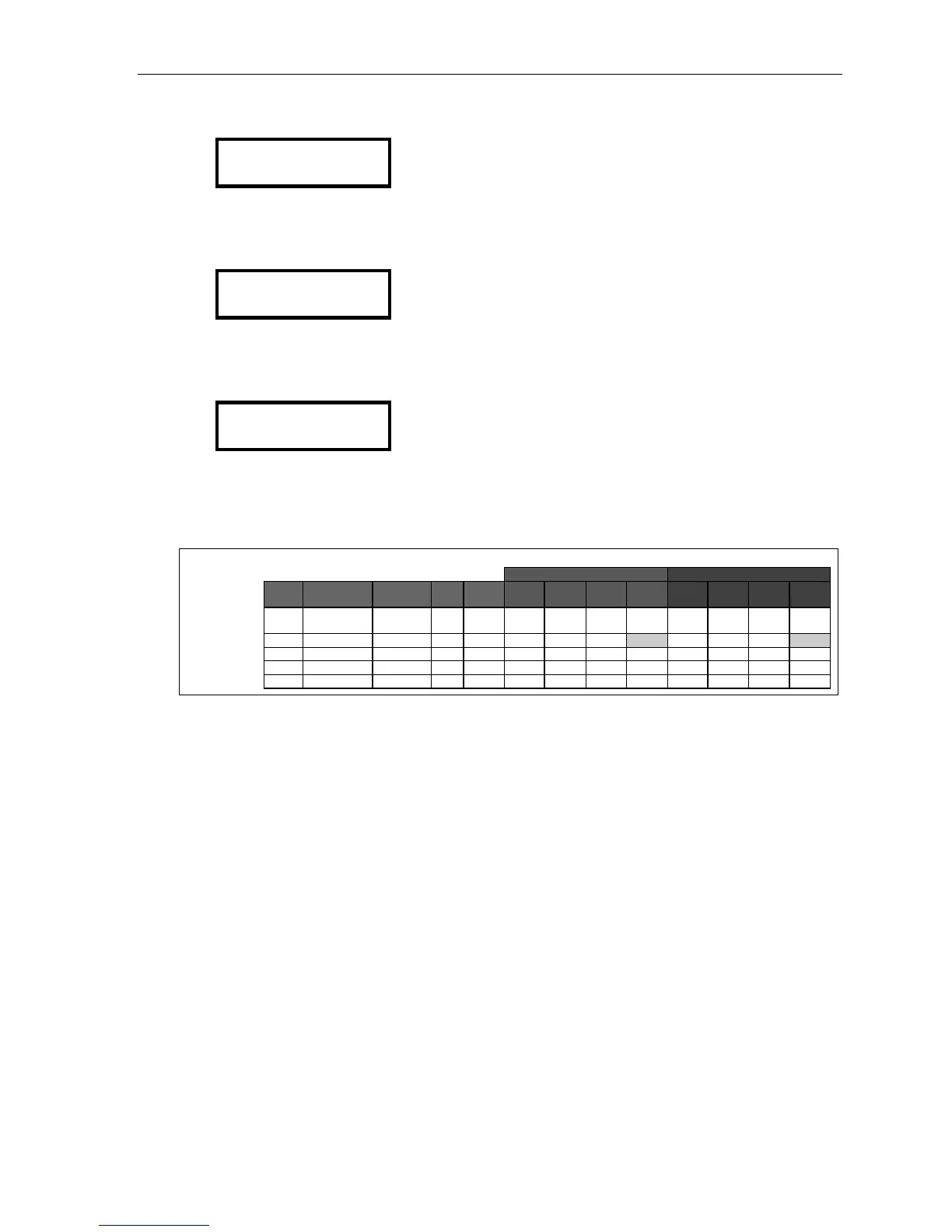
Example:
Day Night
Entry
no.
Pilot no. Name Max
chs.
Ring
tone
Ring
1
Ring
3
Ring
5
Ring
9
Ring
1
Ring
3
Ring
5
Ring
9
1 2145551452 ABC Co. 16 X100 X100,
X101
X101 ID1 MB100
MB100
MB100
MB100
2 1245 Private line
1 X106 X106 MB106
MB106
MB106
MB106
3
4
5
Tenant service and pilot numbers
If tenant service is enabled, the first pilot number (i.e., entry 1) is used for tenant 1’s outgoing Caller ID,
and so on through entry 8 for tenant 8’s outgoing Caller ID. When a station (or the station’s voice mailbox)
originates an outgoing call via a PRI channel or SIP trunk, the pilot number of the station’s tenant will be
used for that call’s outgoing Caller ID. Also: any auto attendant outdial branches that originate from branch
ID 1 will use Caller ID for tenant 1, and so on through branch ID 8 for tenant 8.



 To Next Page