IP Server 900 Programming Manual General description
A.6
Range reassignment (Function 34 extended; IP Server 900 Web ESI System
Programmer only)
Included in IP Server 900 Web ESI System Programmer, flexible number range assignment is used to
change the numbers of a block, or range, of extensions or guest mailboxes.
1
Range reassignment can be
used either at time of installation or after the system is installed.
Number reassignment (Function 34)
Number reassignment lets you assign new (or reassign existing) individual extensions
2
, departments, and
guest mailbox numbers — all throughout the entire Esi-Link network.
Station move (Function 30)
Station move is used by the Installer or System Administrator to move, or exchange, extension numbers and
other station information between extensions of the same station type.
3
Programmable feature keys, personal
greetings, voice mail messages, and other system information are automatically and instantly exchanged
between the two stations when this is done.
Esi-Link and flexible numbering: Limitations
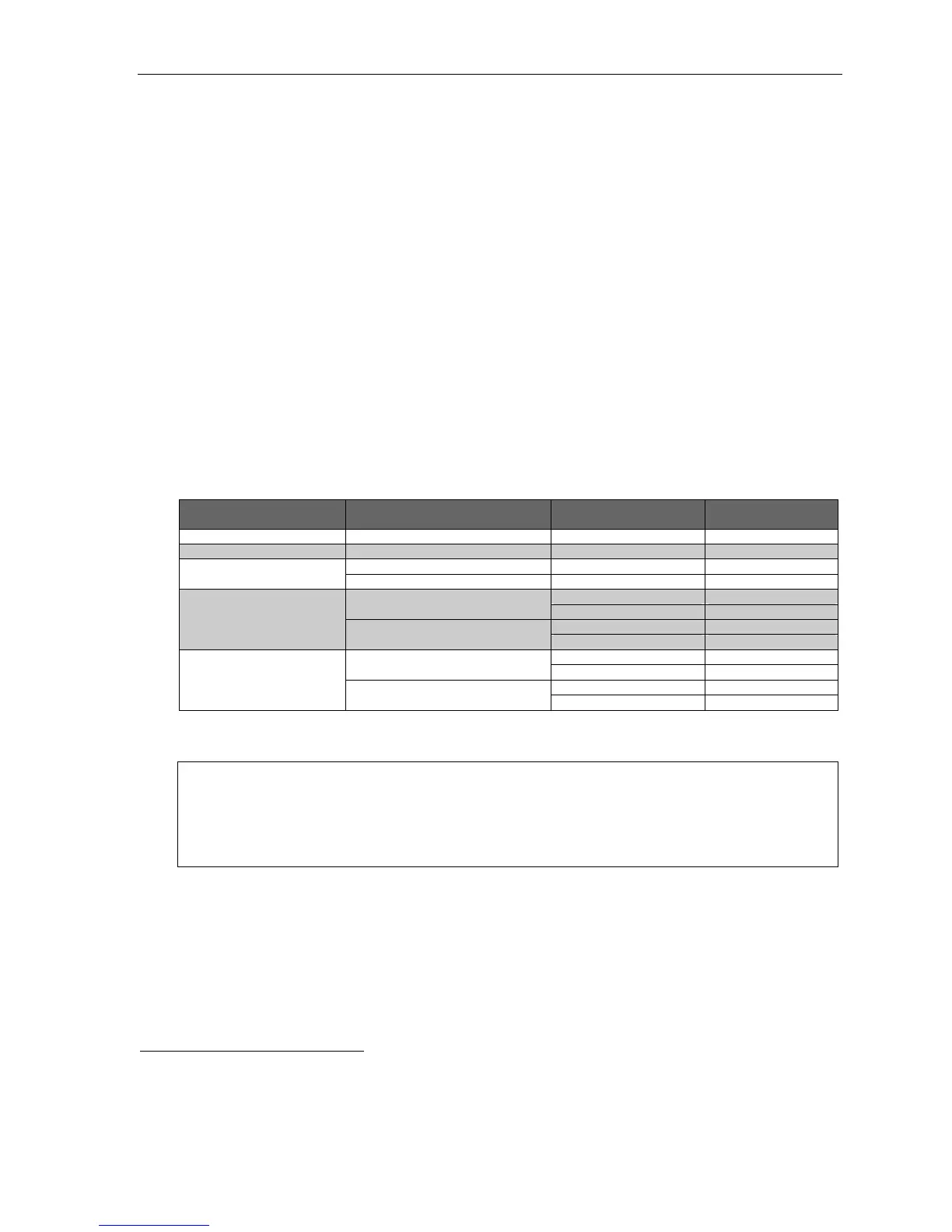
The following table lists the Esi-Link compatibility of various ESI products with an IP Server 900 using
flexible numbering.
REMOTE site’s ESI system
REMOTE site’s
system software version
LOCAL system’s
numbering plan template
Resulting Esi-Link
compatibility
IP Server 900 [All] Any Complete
ESI-1000, -200, -100, or -50 [All] Any Complete
Feature Set II (16.1.0 or higher) Any Complete
ESI-600
Feature Set I (15.2.x or lower) Any Limited
Any three-digit Limited
10.6.0 or higher
Any four-digit None
Dial plan template 100 Limited
IVX X-Class
10.5.x or lower
Any other dial plan None
Any three-digit Limited
2.5.2 or higher
Any four-digit None
Dial plan template 100 Limited
IVX E-Class Generation II
2.5.1 or lower
Any other dial plan None
In this chart, limited compatibility means that, when you use Function 34 (number reassignment), you must
keep the extension and mailbox ranges within their original numbering plan template ranges.
Example: Let’s say your local system is an ESI-600 using numbering plan 100. If you swap extension 100 with
mailbox 300 — i.e., so that station 100 is now extension 300, and mailbox 300 is now mailbox 100 — an
IVX X-Class system that dials station 300 over Esi-Link won’t be able to process the call correctly,
because that station is no longer within the numbering template. However, if you merely swap
extensions 100 and 120 on that same ESI-600, an Esi-Linked IVX X-Class will be able to process a call
to extension 120 (because the changed extension is still within the numbering template).
For proper operation, two or more Esi-Linked IP Server 900 systems should all be running the same system
software version. However, an ESI system without flexible numbering-compatible system software will still be
compatible with an IP Server 900 with flexible numbering-compatible system software; yet, the IP Server 900
with flexible numbering will remain subject to the same Function 34-related limitations described above.
1
Range assignment of department numbers and special-purpose mailboxes is not supported at initial release of this system software. However,
Function 34 can be used to reassign department numbers.
2
Valid extensions also can be swapped throughout the Esi-Link network.
3
Such stations must be like types — e.g., ESI digital phone to ESI digital phone, ESI IP phone to ESI IP phone, or analog extension to
analog extension.



 To Next Page