IP Server 900 Programming Manual Function 3: Station programming
F.26
Function 322: Advanced feature authorization
This function allows authorization of some other ESI features, particularly those involving licensing.
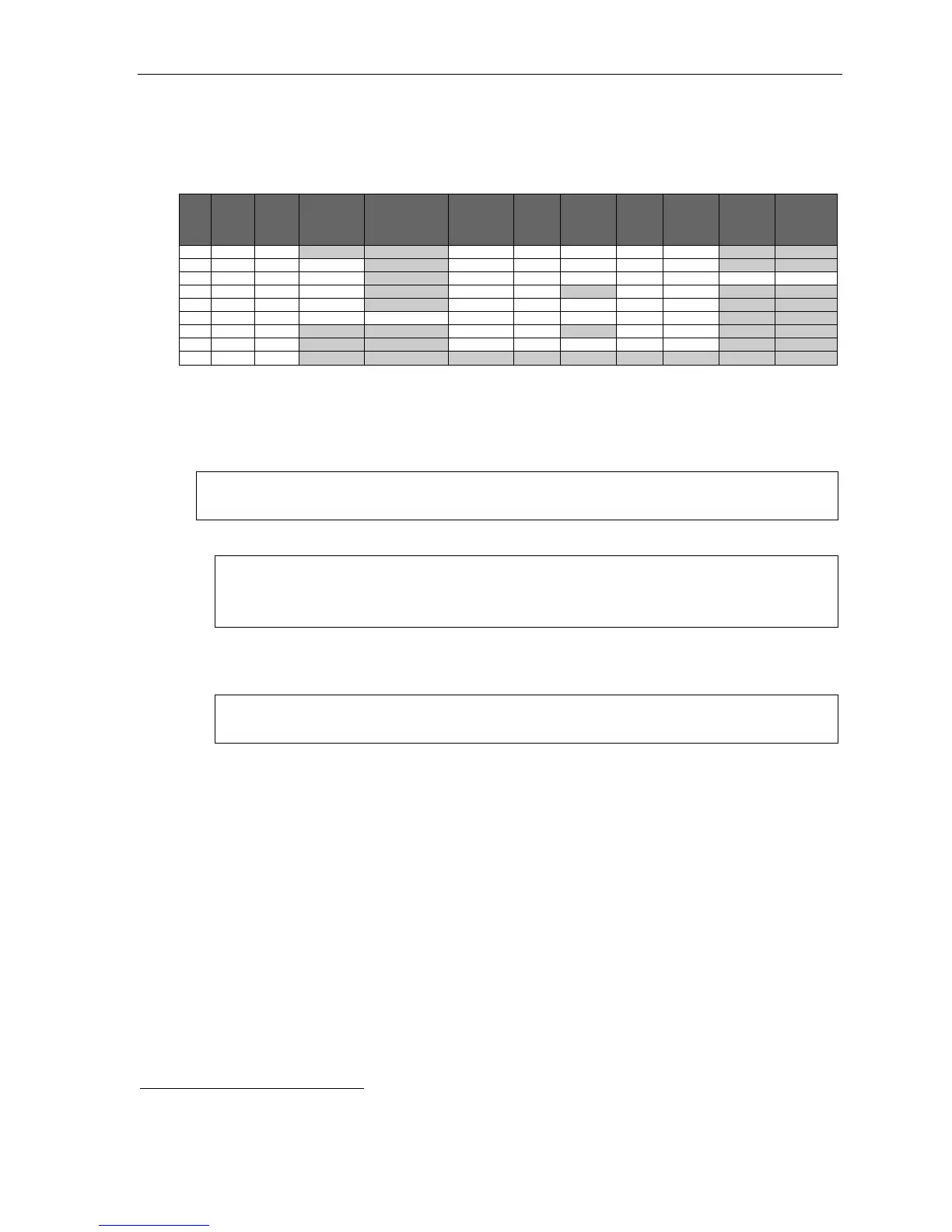
Below is an example of a completed Function 322 programming worksheet.
1.
Ext.
2.
Name
3.
VIP 7
4.
Type
5.
VIP 7 ACD
Supervisor
department(s)
6.
Video
Viewer
Advanced
7.
Media
Mgr.
8.
Media
Mgr.
Admin.
9.
Video
files
10.
Call
record
11.
SMDR
12.
Fob
events
XXX
Default N N N N N N
100 Jane Y Attendant Y Y N Y Y
101 Roger Y VIP 7 Y Y Y Y Y Y Y
102 Sally Y VIP 7 N N N N
103 John Y Agent Y Y N Y Y
104 Dave Y Supervisor 290, 291 Y Y N Y Y
105 Bob N N N N N
106 Kathy N Y Y N Y Y
110*
Bill N
Here are the programming steps.
1. Ext. — Enter the extension number to program.
2. Name — Enter the name of the extension.
Note: For more information on the VIP 7 family of software applications mentioned in steps 3–6, refer to the
VIP 7 User’s Guide (ESI # 0450-1349).
3. VIP 7 — Scroll to enable (YES) or disable (NO) the extension to use an VIP 7 application.
1
Notes: Before enabling VIP 7 Softphone in Function 322, you must first complete Function 31
programming for the PC phone (see Function 31 information, beginning on page F.2).
If you select NO in this step, the remaining steps are non-applicable and won’t appear.
4. Type — Scroll to select which VIP 7 application the extension can use.
Choices: VIP7 (VIP 7), ATTEND (VIP 7 PC Attendant Console), SPVR (VIP 7 ACD Supervisor), AGNT
(VIP 7 ACD Agent), and SOFT (VIP 7 Softphone).
Notes: If you select VIP 7 Softphone and the extension hasn’t previously been programmed in Function
31 as a Local or Remote PC Phone, an error message will play.
5. VIP 7 ACD Supervisor departments (this step appears only if you selected SPVR in step 3) —
Enter the ACD department numbers for which this extension is a supervisor.
Maximum: 4.
(Continued)
* An example of an analog phone.
1
VIP 7, VIP 7 PC Attendant Console, VIP 7 ACD Supervisor, VIP 7 ACD Agent, or VIP 7 Softphone.



 To Next Page