3 Mouse and Front Panel Operation
ECOR series DVR supports multiple sources to control the DVR. It can be controlled with a mouse, the
front panel, an EKB500, the handheld remote control, or serial command from RS232 port.
This chapter will cover the basic operation using mouse and front panel.
3.1 General USB Mouse Operation
3.1.1 OSD Root Menu
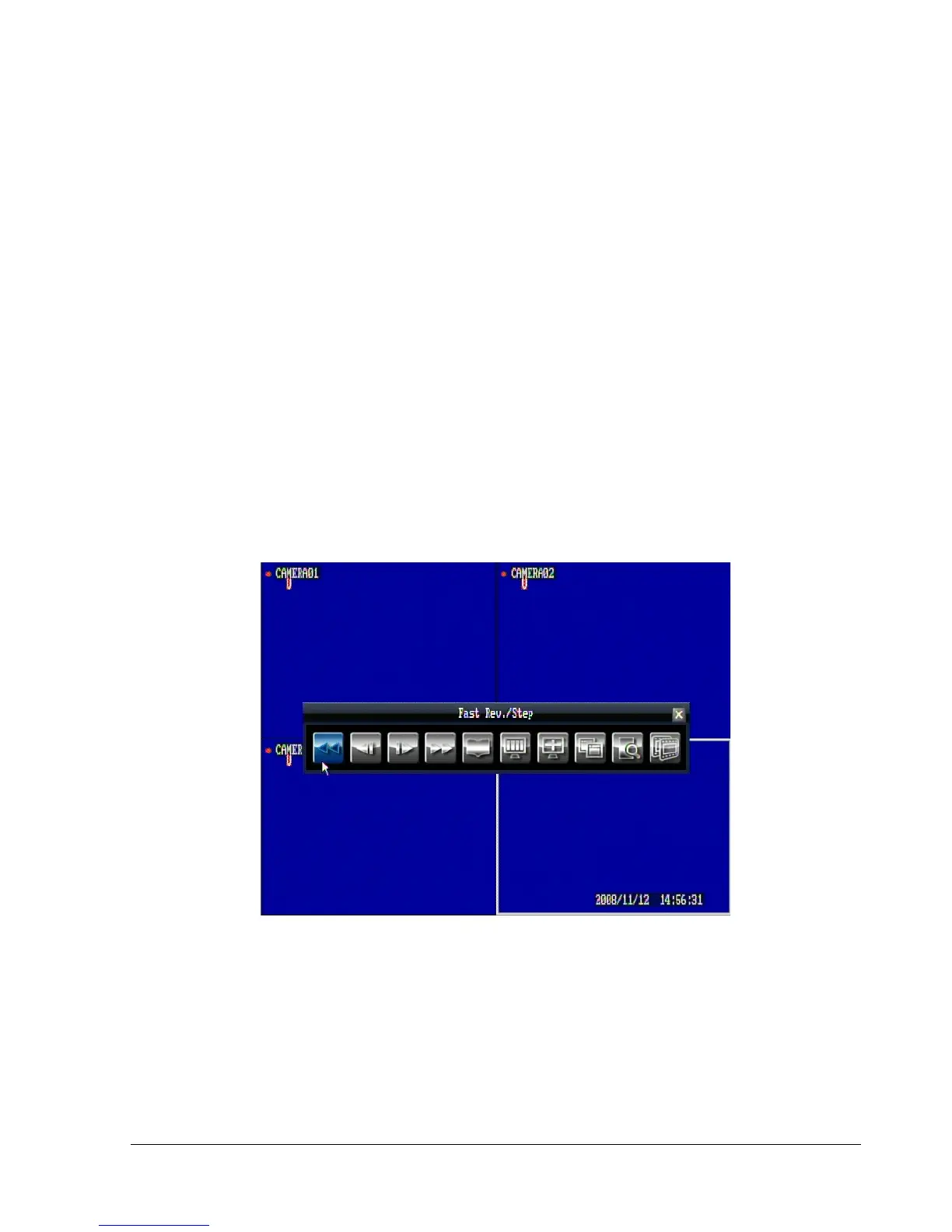
1. Right-click the mouse to obtain DVR control bar (see Figure 3.1). When you move the mouse over each
icon, the appropriate title will be displayed on top of the control bar.
Figure 3.1
2. Click on any icon to perform that action. These actions are covered in detail in Chapter 4.
3. Click the “x” sign in the top-right corner to close the DVR control bar.















 To Next Page