7.2 IE Browser Setting & Active X Control Installation
7.2.1 Installing ActiveX controls
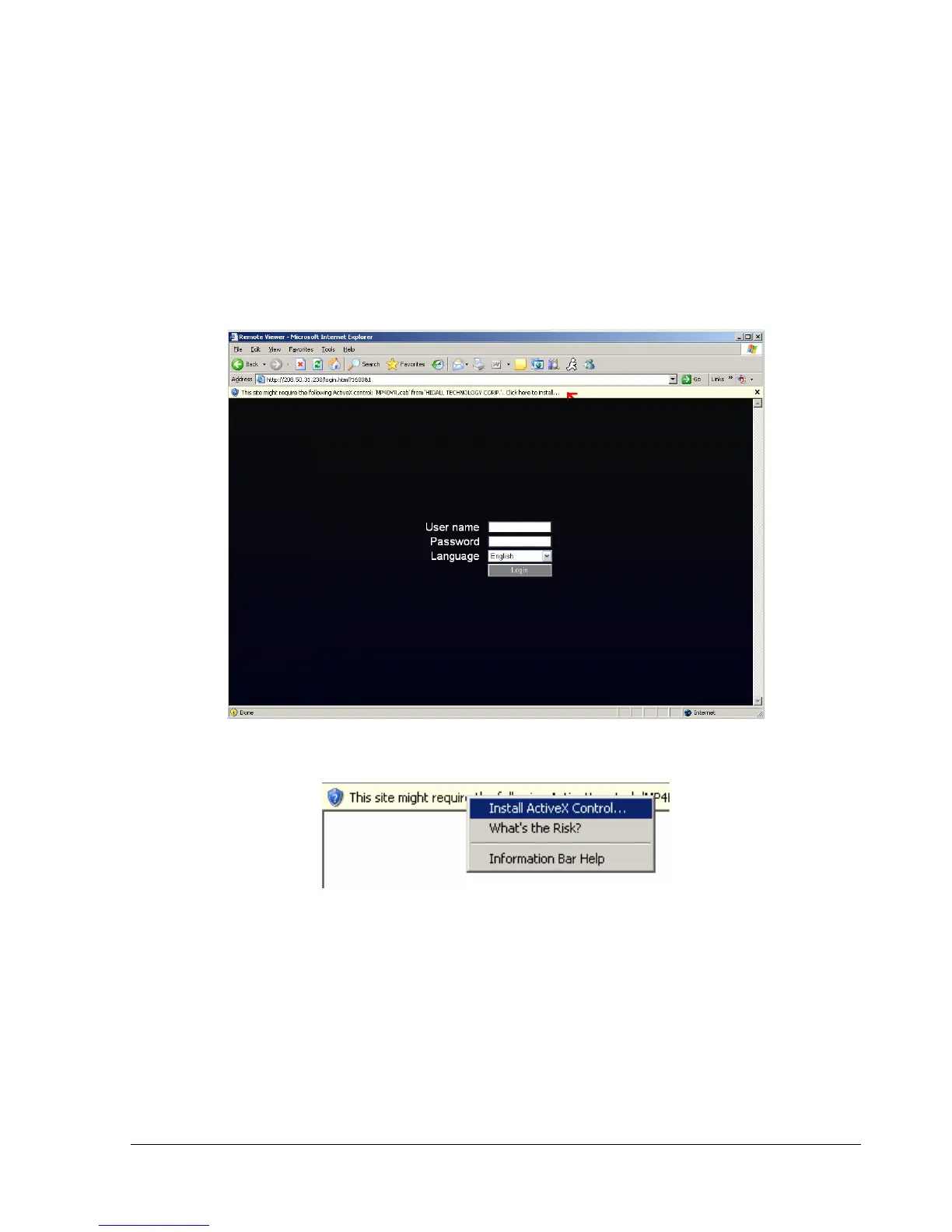
When you first connect to the DVR’s IP address, you should see a screen like the one below. If you do not
see a yellow bar like the one the arrow is pointing at, your security settings may be too high. If so, go to the
section labeled “Enabling ActiveX Controls.”
Right click on the yellow bar and select “Install ActiveX Control…”















 To Next Page