5.8 Display Setting
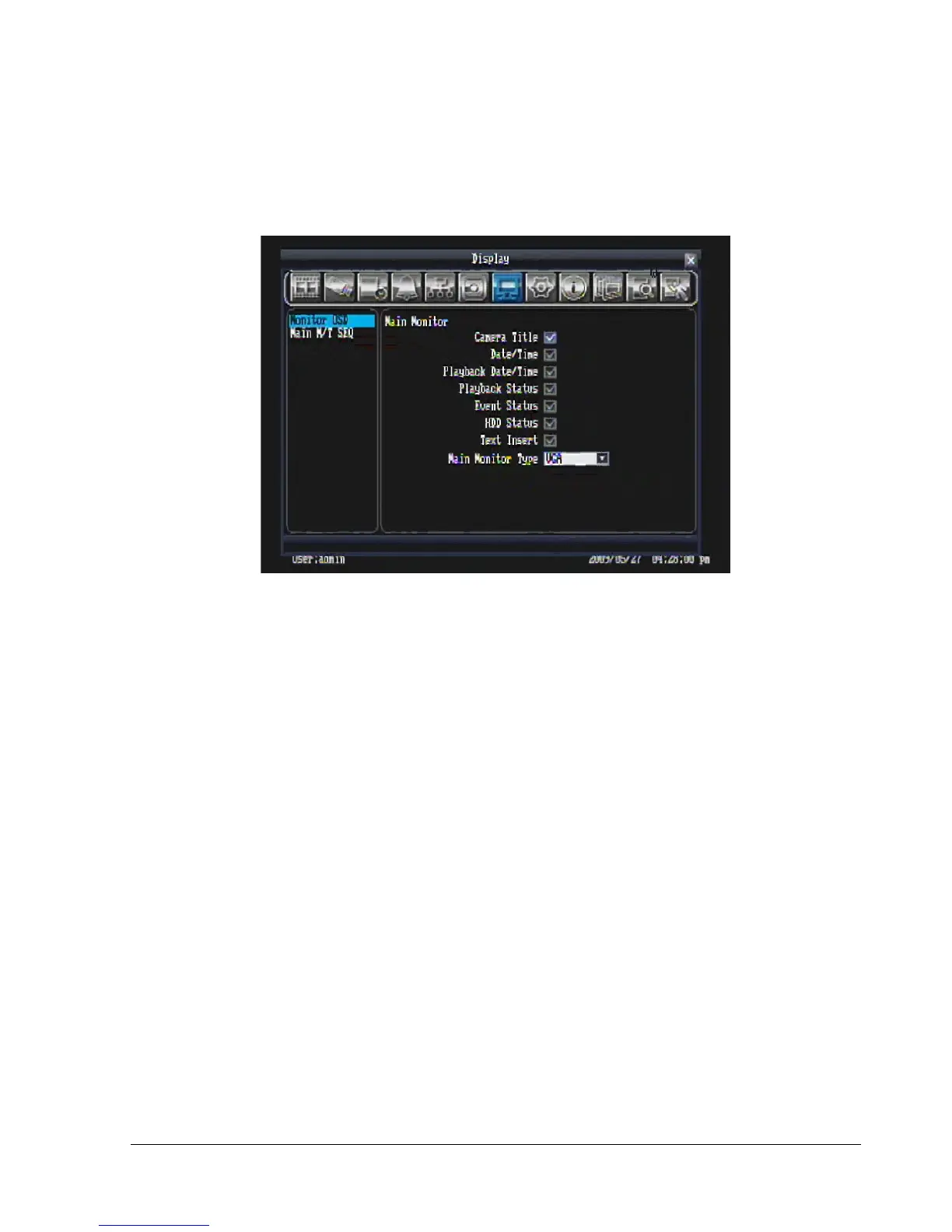
Figure 5.21 is a screen shot of the DISPLAY SETTING MENU. This menu will walk you through Monitor
On-Screen Display (OSD) and Main Monitor Sequential setup.
Figure 5.21 (Display Menu – Monitor OSD)
5.8.1 Monitor OSD
These are the display options for the Main Monitor.
Camera Title: Check the box to display camera titles.
Date/Time: Check the box to display current date/time.
Playback Date/Time: Check the box to display playback date/time.
Playback Status: Check the box to display playback status.
Event Status: Check the box to display event status.
HDD Status: Check the box to display hard drive status.
Text Insert: Check the box to display data transmitted from external RS232 device.
Main Monitor Type: The DVR supports both VGA and BNC outputs, but only one can have optimized
display quality. Use this option to choose which output is optimized.















 To Next Page