From: Select starting date and time
To: Select ending date and time.
Camera: Select which cameras to search for.
Event: Select which event type(s) to search for. Choose from Alarm, Motion, Video Loss, or System Event.
Click on the “Search” button to start searching. The search results will be shown as a list of events,
explained in section 4.8.4.
4.8.3 Smart Motion Search
In order to perform a Motion Search, motion must be enabled first (see “5.3.3 Camera Setting – Motion”).
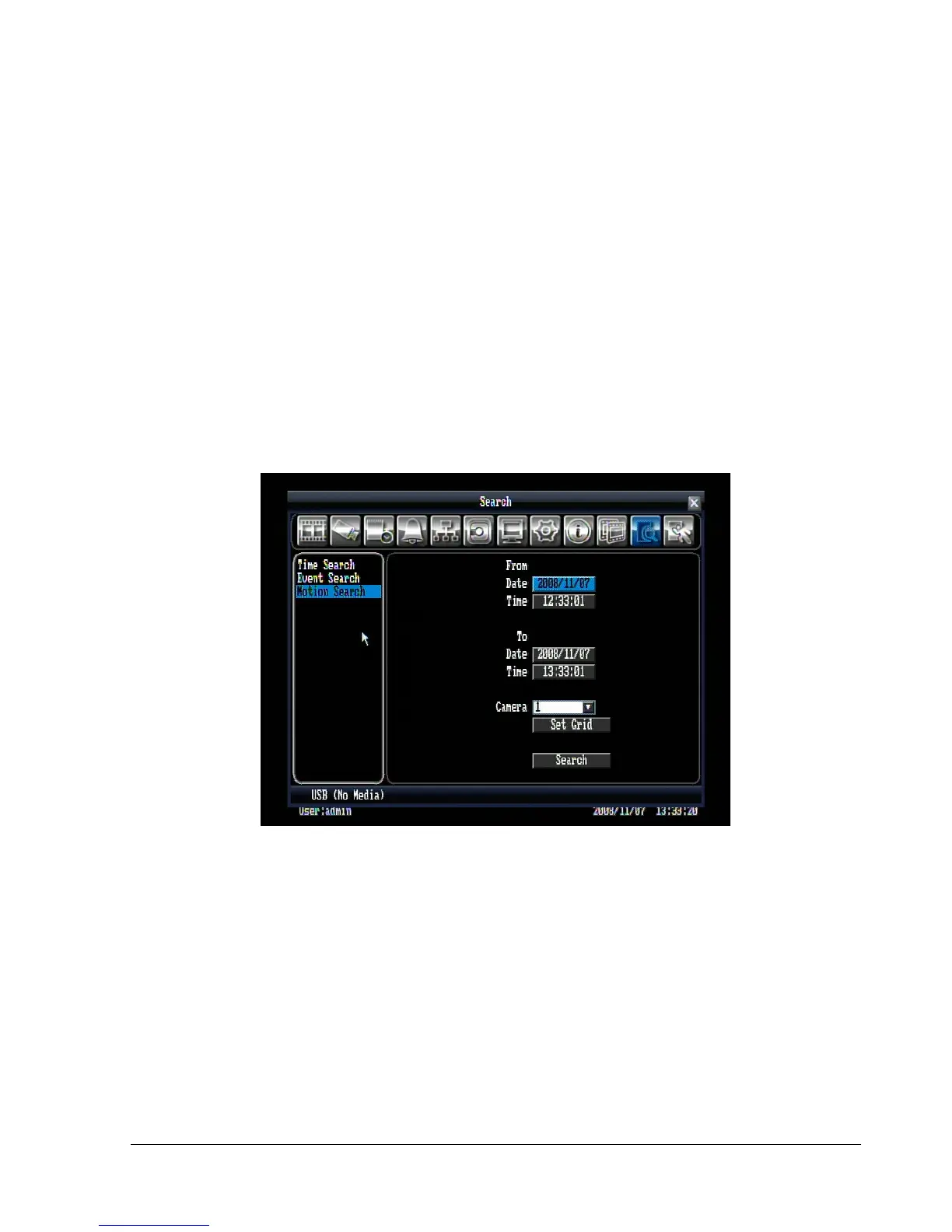
Figure 4.8 (Search Menu – Motion Search)
From: Select motion search starting date/time.
To: Select motion search ending date/time.
Camera: Select camera number to be searched.















 To Next Page