5.10 Information Setting
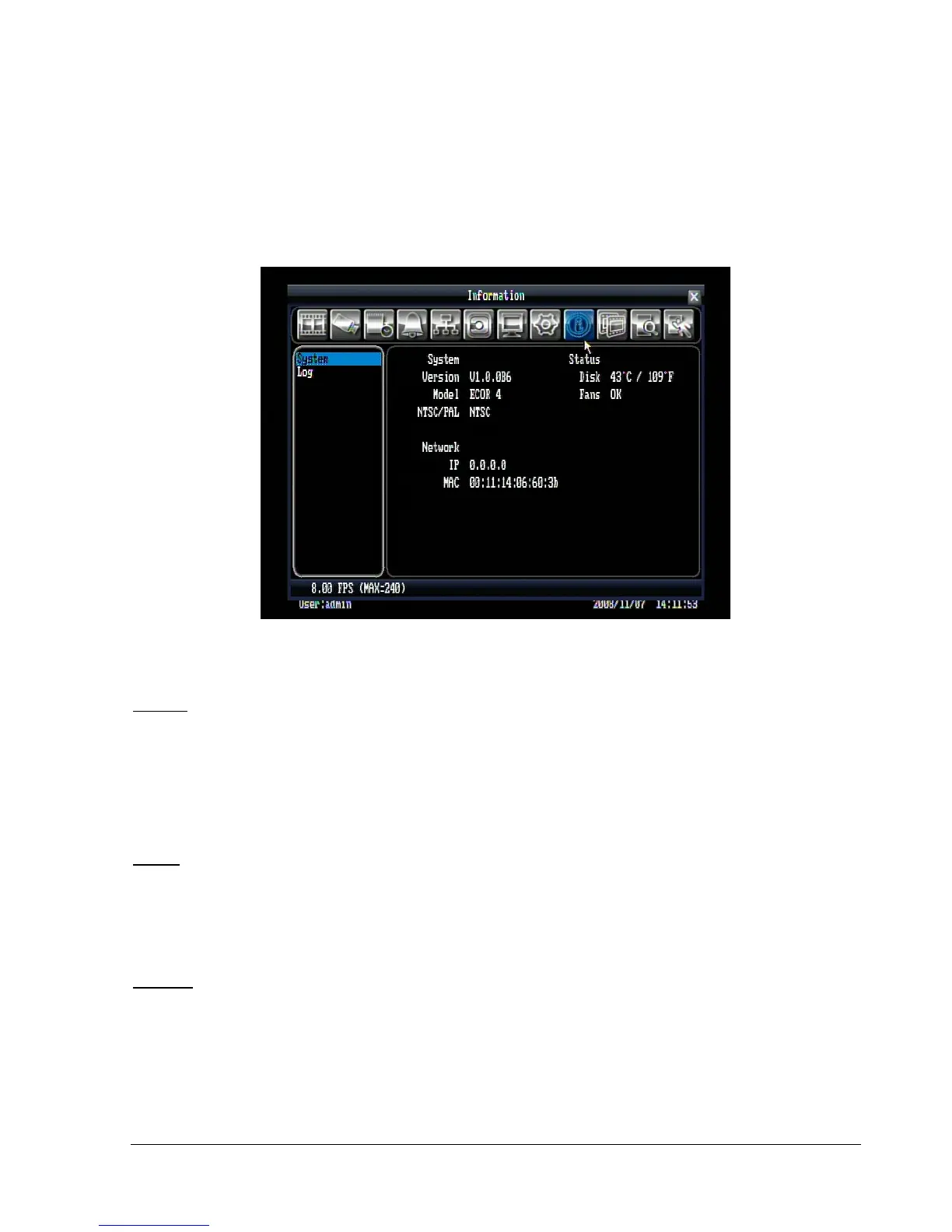
Figure 5.29 is a screen shot of the INFORMATION SETTING MENU. This menu will walk you through the
System and log setup.
Figure 5.29 (Information Menu – System)
5.10.1 System
System
Version: Displays firmware version number.
Model: Displays DVR model number.
NTSC/PAL: Displays current video format.
Status
Disk: Displays disk temperature.
Fans: Displays fan status.
Network
IP: Displays the DVR’s current IP Address.
MAC: Unique address of the DVR’s internal network card. This option cannot be changed.















 To Next Page