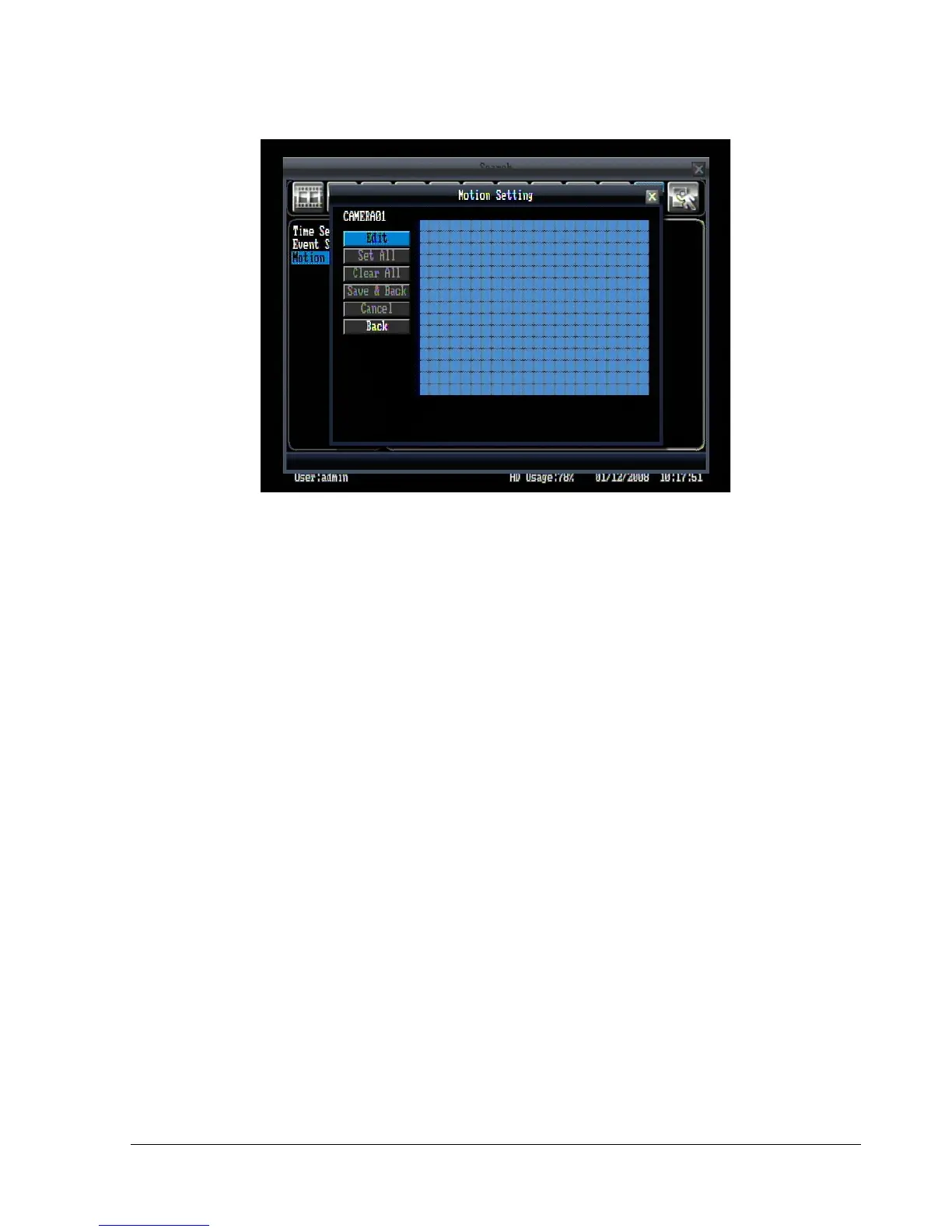
Figure 4.9 (Search Menu – Set Grid)
Set Grid:
Choose which areas of the motion grid will be included in the search. The areas you set in motion search
must also be active in the motion settings of the Camera Setting Menu. Press “Edit” button to start editing
motion grid. Use the mouse to drag your desired area. Press “Set All” button to select the entire area.
Press “Clear All” to deselect the entire area. Press “Save & Back” to save the motion grid setting and go
back to Motion Search menu. Press “Cancel” to cancel motion grid editing. Press “Back” to return to
Motion Search menu. (See Figure 4.9)
Press “Search” button to start searching.
4.8.4 Search Result
Time search will jump directly to the specified time and begin playing back.
Event search and motion search are displayed as an event list, shown in Figure 4.10.















 To Next Page