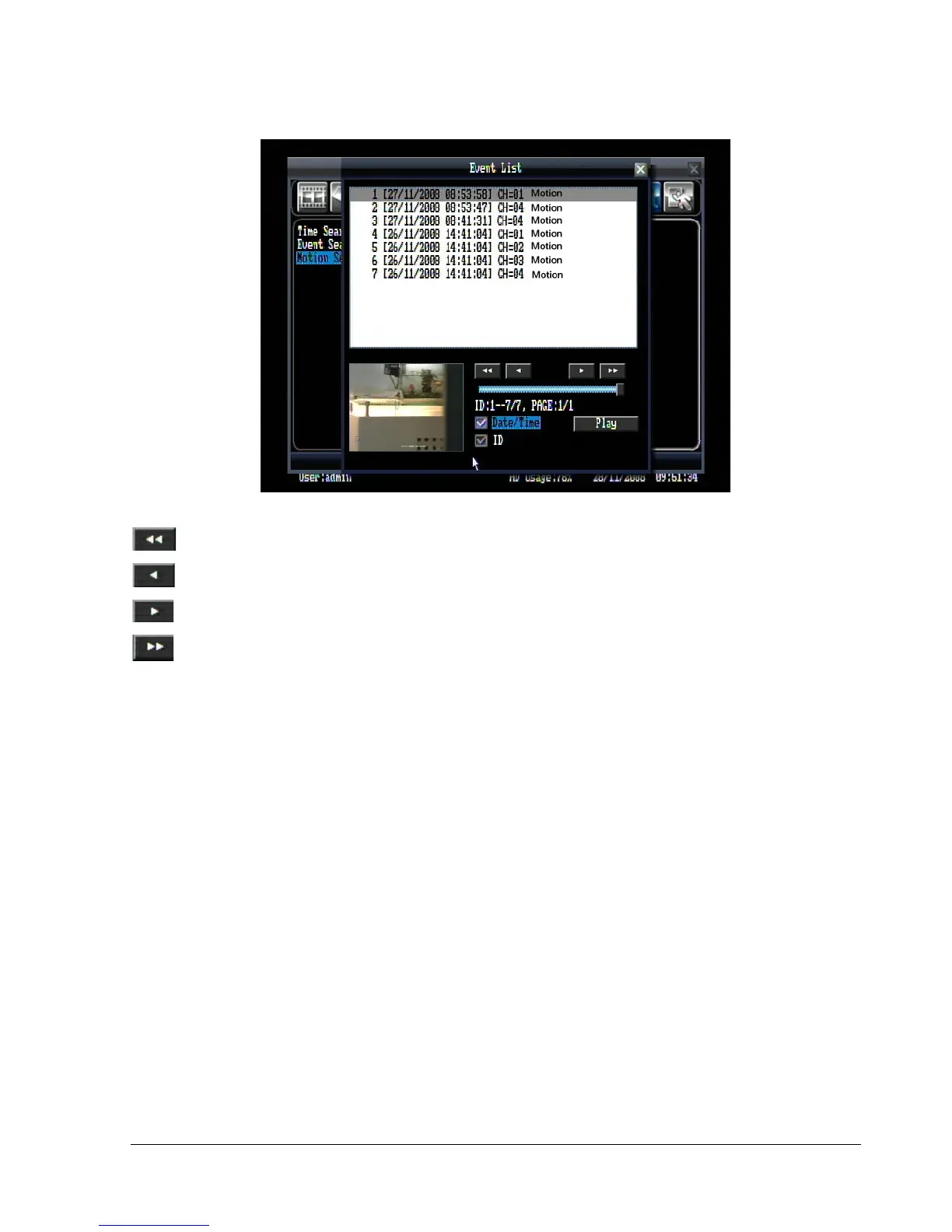
Figure 4.10 (Search Menu – Event List)
: Go to the first page of event list.
: Go to the previous page of event list.
: Go to the next page of event list.
: Go to the last page of event list.
Click on any event to highlight it.
Date/Time: Check the box to show date and time in the list.
ID: Check the box to show event ID in the list.
Press “Play” button to playback the selected event.















 To Next Page