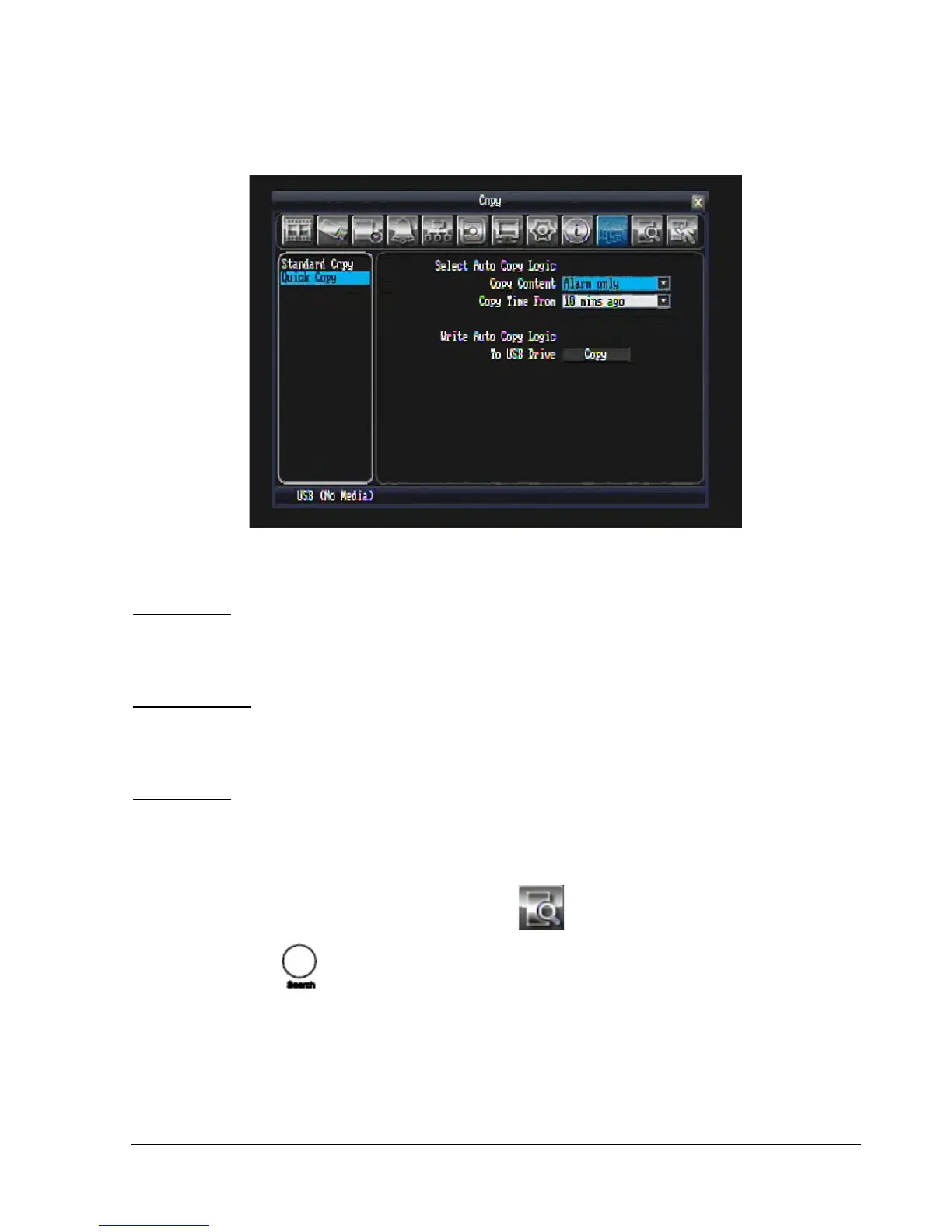
4.7.2 Quick Copy
Figure 4.5 (Copy Menu – Quick Copy)
Select Auto Copy Logic:
Copy Content: Select content to be copied.
“Alarm only” will copy only Alarm events within the selected time.
“All” will copy all video within the selected time.
Copy Time From: Select how far back you wish to copy from the drop-down list.
Write Auto Copy Logic:
To USB Drive: Press button to Copy video file to USB.
4.8 Search
By mouse: Right-click to bring up the menu bar and click to enter Search Menu.
By front panel: Press key to enter Search Menu.















 To Next Page