Record Audio: Check the box to record audio.
Resolution: Select recording resolution based on video format
NTSC: 704x480 / 704x240 / 352x240
PAL: 704x576 / 704x288 / 352x288
Time Stamp: Select if the time and date will display while recording. Choose from Top, Bottom, or Off.
Record Overwrite: Check the box and disk will begin overwriting when full.
Auto Erase Video: The hard drive will automatically erase after the selected number of days. Select “Off”
to disable this function.
Pre-alarm Recording: Check the box to enable pre-alarm recording function.
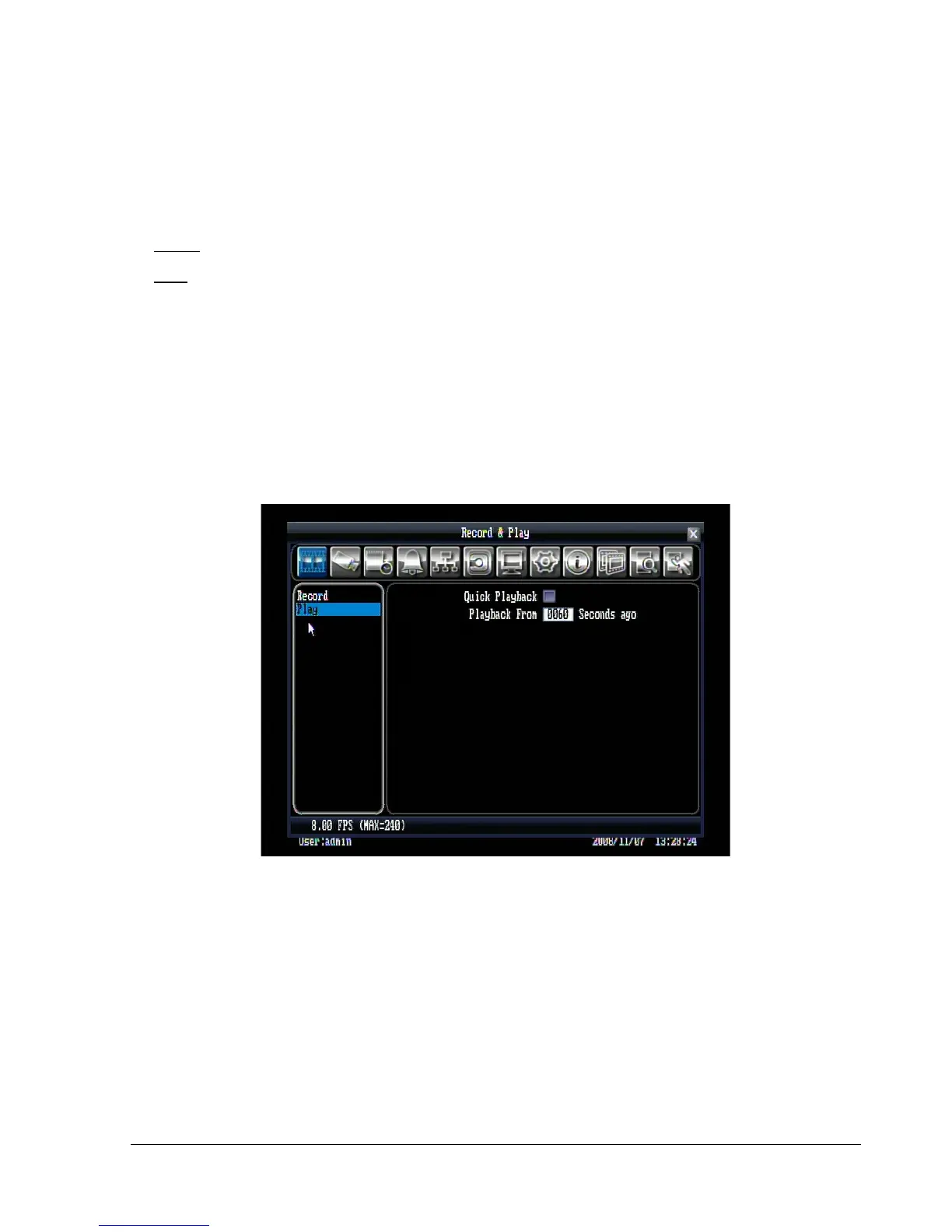
5.2.2 Play
Figure 5.2 (Record & Play Menu - Play)
Quick Playback: Check the box to enable quick playback function.
Playback From X Seconds ago: When the DVR is put into playback, it will begin playing automatically
from the selected time. Choose from 60 to 3600 seconds (1 – 60 minutes).















 To Next Page