5.10.2 Log
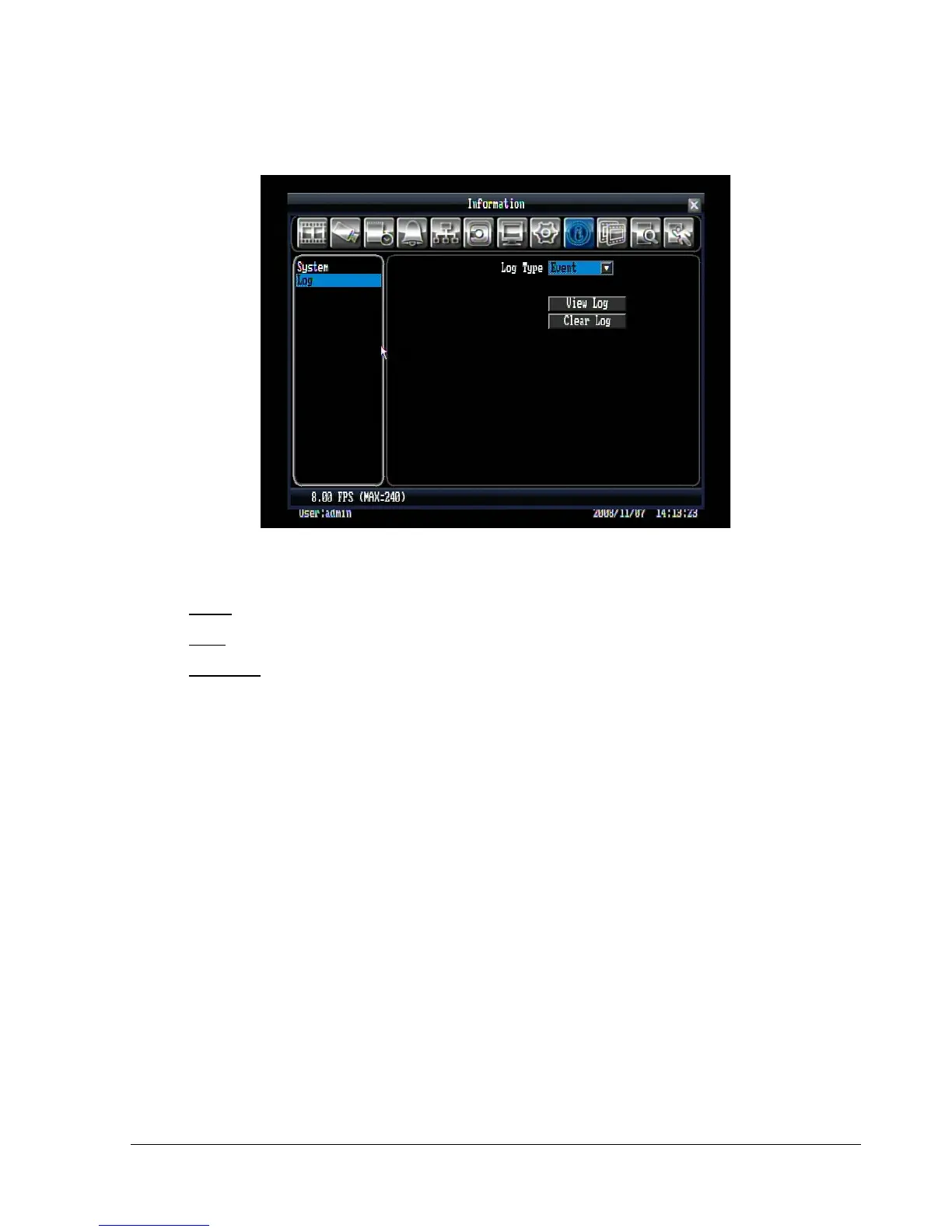
Figure 5.30 (Information Menu – Log)
Log Type:
Event: to see log sorted by event.
User: to see log sorted by user.
Operation: to see log sorted by operation.
View Log: Press “View Log” button to view the log. See Figure 5.31 for more detail.
Clear Log: Press “Clear Log” button to clear the log.















 To Next Page