5 DVR Configuration
This chapter will walk you through the DVR Menu Settings step by step and show you how to set the DVR
for your specific application.
5.1 OSD Setting Menu
To bring up the Main Menu, right-click with the mouse to bring up the menu bar and click the button.
You can also press the “Menu” key on the front panel.
Note: You will have to log in to access the Main Menu. Please refer to 4.2 for login information
5.2 Record & Play Setting
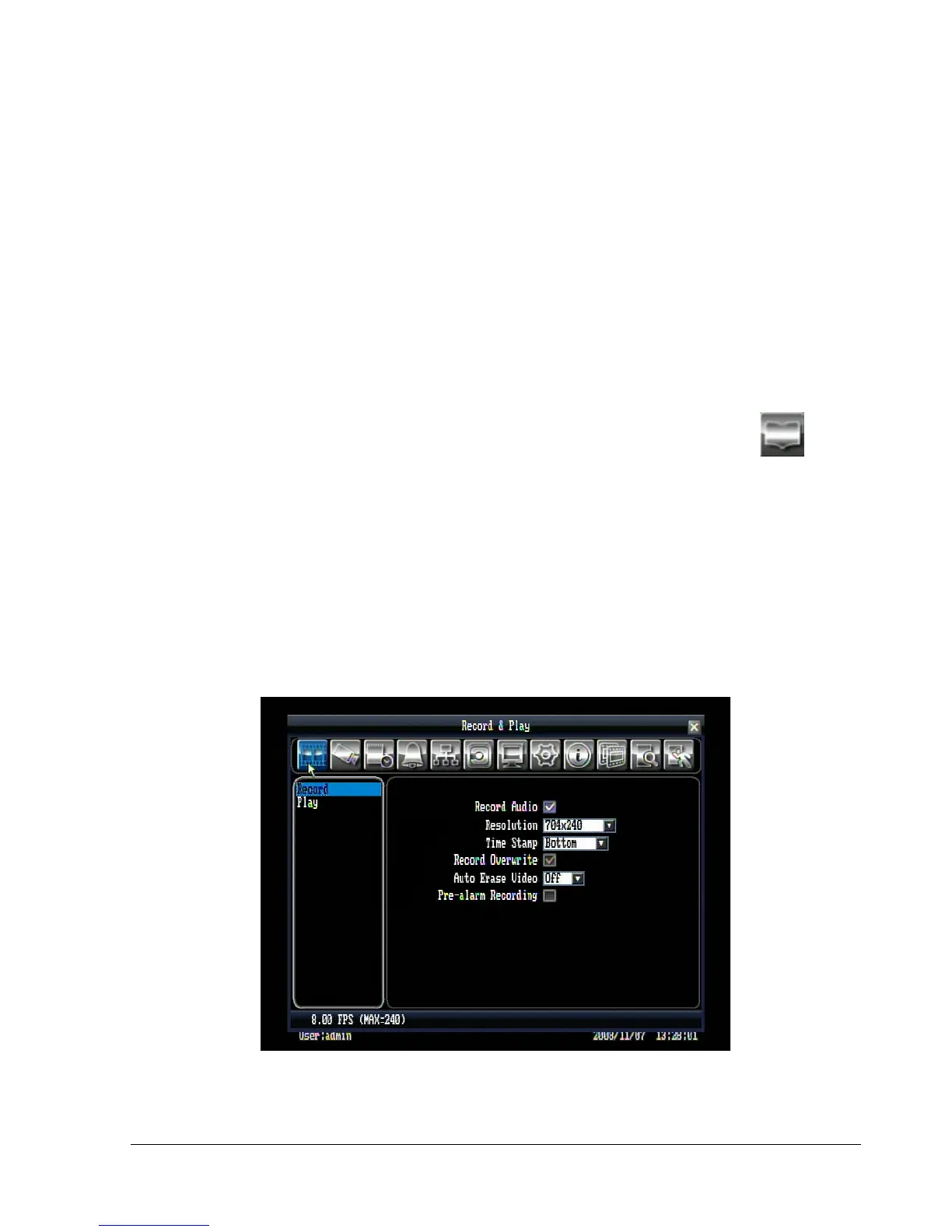
Figure 5.1 is a screen shot of the RECORD & PLAY SETTING MENU. This menu is used to configure
basic recording and playback settings.
5.2.1 Record
Figure 5.1 (Record & Play Menu)















 To Next Page