4.5 Layout Change
4.5.1 Layout Change
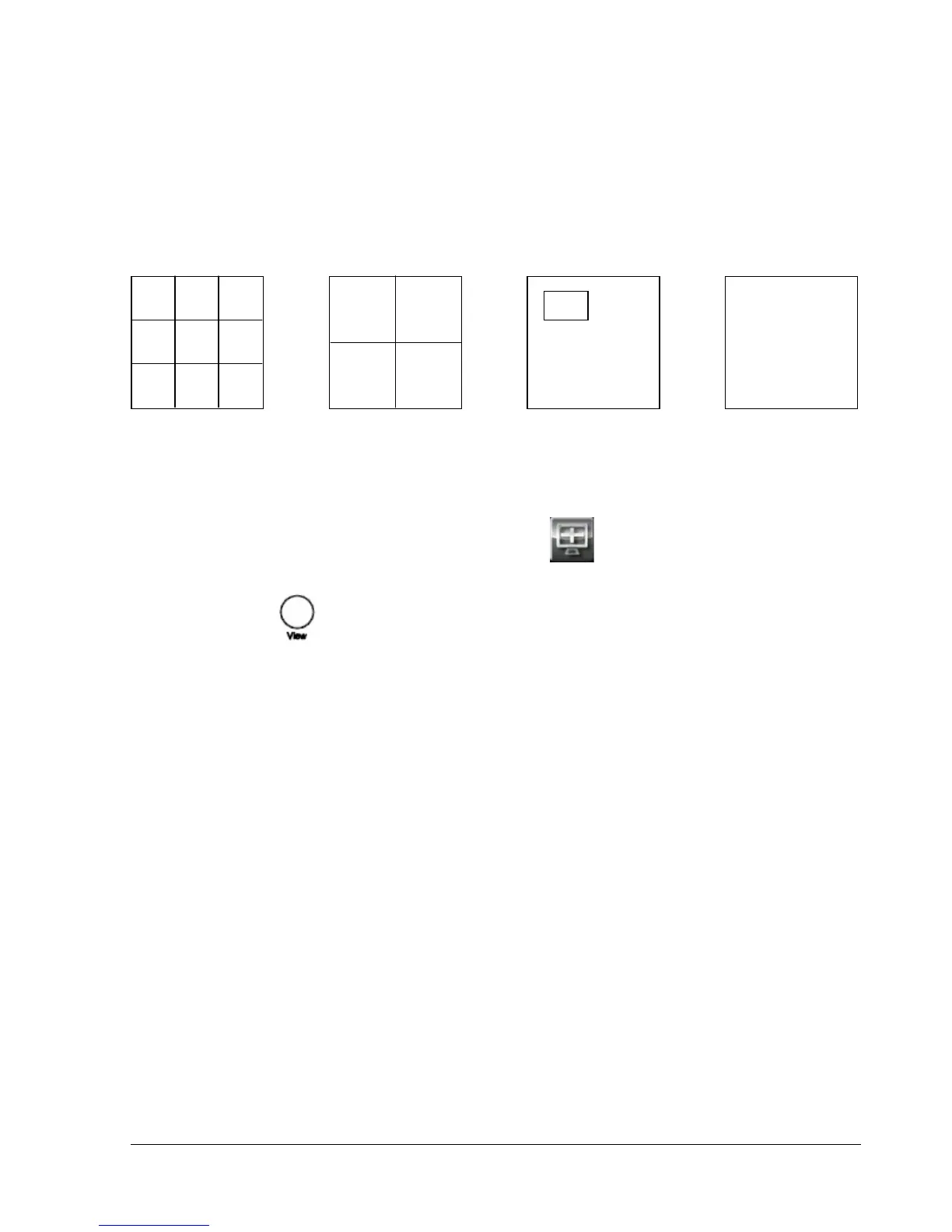
The 4 CH ECOR DVR has a total of three display modes available, and the 8 CH ECOR has four. The
different available layouts are shown below:
(9 screens) (4 screens) (PIP) (Full)
To change layout, follow the steps below:
By mouse: Right-click to bring up the menu bar and click to switch between 9, 4, PIP and full
displays.
By front panel: Press key to switch between 9, 4, PIP and full displays.
Notes ○
1
9 screen display is only available for 8 CH model
○
2
PIP display is not available in Playback mode
4.5.2 Bring to Full Screen Mode
By mouse: Left-click on the selected channel to put that camera in full screen mode.
By front panel: Press any channel key to bring that channel to full screen mode.















 To Next Page