5.9.4 Security
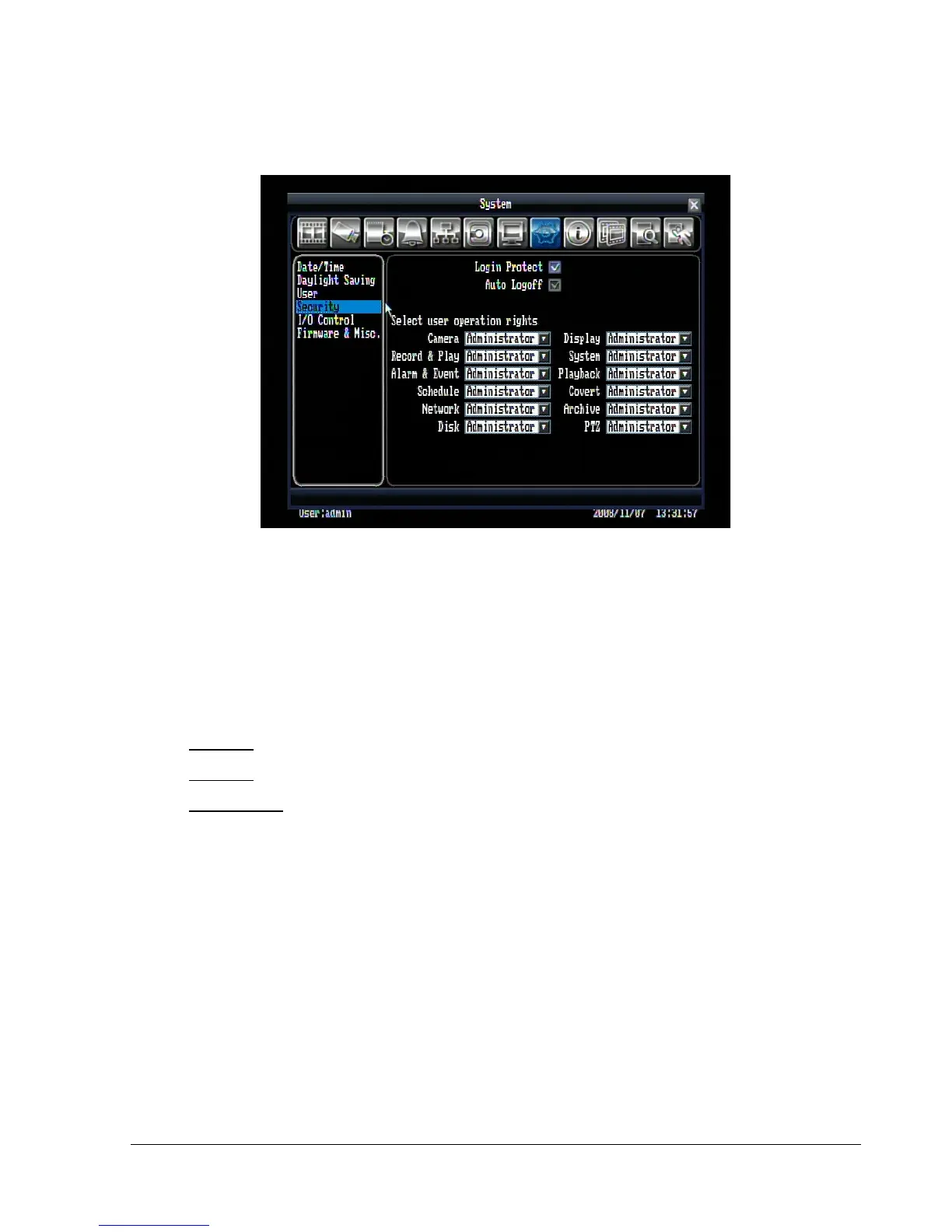
Figure 5.26 (System Menu – Security)
Login Protect: Check the box to require user name and password when you enter configuration menu.
Auto Logoff: Check the box to force the system to automatically log off if left unused for 2 minutes. This
will also force the remote web viewer to automatically log off after 10 minutes.
Select user operation rights: Select user operation rights for Camera, Record & Play, Alarm & Event,
Schedule, Network, Disk, Display, System, Playback, Covert, Copy, PTZ
Operator: All users have access to this option.
Manager: Accessible by either manager or administrator level.
Administrator: Only accessible by administrator level.















 To Next Page