End Date: Set the end date of daylight saving time.
End Time (hh:mm): Set the time when daylight saving time ends.
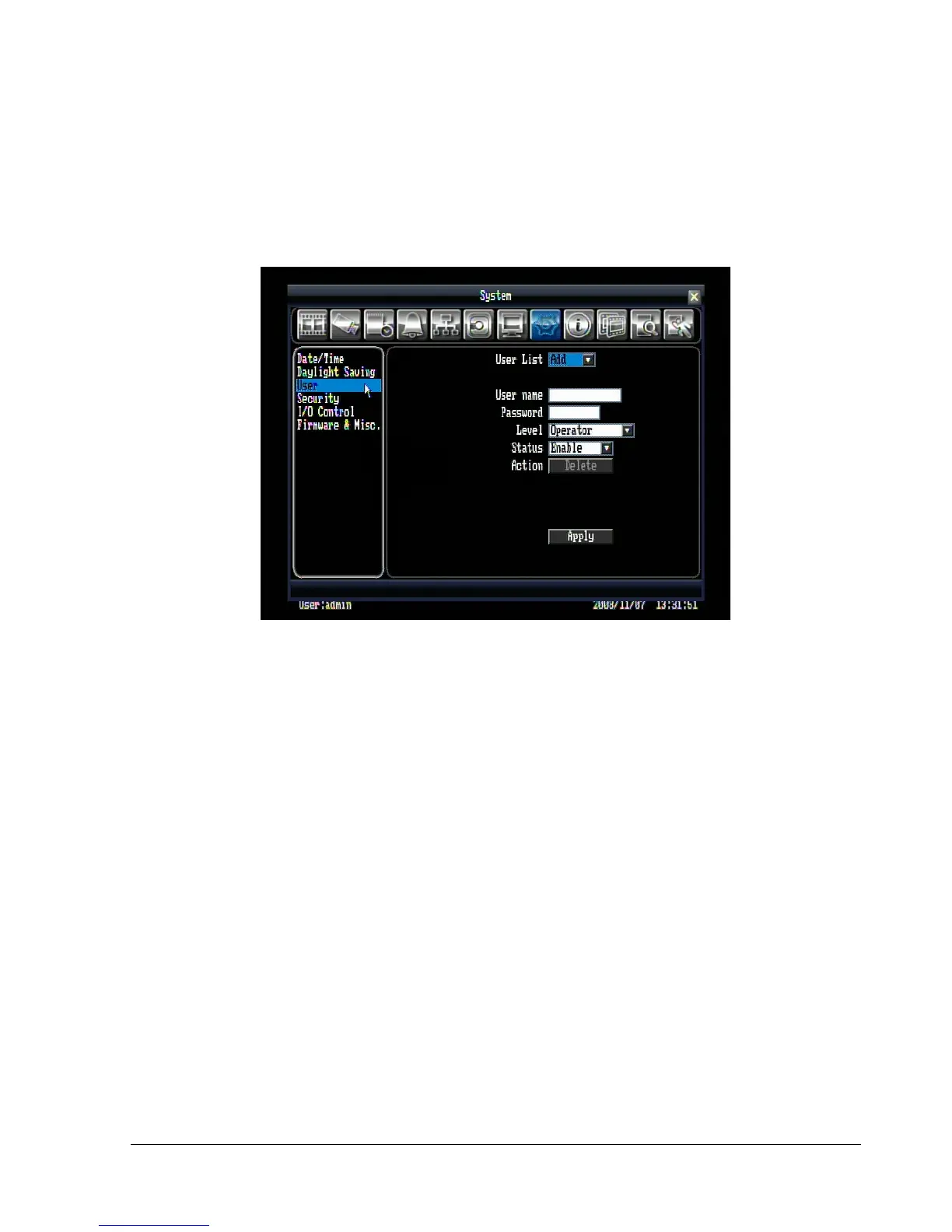
5.9.3 User
Figure 5.25 (System Menu – User)
User List: Click on the drop-down to select a user from the list. The default choices are admin, user2, and
user3. Select “Add” to add a new user.
User name: The on-screen keyboard will pop up to allow you input the user name.
Password: The on-screen keyboard will pop up to allow you input the password.
Level: Set user’s level to one of the following: Operator, Manager, or Administrator. The access features of
each level can be set in the Security section.
Status: Set user’s status to Enable or Disable.
Action: Click the “Delete” button to remove the selected user (admin cannot be deleted).
Note: Whenever a user is added or deleted, a record will be created in the event log.
When you are finished making changes, click the “Apply” button to confirm.















 To Next Page