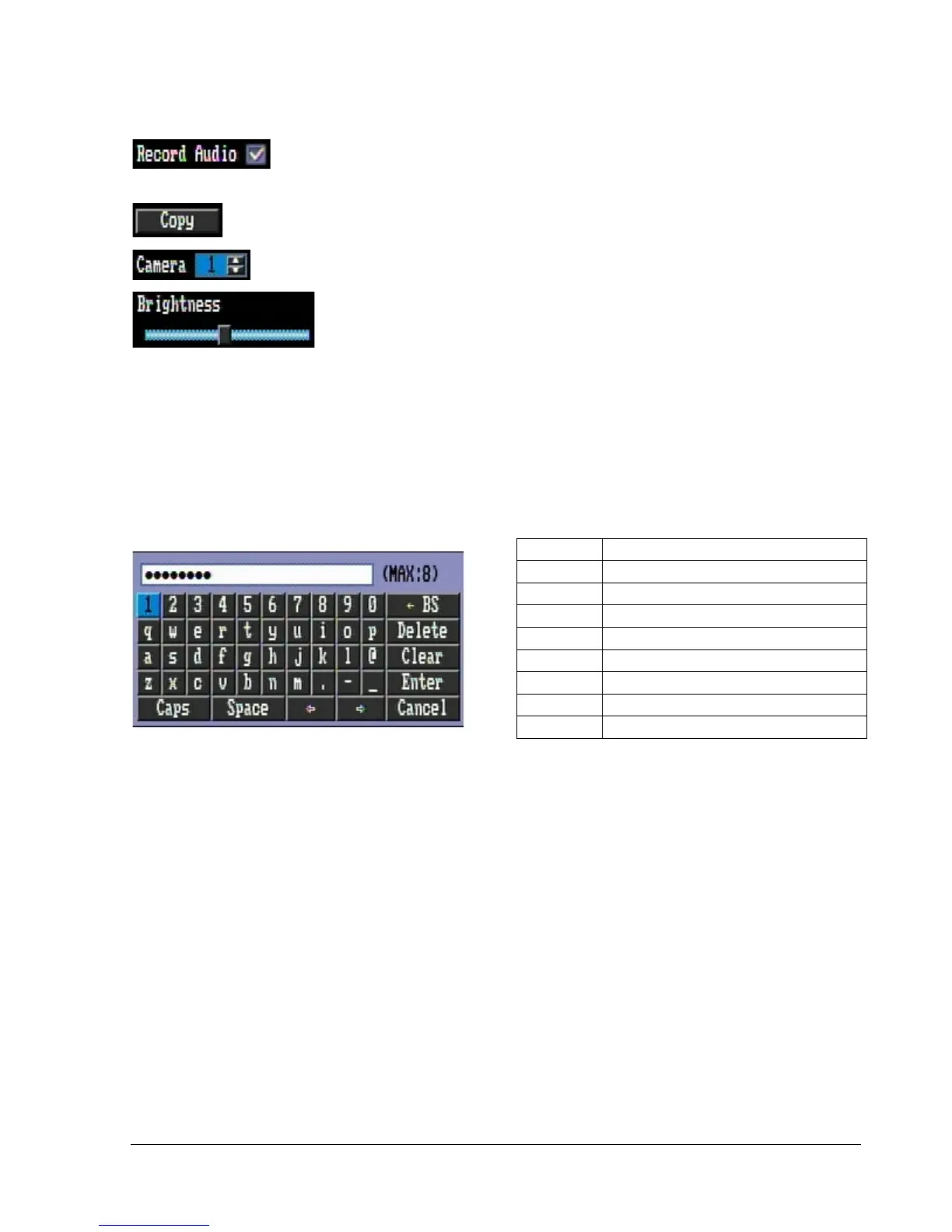
Check box: Click on the box to check or uncheck it. Checked will enable the function,
unchecked will disable the function.
Button: Click the button to execute the function.
Selection box: Click Up/Down arrow to increase or decrease the value.
Bar: Click and hold on the bar to adjust the cursor Left or Right.
* Note about on-screen keyboard:
Click on a button to input that character.
The buttons on the right and bottom have the following functions:















 To Next Page