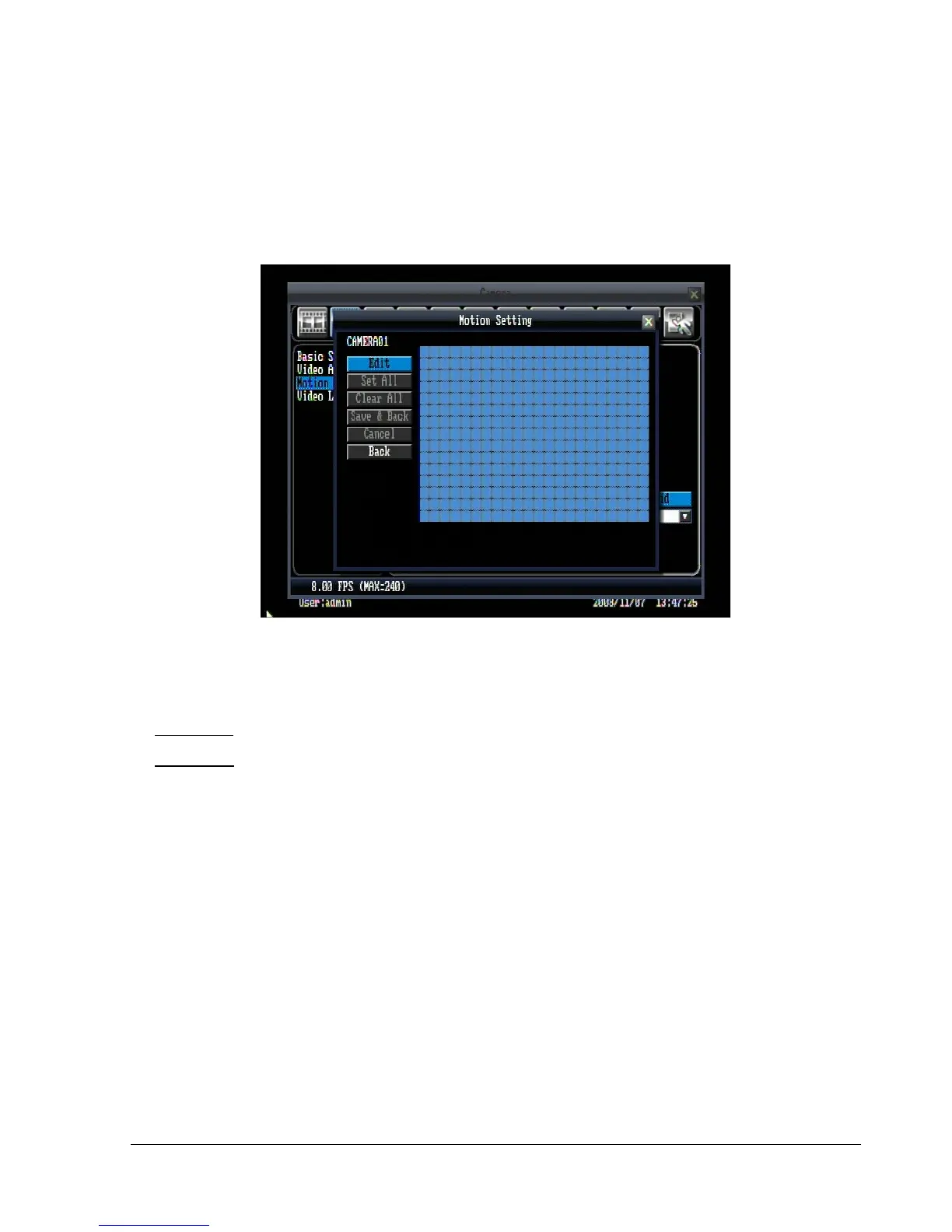
Set Grid:
Press “Edit” button to start editing motion grid. Click and drag the mouse to select specific areas. Press
“Set All” button to select the entire area. Press “Clear All” to clear all the grids selected. Press “Save &
Back” to save the motion grid setting and go back to motion setting menu. Press “Cancel” to cancel motion
grid editing. Press “Back” to return to motion setting menu (See Figure 5.7).
Figure 5.7 (Camera Menu – Motion Setting)
Main Monitor: Monitor display options when a motion occurs.
No change: No change on the main monitor display.
Full screen: A full screen of the active camera will display.
Copy: Press “Copy” button to copy the settings to other camera. This will bring up the copy window. Check
the boxes for each camera you wish to copy to, then click “OK” to copy settings. Click “Select All” to choose
all cameras. Click “Cancel” to cancel copy.















 To Next Page