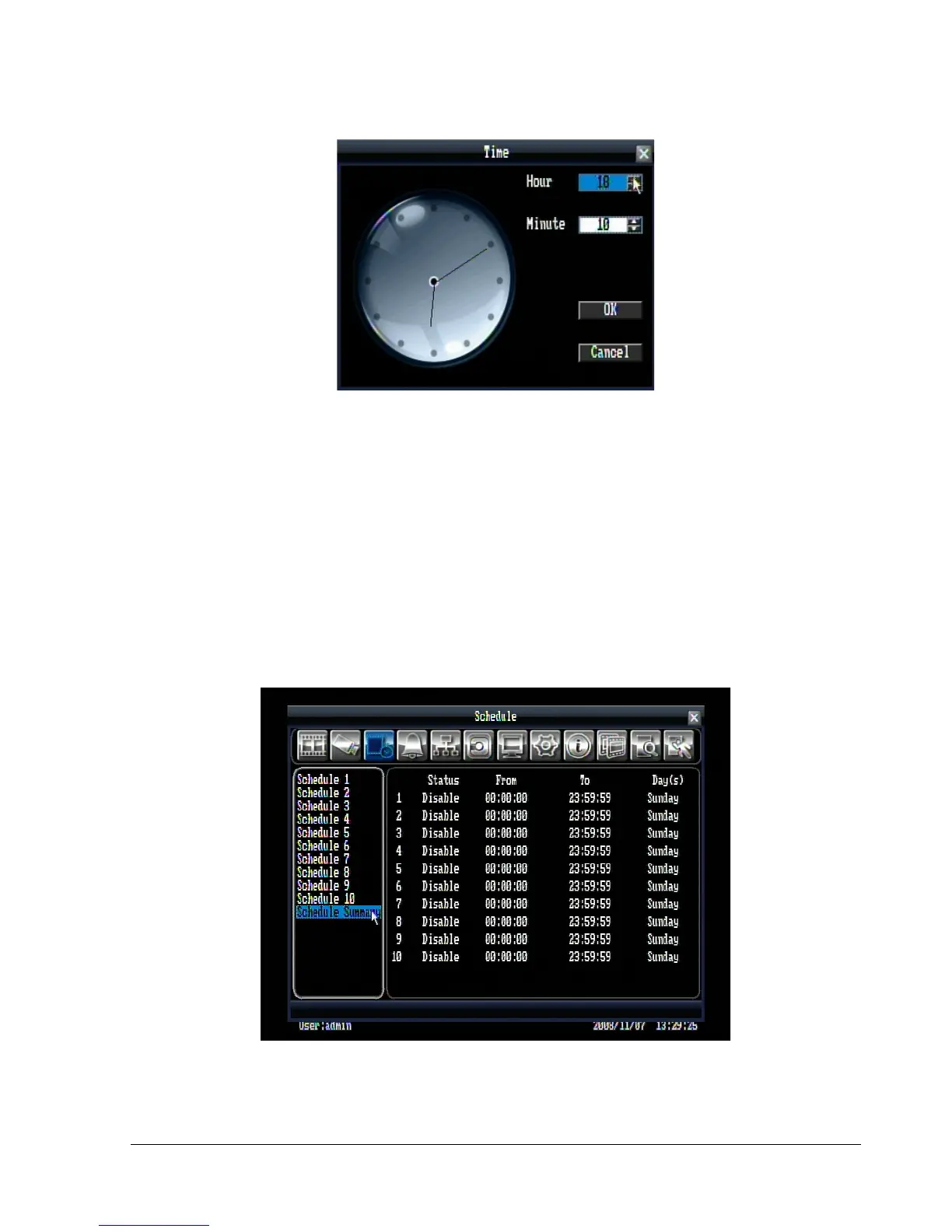
Figure 5.10 (Time Setup Menu)
Normal: Constant IPS recording rate for the selected schedule. The maximum image rate is limited to the
maximum recording rate (displayed in the bottom-left corner) divided by the number of active cameras.
Event: IPS recording rate for events. Event record speed can be set from 1 to 30 IPS (25 for PAL).
Record Mode: Choose whether the selected camera records Continuously or only during Events on the
current schedule.
Motion: Check the box to enable motion on the selected camera for the current schedule.
Schedule Summary: In schedule summary, you will see the status, start time, end time, and active day(s)
of each schedule (See Figure 5.11).
Figure 5.11 (Schedule Summary)















 To Next Page