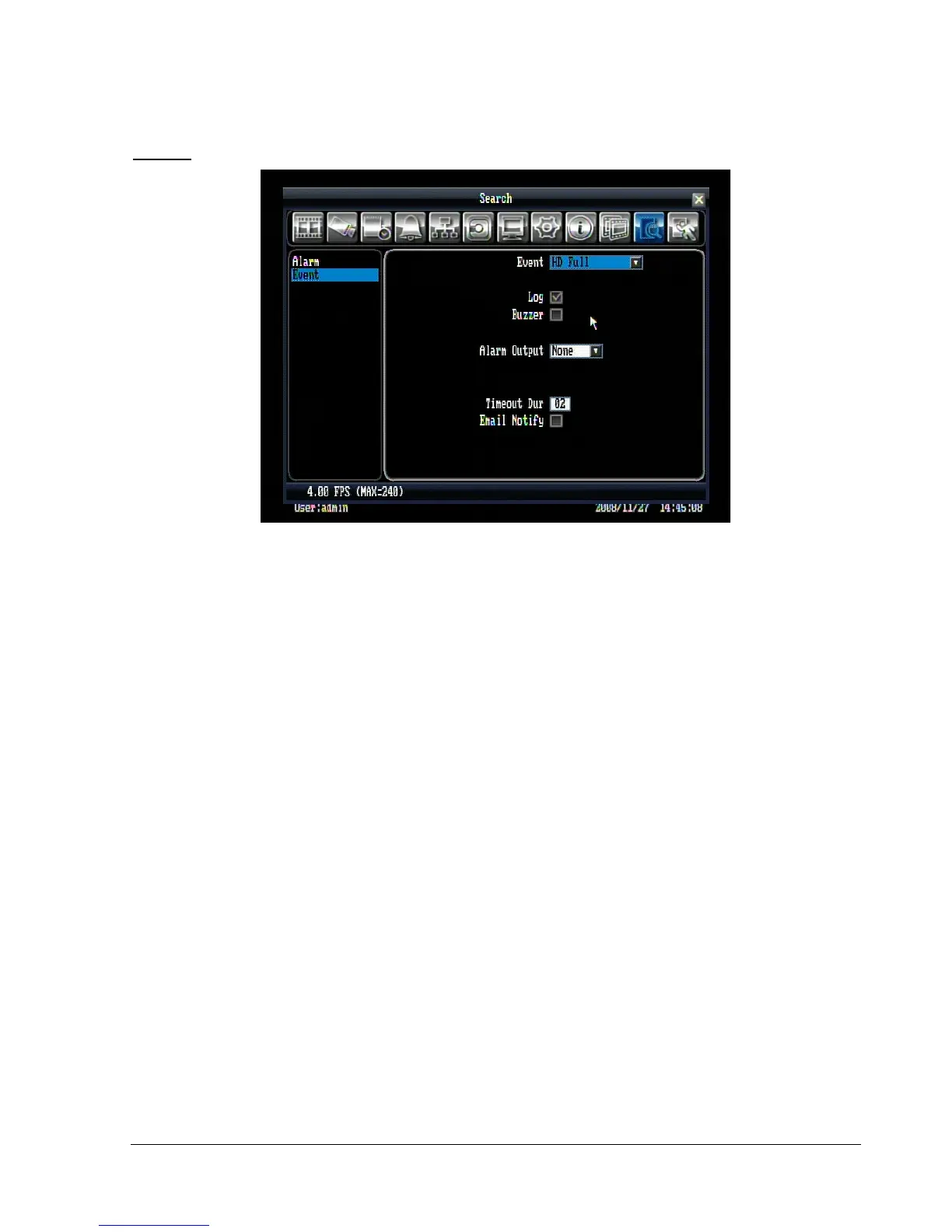
HD Full:
Figure 5.16 (Alarm & Event Menu – Event - HD Full)
Log: Check box to record events in the log.
Buzzer: Check box to enable buzzer when hard drive is full.
Alarm Output: This will transmit a signal to another device. It can be set to either “NONE” (not activated)
or “1” (output signal 1 transmits).
Timeout Dur: The amount of time the buzzer sounds when the HD is full. Duration selectable from 1 to 99
seconds.
Email Notify: Check box to enable email notification function when HD is full.















 To Next Page