Close the window so you are back at the login screen.
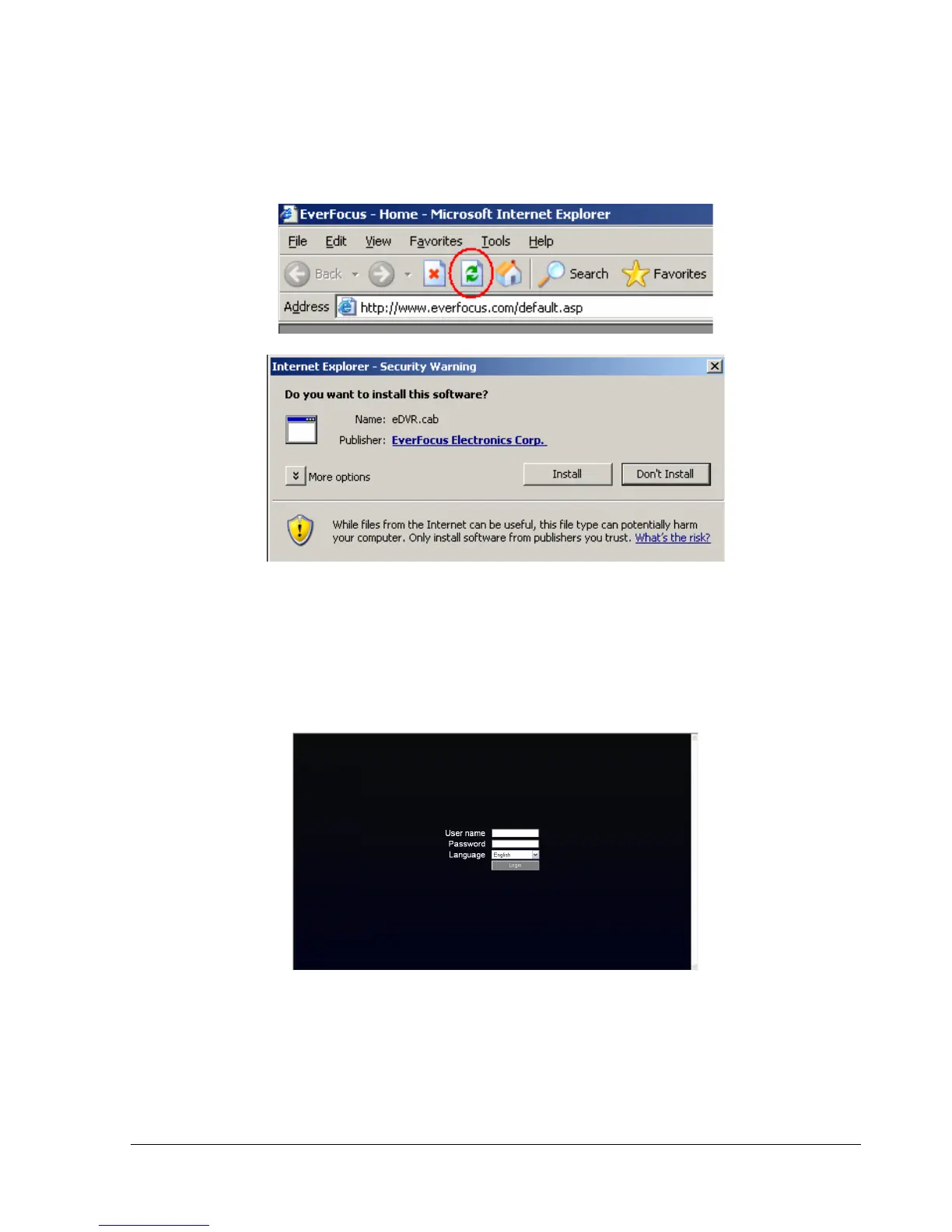
Click the Refresh button to reload the page.
Install the eDVR.cab file when prompted to do so.
Once the file finishes installing, you will return to the same login page as before.
Type in the user name and password and click Login to view the cameras.
Default user name: admin
Default password: 11111111.















 To Next Page