7 REMOTE OPERATION FROM BROWSER
7.1 CONNECTING TO ELR
To access the DVR from a computer, open an Internet Explorer window and in the address bar type:
Local connection: http:// (IP address from the DVR’s Network Menu)
Internet connection: http:// (IP address given by your Internet Service Provider)
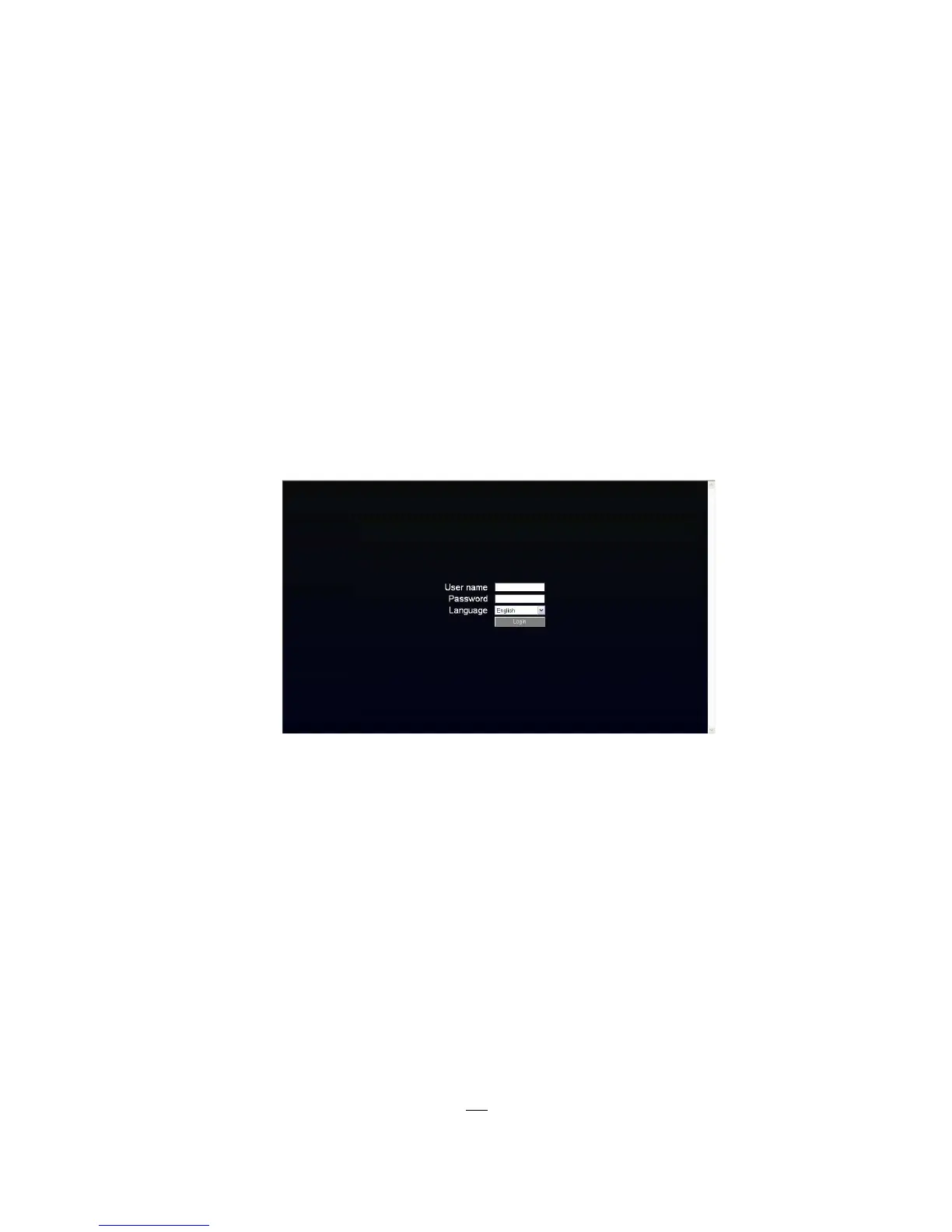
The login page will appear on the screen similar to the one shown above.
Enter a user name and password to access the recorder. These can be changed in the System
section of the Main Menu.
The default user name is “admin”. The default password is “11111111”.
Click on the Login button and you will log in to the recorder’s Network Viewer.











 To Next Page