5.10.4 I/O Control
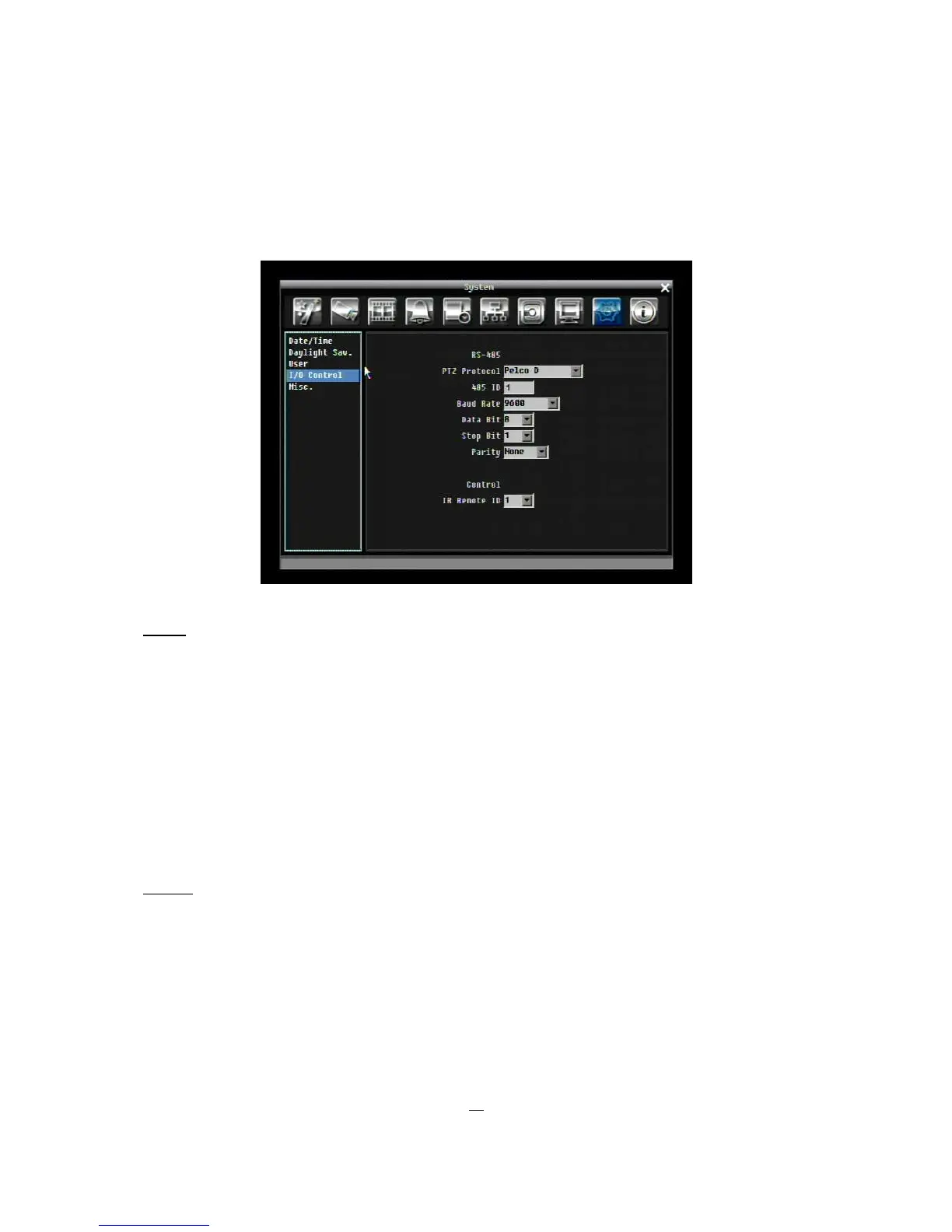
Figure 5-35 is a screen shot of the I/O Control Setting Menu. This menu is used to define the settings for
controlling the DVR through RS485.
Figure 5-35 System Menu – I/O Control
RS485
PTZ Protocol: Select PTZ protocol, choose from the following protocols: Transparent, Pelco D, Pelco P,
Everfocus, or Samsung. (NOTE: all cameras must be on the same protocol)
485 ID: If more than one DVR is used through the RS485 connection, each one must be assigned a unique
ID number between 0 and 127.
Baud Rate: The speed used to transmit instruction or information through the RS485 port on the DVR.
Choose from the following speeds: 1200, 2400, 4800, 9600, 19200, 38400, 57600, 115200 BPS.
Data Bit: The data bit used for transferring. This can be set to 8 or 7.
Stop Bit: This field is to set the stop bit for the RS485 connection. This can be set to 1 or 2.
Parity: This selects the transmission level of the connection. Choose either None, Odd, or Even.
Control
IR Remote ID: ID used by the remote control. This can be set from 1 to 4.











 To Next Page