7.2 BROWSER SECURITY SETTING
7.2.1 Installing ActiveX controls
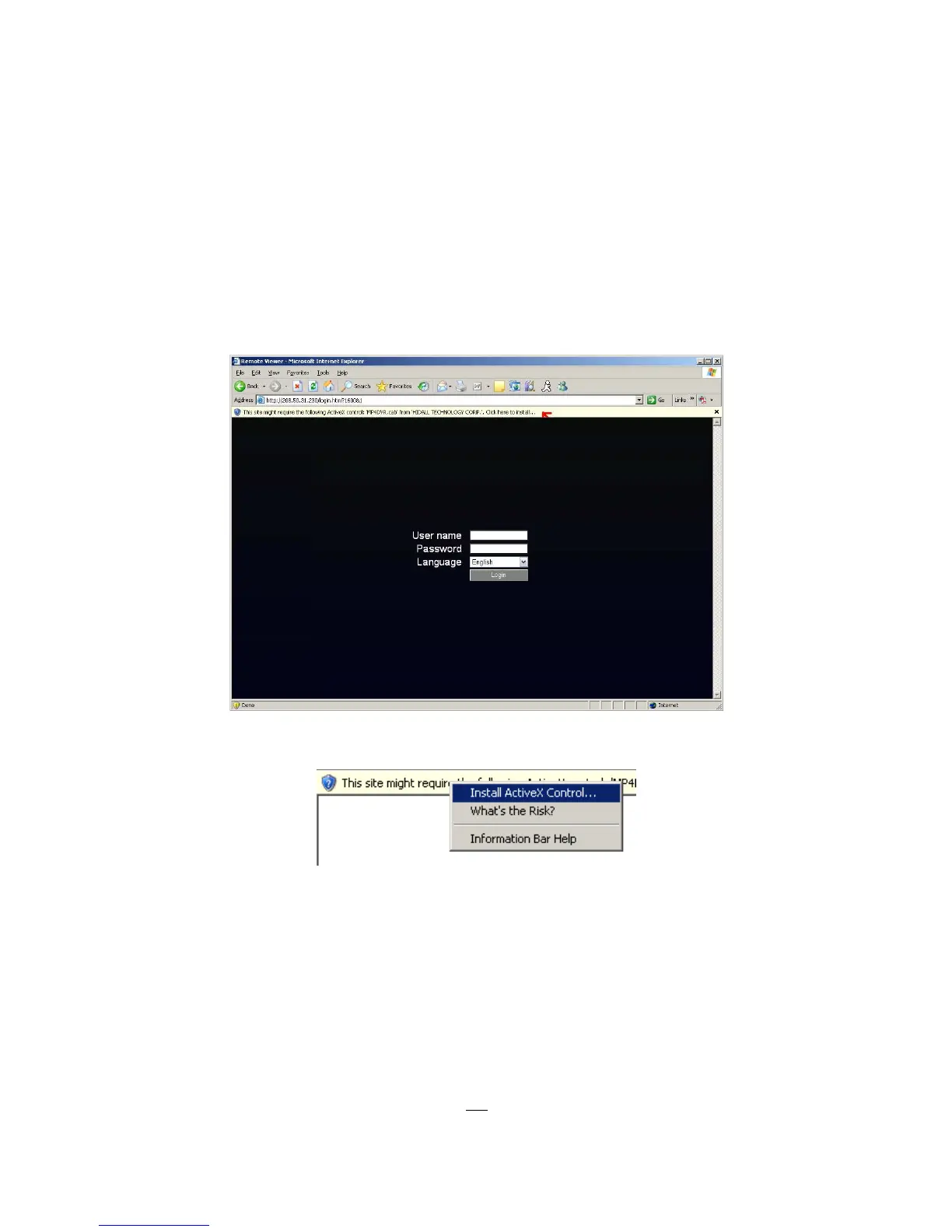
When you first connect to the DVR’s IP address, you should see a screen like the one below. If you do not
see a yellow bar like the one the arrow is pointing at, your security settings may be too high. If so, go to
“Section 7.2.2 - Enabling ActiveX Controls.”
Right click on the yellow bar and select “Install ActiveX Control…”











 To Next Page