4.7 LAYOUT
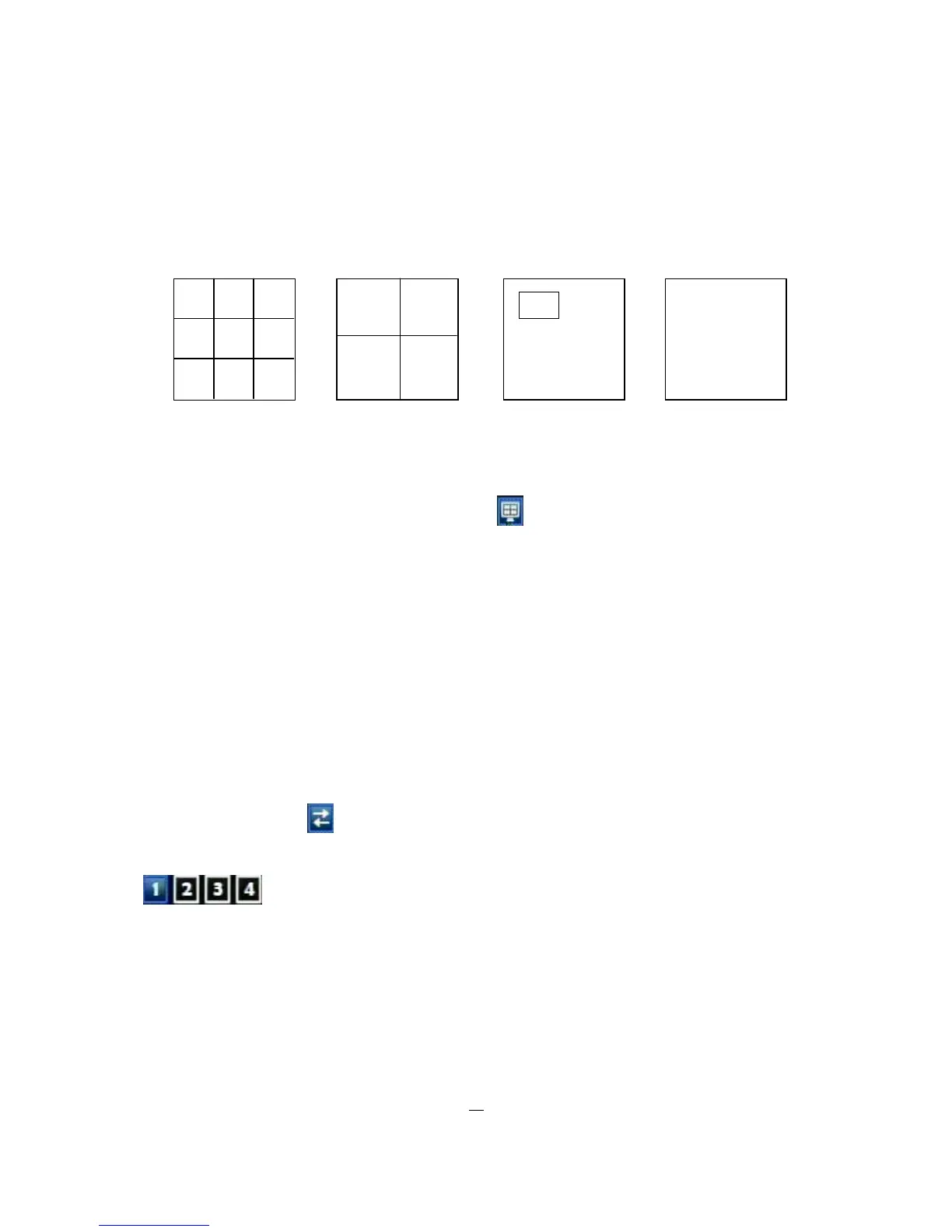
The ELR DVR has a total of four display modes available. The different available layouts are shown below:
(9 screens) (4 screens) (PIP) (Full)
NOTE: PIP display is not available in Playback mode
To change layout, follow the steps below:
By mouse: Right-click to bring up the menu bar and click to scroll through each display option.
By front panel: Push “View” button on the front of the DVR.
4.7.1 Bring to full screen mode
By mouse: Double left-click on the selected channel to put that camera in full screen mode.
By front panel: Press any channel key to bring that channel to full screen mode.
4.8 CHANNEL SWITCHING
Use this function to change channel position
1. Select one camera
2. Press Channel button .
3. Click on the channel number you wish to switch on channel bar. The display of channel will be switched.
(four channel model)
EX: Select camera1 and enter Channel menu and choose “2”, then camera1 will show on position of
camera2, camera2 will show on position of camera1











 To Next Page